AI imac mockup generator
iMac mockups, generated — not templated
Designers and app makers use an iMac mockup to present desktop software the way people actually see it: on a large, all-in-one screen sitting on a real desk. It's a fast way to make a screenshot feel like a finished product shot.
- Photorealistic lighting, shadows and materials
- Upload your own design, logo or artwork
- Any scene you can describe — no template hunting
- Edit, restage, upscale and animate afterwards
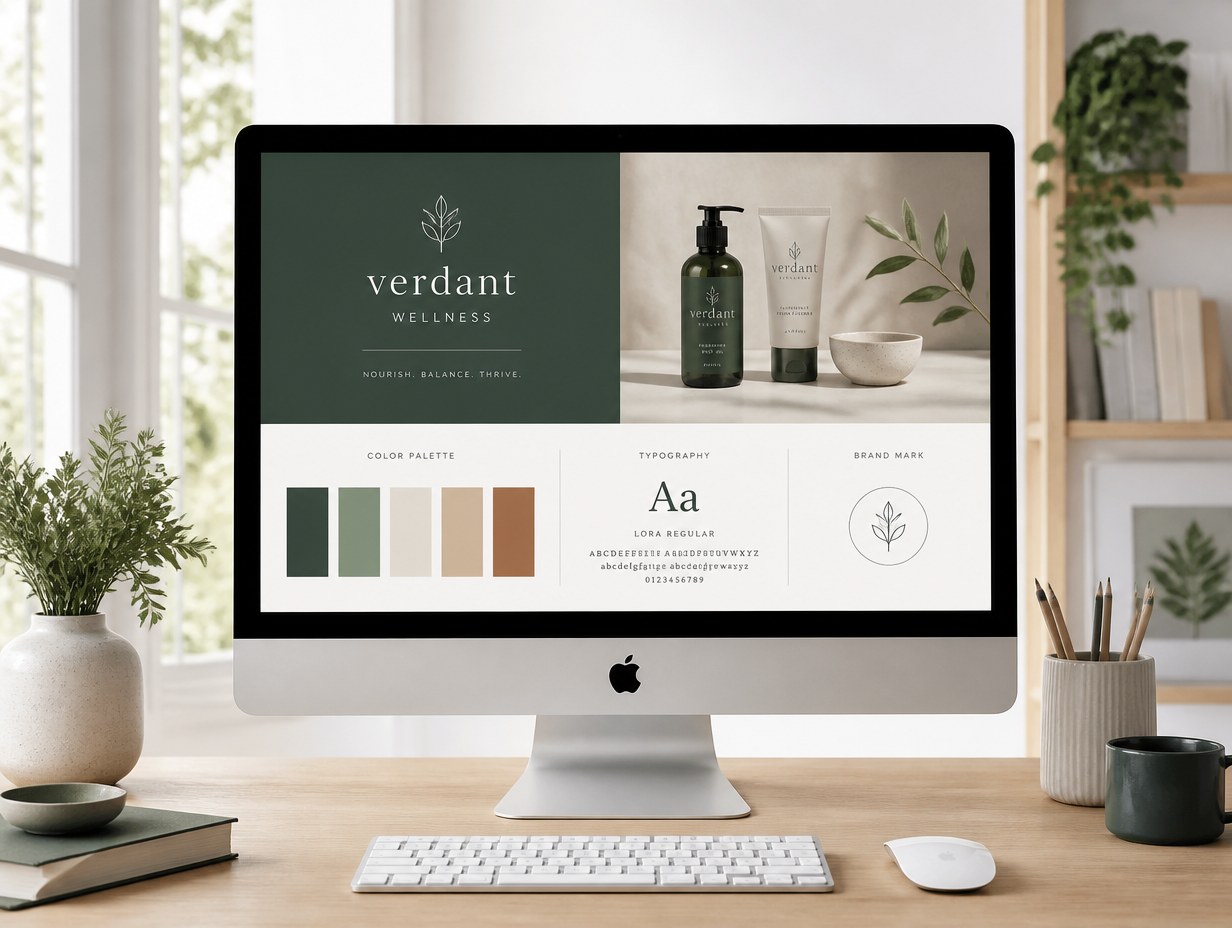
Generated with Mockup Generator — “A silver iMac on a light wood desk in a bright studio, soft even daylight from a…”
Prompt ideas to start from
Fresh from the community


















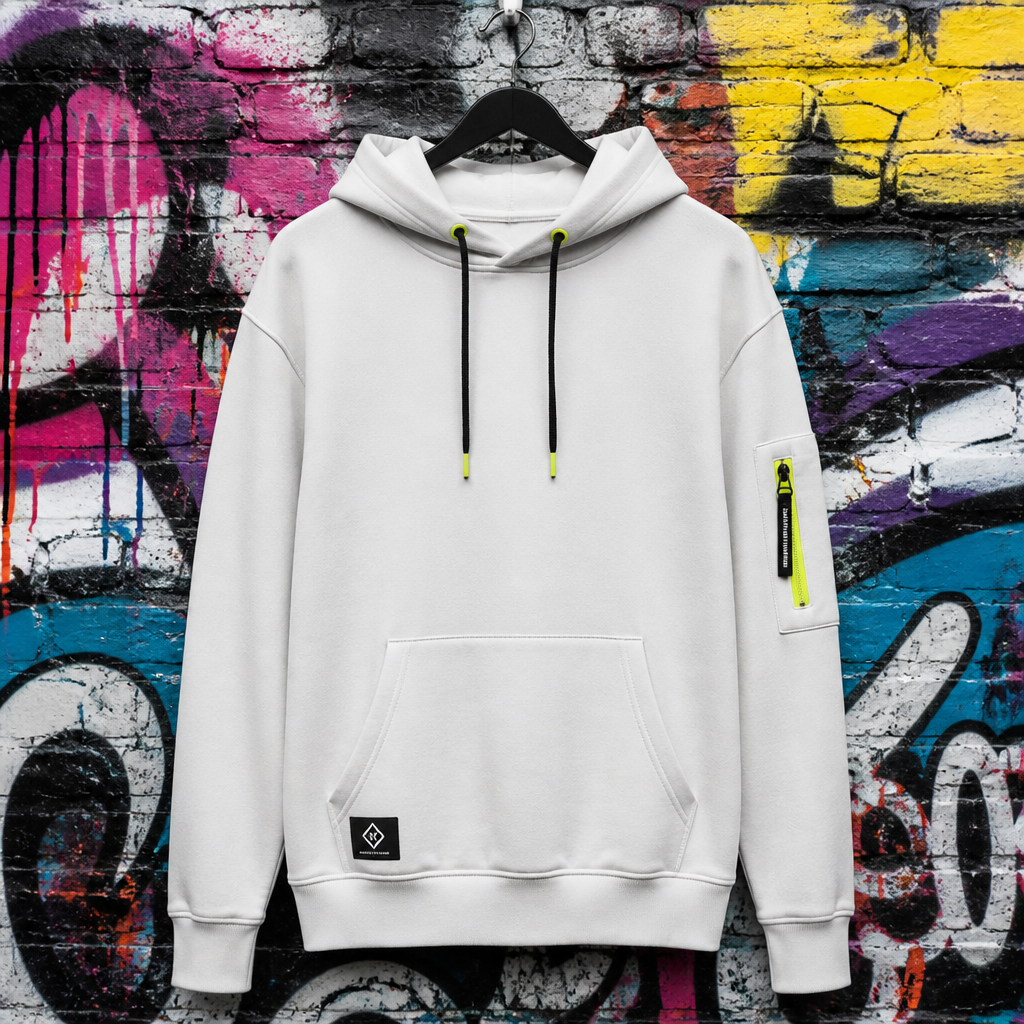





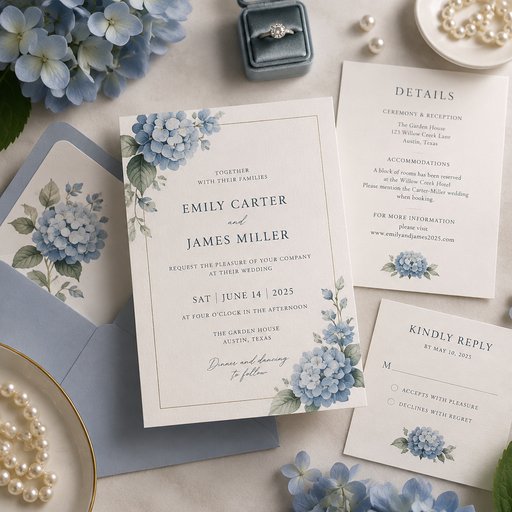








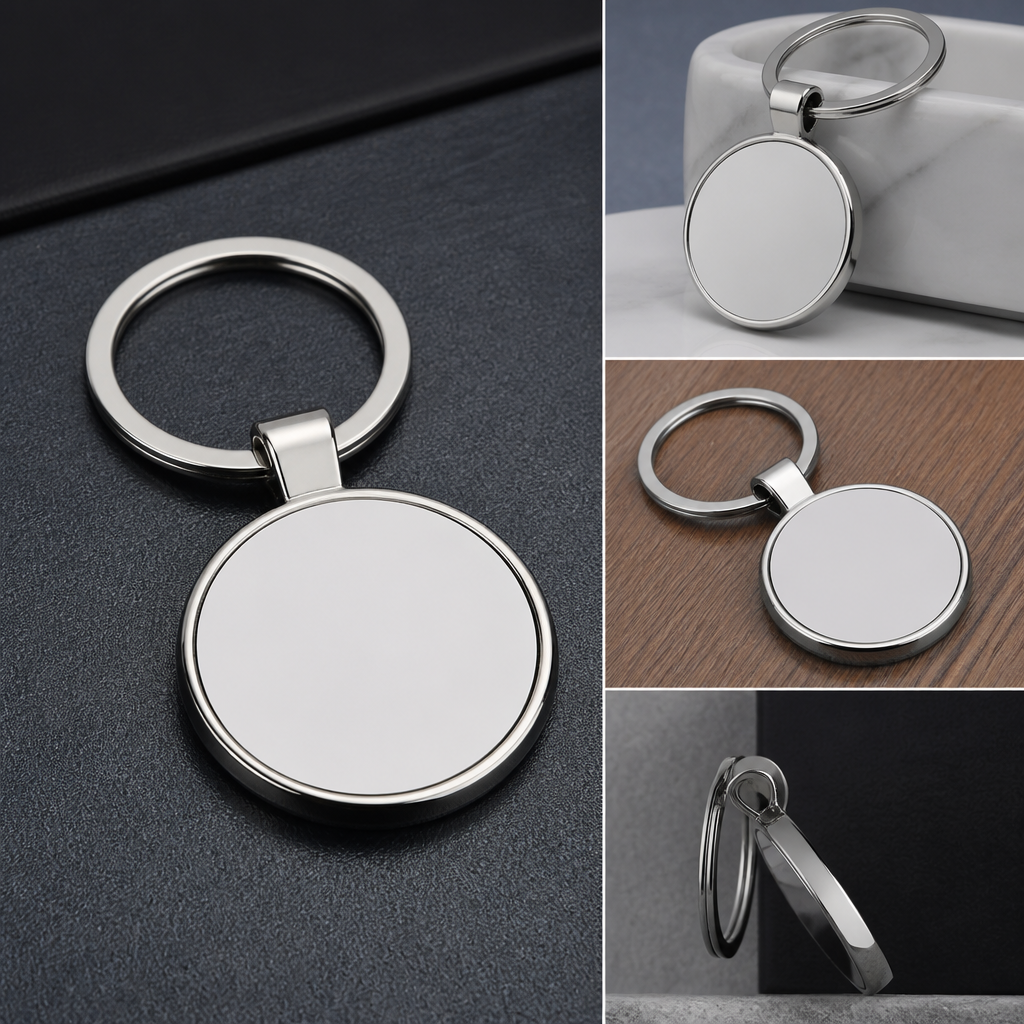





Frequently asked questions
How does the AI imac mockup generator work?
Describe the scene you want — or upload your design, logo or artwork — and the AI renders a photorealistic imac mockup in seconds, with natural lighting, shadows and perspective. No Photoshop templates or smart objects needed.
Can I put my own design on the imac?
Yes — upload up to four reference images (logos, artwork, screenshots or product shots) and the AI integrates them onto the imac with realistic warping, lighting and materials.
Who owns the mockups?
You do — mockups you generate are yours. See our Terms of Service for full details. Copyright rules vary by country and we can't give legal advice, so check with a legal expert on specific questions.