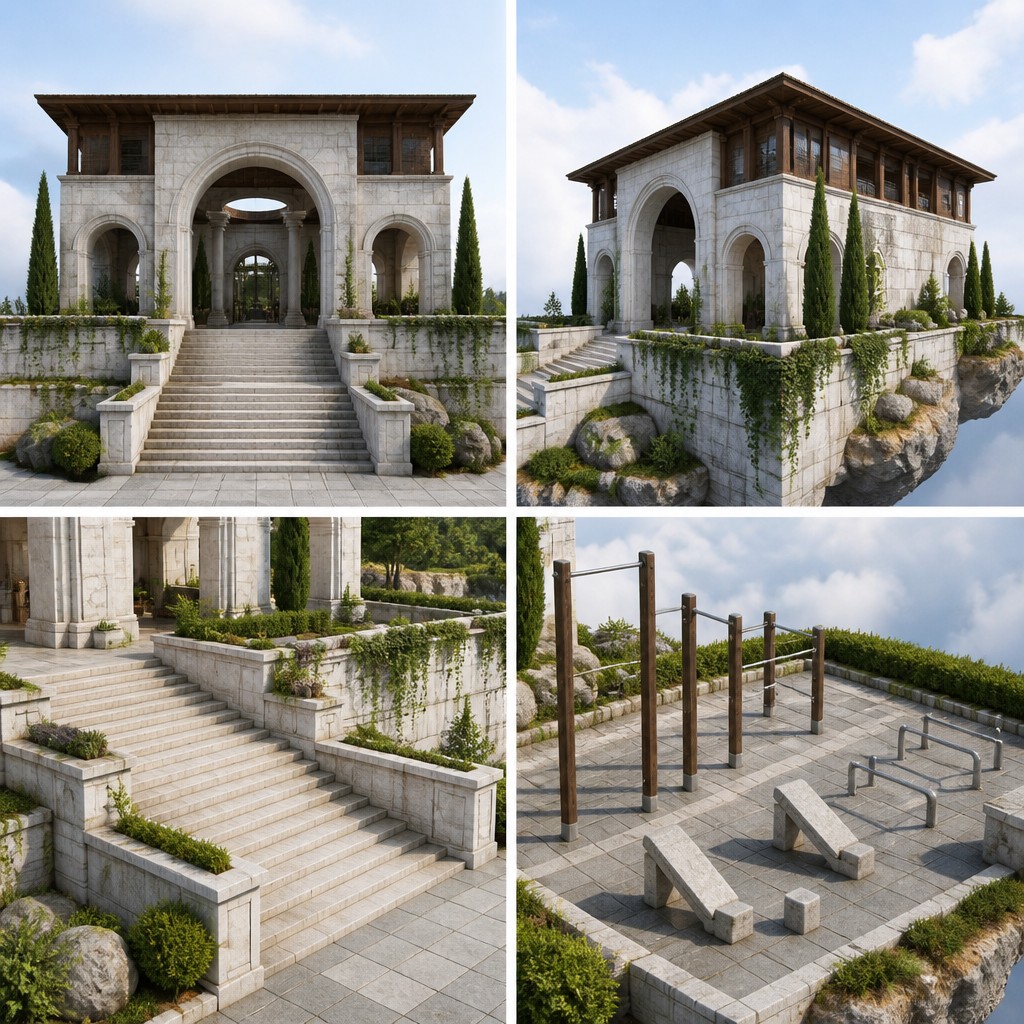
AI-generated mockup
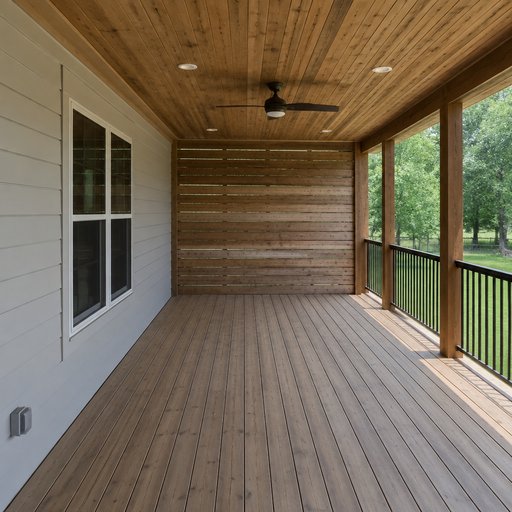
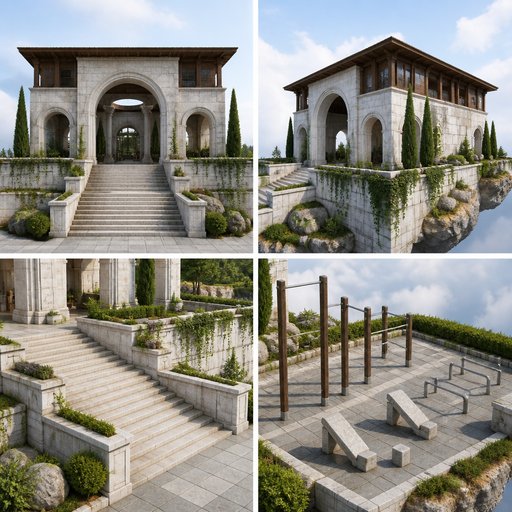
Photorealistic product mockup of a archiUsing the provided Health floating-island image as the ONLY design reference, create a collection of clear close-up camera views showing the existing architecture, training area, and running track. This is NOT a redesign. Treat the original image as an already-finished 3D environment. The purpose is only to move the camera closer so a 3D artist can clearly understand what is already there. Show close views of: 1. Main Health building — clearly show the front entrance, large central arch, smaller side arches, columns, pale stone construction, wood upper section, roof, exterior walls, and stairs. 2. Main building side angle — show how the arches, side walls, roof, terrace, foundation, and surrounding landscaping connect. 3. Main staircase — clearly show the broad stone stairs, retaining walls, planters, hedges, vines, rocks, and connection between the central plaza and main building. 4. Outdoor training area — clearly show the existing pull-up bars, parallel bars, vertical training poles, benches, stone exercise pieces, paved surface, and surrounding low hedges. Preserve the same shapes, proportions, materials, colors, object placement, landscaping, and realistic visual style shown in the original image. Do not add equipment, buildings, decorations, paths, structures, architectural details, or landscaping that are not already visible. If a hidden detail cannot be determined from the original image, keep it simple instead of inventing it. Each image should feel like the camera moved closer to the exact original island. No people, text, labels, UI, redesigns, or new features.
August 21, 2026
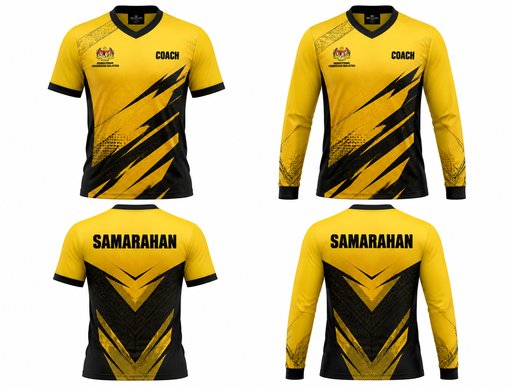
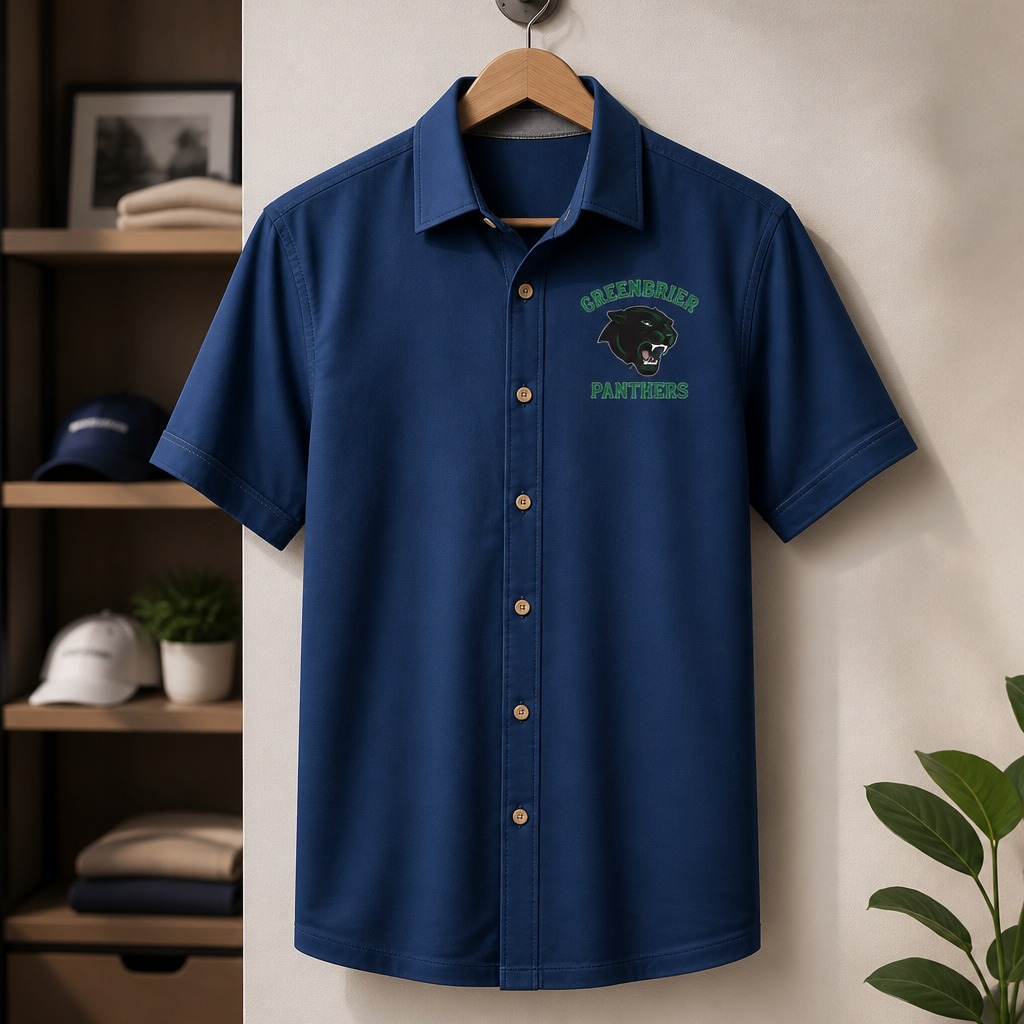
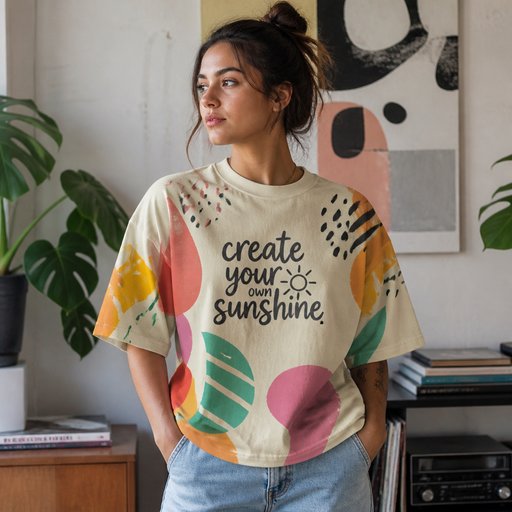
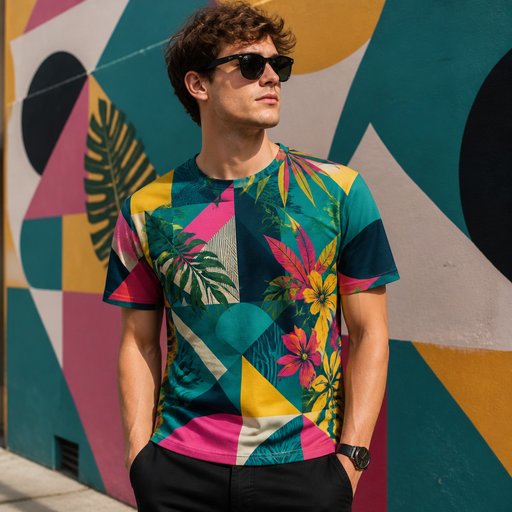
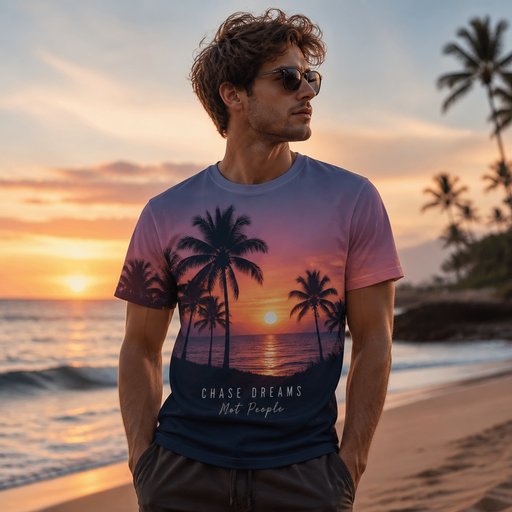
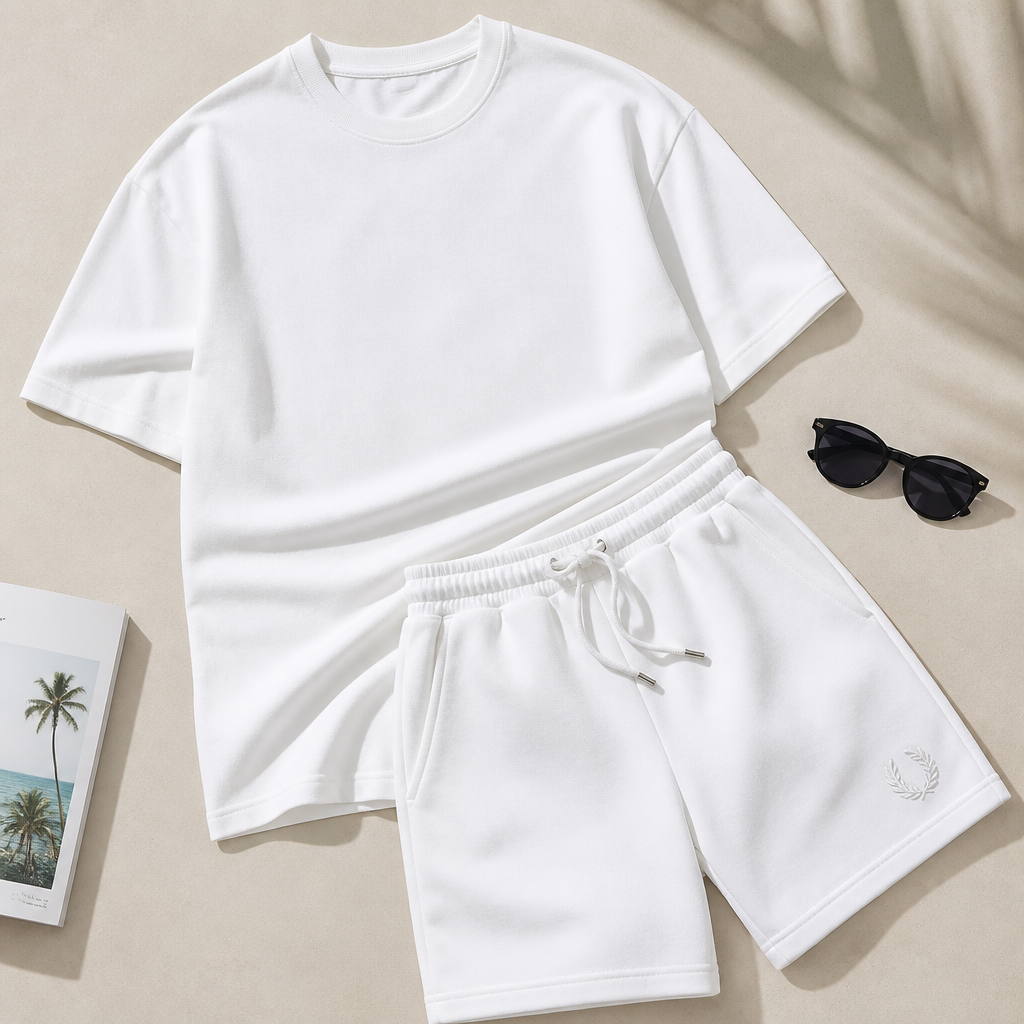
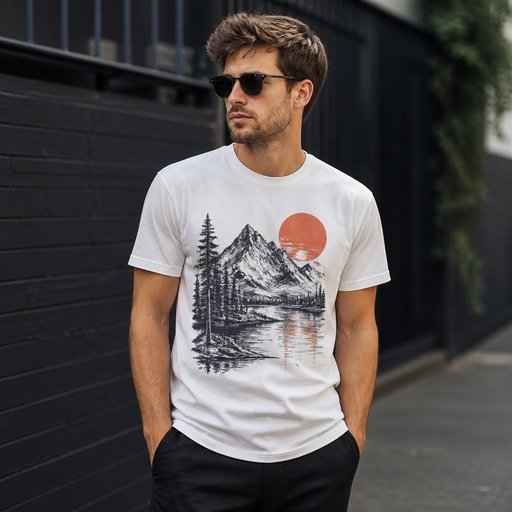
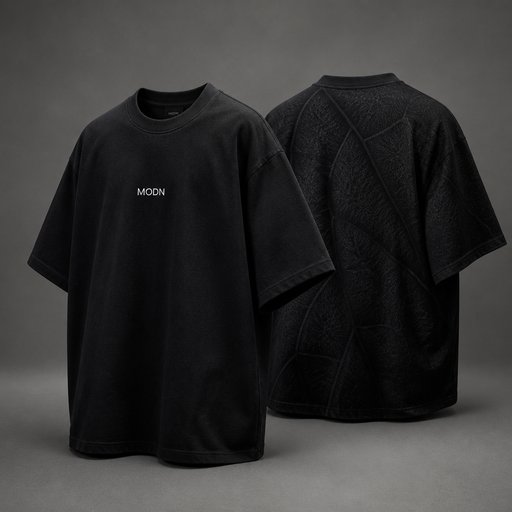
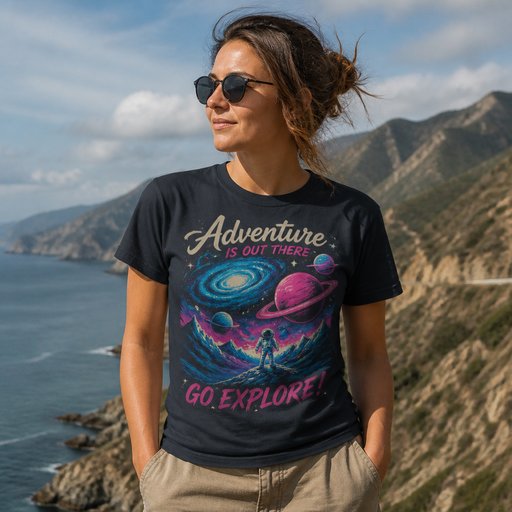
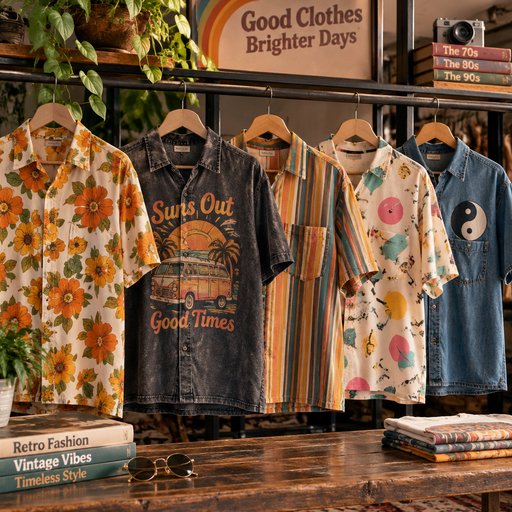
More t-shirt mockups
![Top Status Bar (iPhone 13 Pro style):
· Left: [Time] [Signal/Dots] [Wi-Fi]
· Center: [Time] (e.g., 18:40)
· Right: [Battery Icon] 60%
Header (Blue icon):
· Back Arrow | [Blue Circle Icon] Oagile Mosetlhe | [Video Icon] [Phone Icon] [Menu Icon]
Chat Messages:
17:41 (Date/time)
[Image: Man holding wine glass]
(You) 18:14 (Green bubble)
spurs e sign gakpo
(You) 18:28 (Green bubble)
[Photo Icon] Photo
(You) 18:28 (Green bubble)
chomi yae are wao nyaka
(Them) 18:39 (Gray bubble)
Mara mfan wang hafela wayitsi 😂😂😂😭
(Them) 18:39 (Gray bubble)
no serious man 🤔
(You) (Quote bubble replying to self)
spurs e sign gakpo
Ere ke bone 😭
(You) 18:39 (Green bubble)
[Photo Icon] Photo
[Image: Man in blue jacket with media backdrop]
Bottom Input Bar:
· [Smiley Icon] [Text field: "Message"] [Paperclip Icon] [Camera Icon] [Microphone Icon (Green)]](https://media.mockupgenerator.com/d9a11c5c-4a4b-4787-8168-36d6823b46ba-thumbnail.jpg)