AI bi-fold flyer mockup generator
Bi-Fold Flyer mockups, generated — not templated
A designer laying out a bi-fold flyer wants to see how the two panels look both closed and slightly opened, since that fold changes how information gets discovered. A realistic mockup on a real surface helps confirm the crease and panel balance work before printing.
- Photorealistic lighting, shadows and materials
- Upload your own design, logo or artwork
- Any scene you can describe — no template hunting
- Edit, restage, upscale and animate afterwards
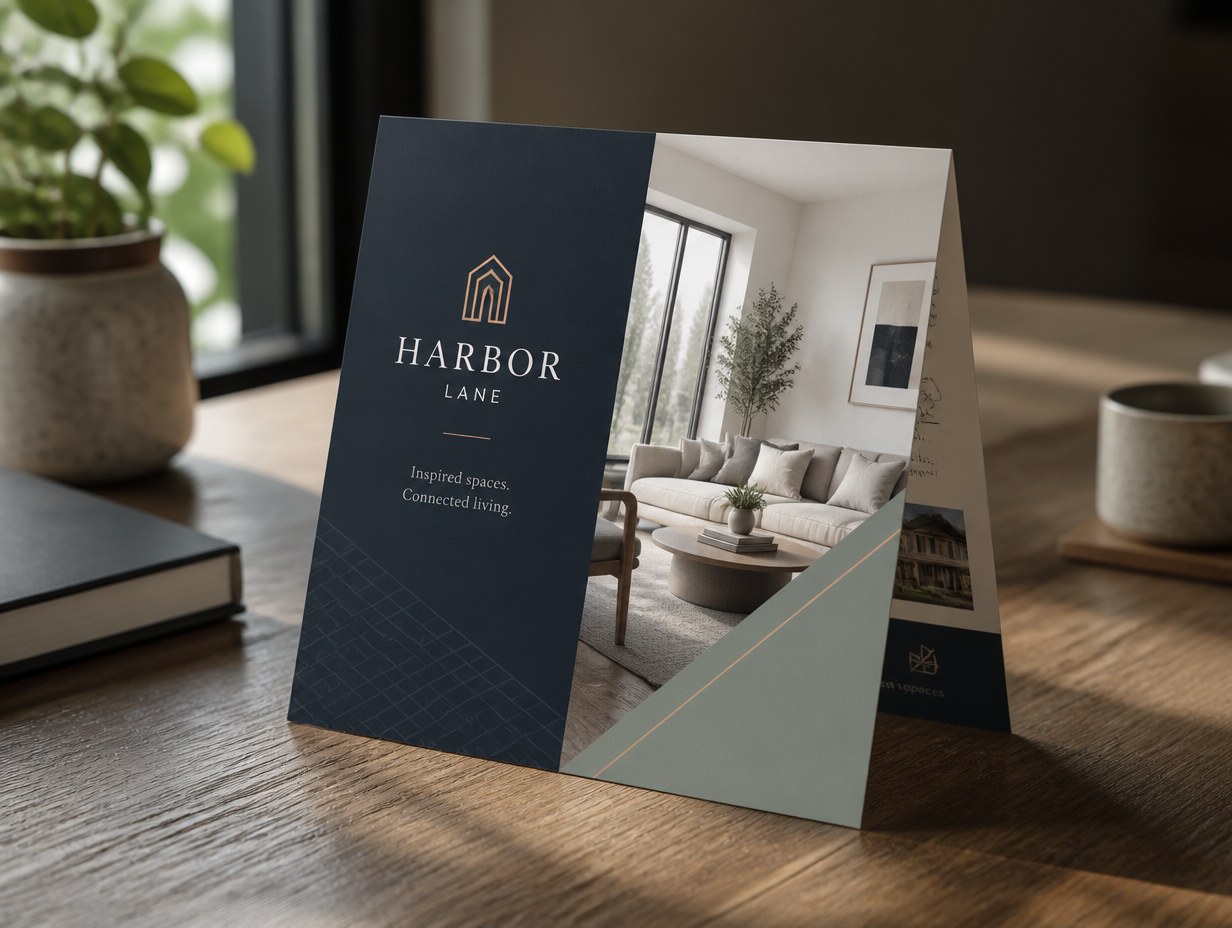
Generated with Mockup Generator — “A bi-fold flyer standing slightly open on a wooden desk like a small tent, soft …”
Prompt ideas to start from
Fresh from the community








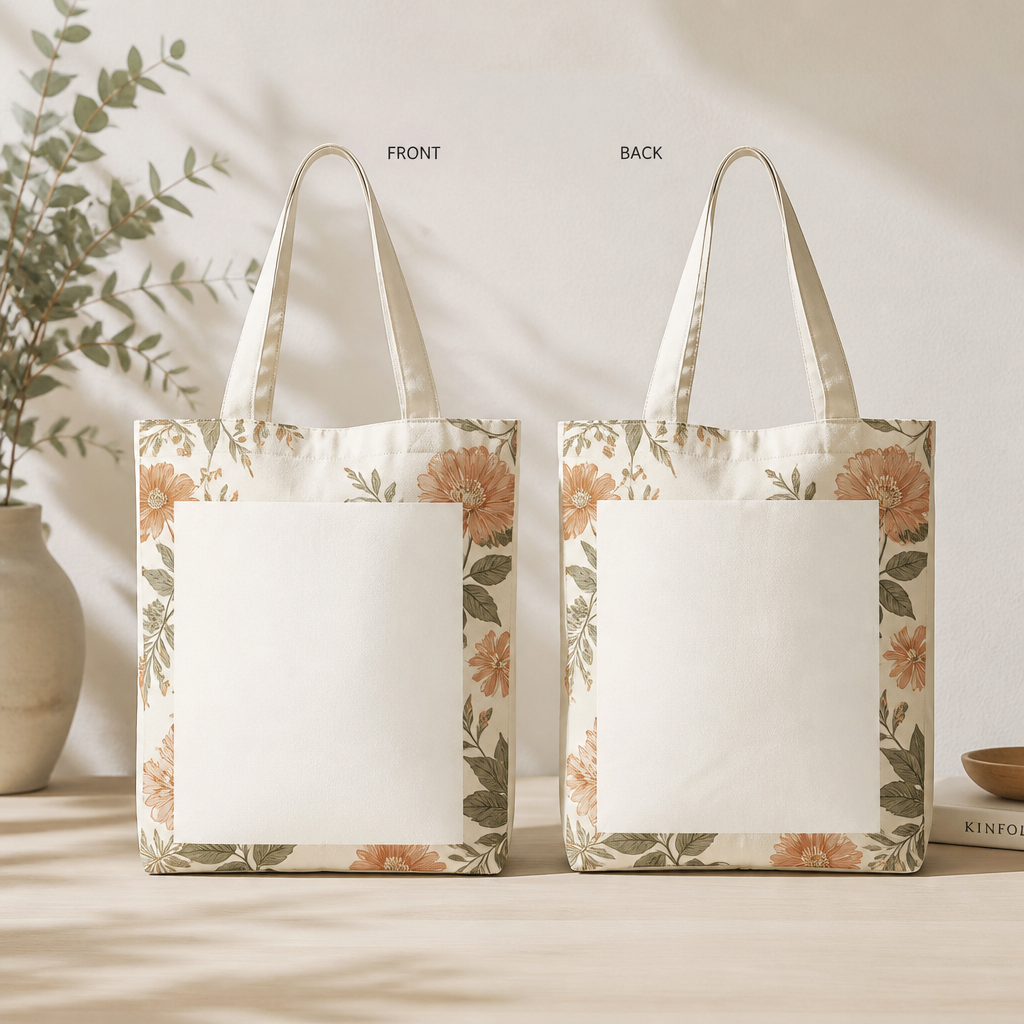



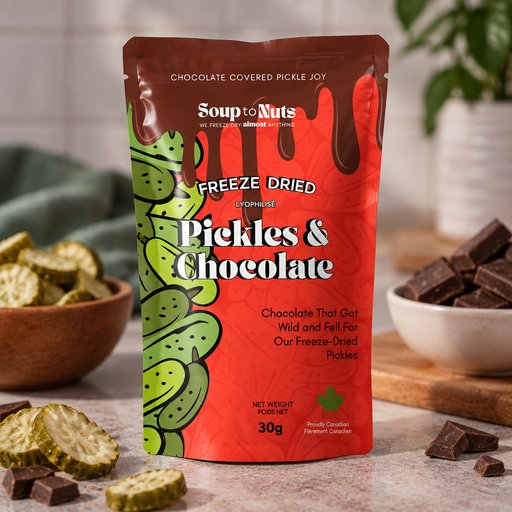


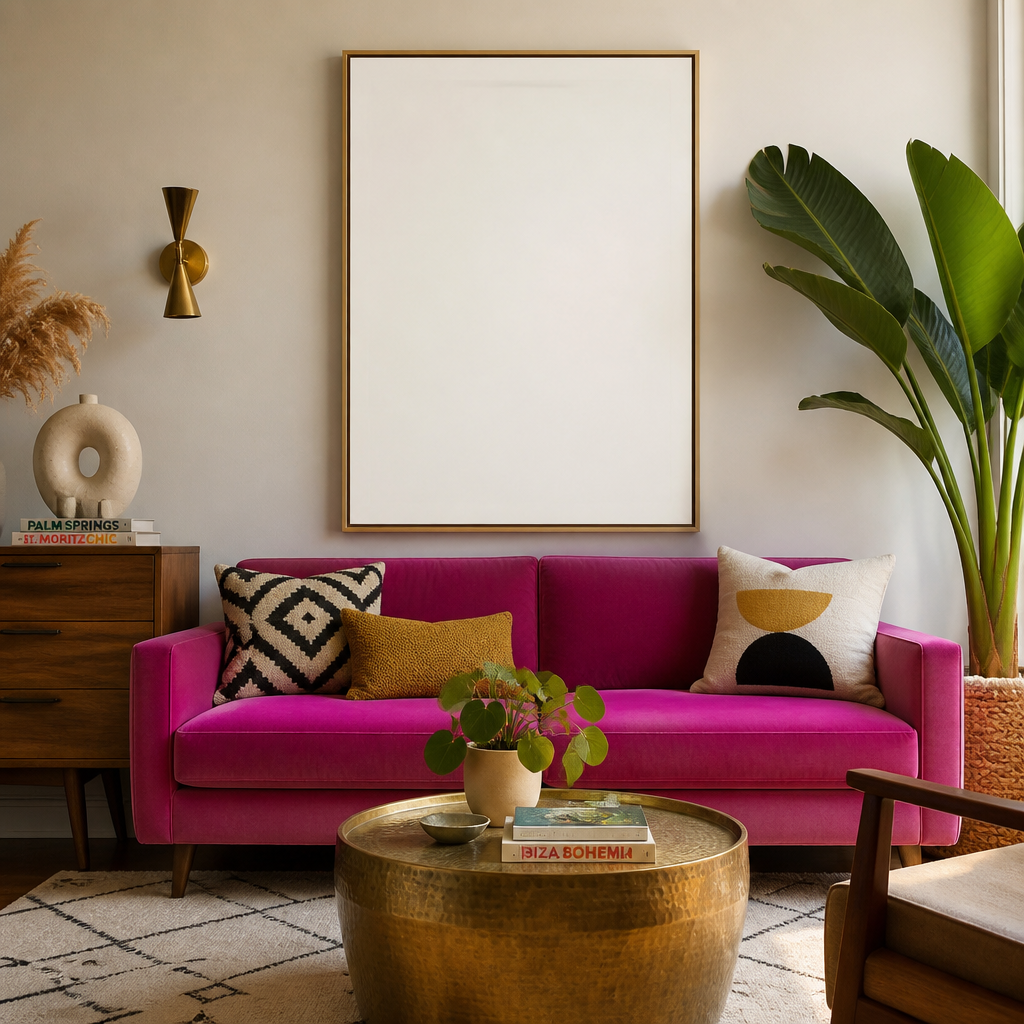
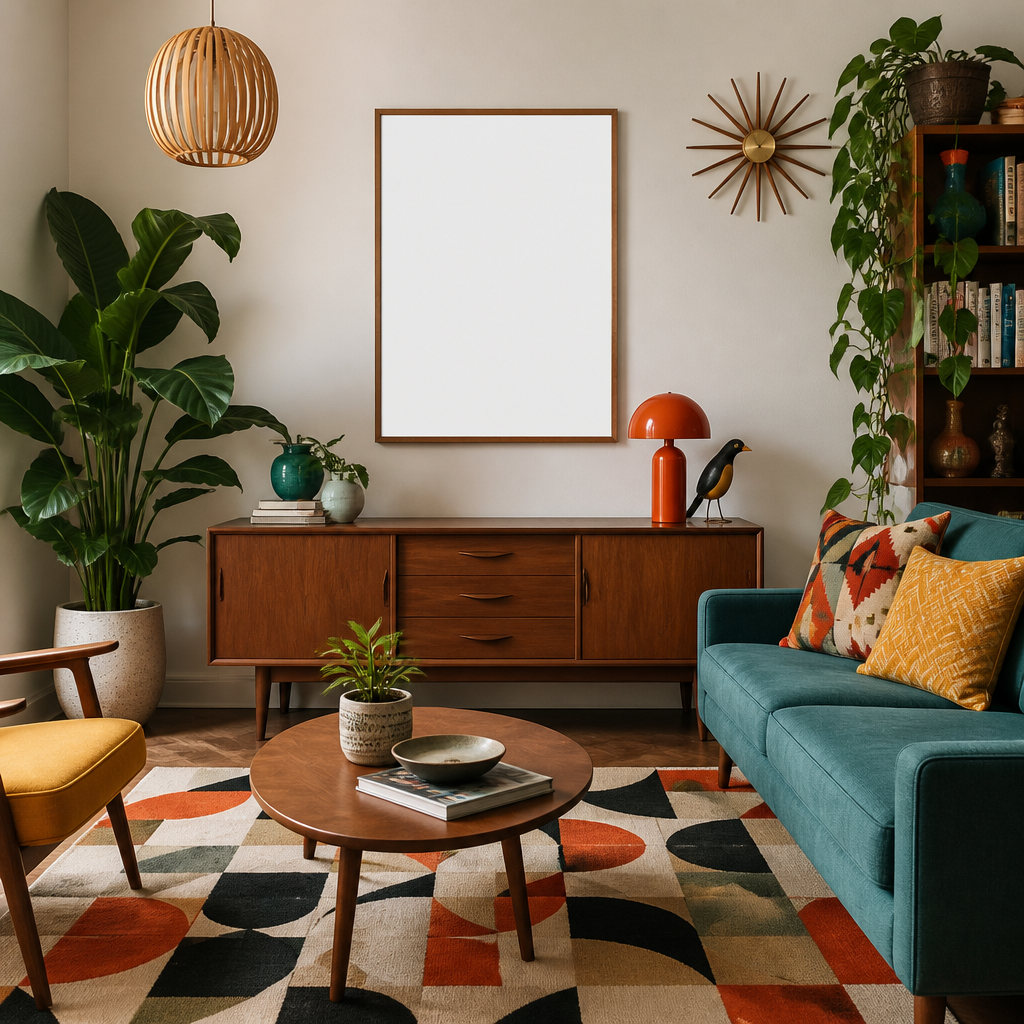



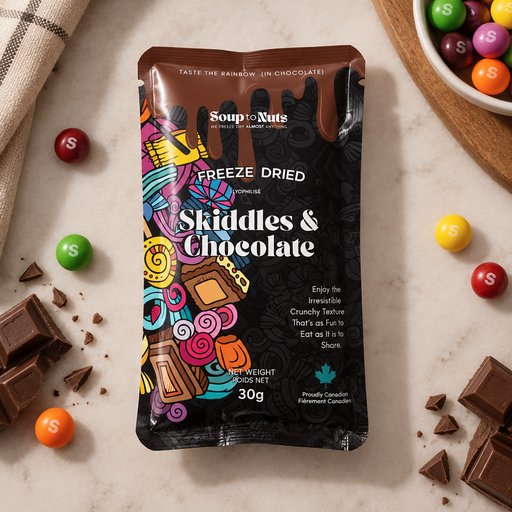
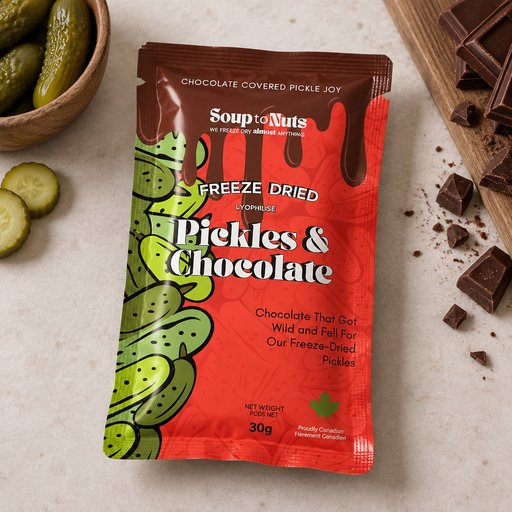
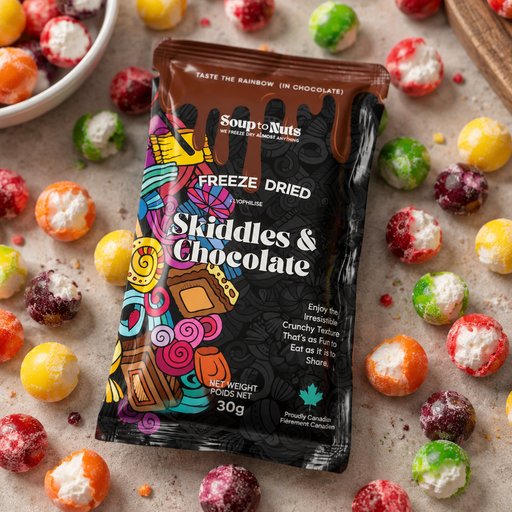




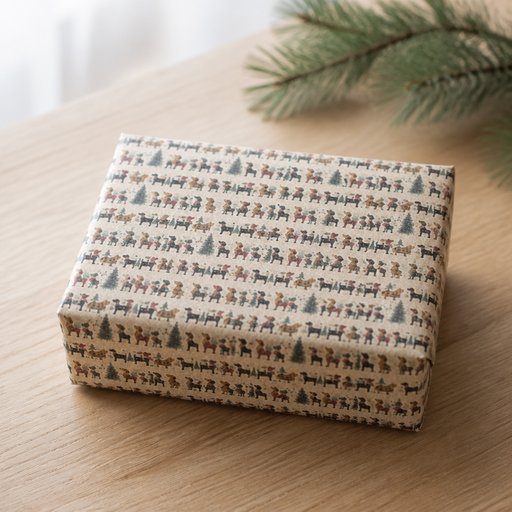






Frequently asked questions
How does the AI bi-fold flyer mockup generator work?
Describe the scene you want — or upload your design, logo or artwork — and the AI renders a photorealistic bi-fold flyer mockup in seconds, with natural lighting, shadows and perspective. No Photoshop templates or smart objects needed.
Can I put my own design on the bi-fold flyer?
Yes — upload up to four reference images (logos, artwork, screenshots or product shots) and the AI integrates them onto the bi-fold flyer with realistic warping, lighting and materials.
Who owns the mockups?
You do — mockups you generate are yours. See our Terms of Service for full details. Copyright rules vary by country and we can't give legal advice, so check with a legal expert on specific questions.