AI youtube video mockup generator
YouTube Video mockups, generated — not templated
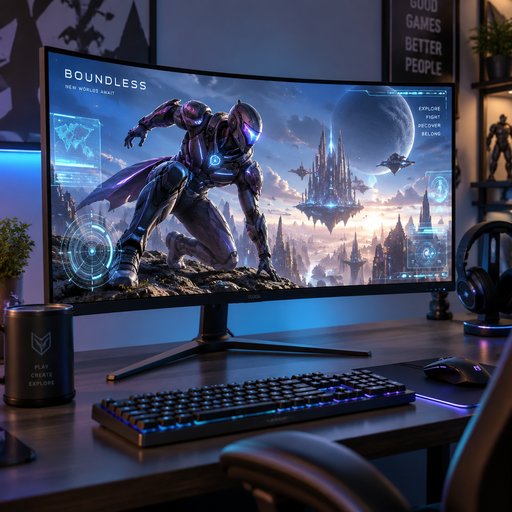
A podcaster expanding into video wants the player frame to look sharp before the first episode ever uploads. Upload the video frame or describe it and get a photorealistic youtube video mockup shown in an authentic studio setting.
- Photorealistic lighting, shadows and materials
- Upload your own design, logo or artwork
- Any scene you can describe — no template hunting
- Edit, restage, upscale and animate afterwards
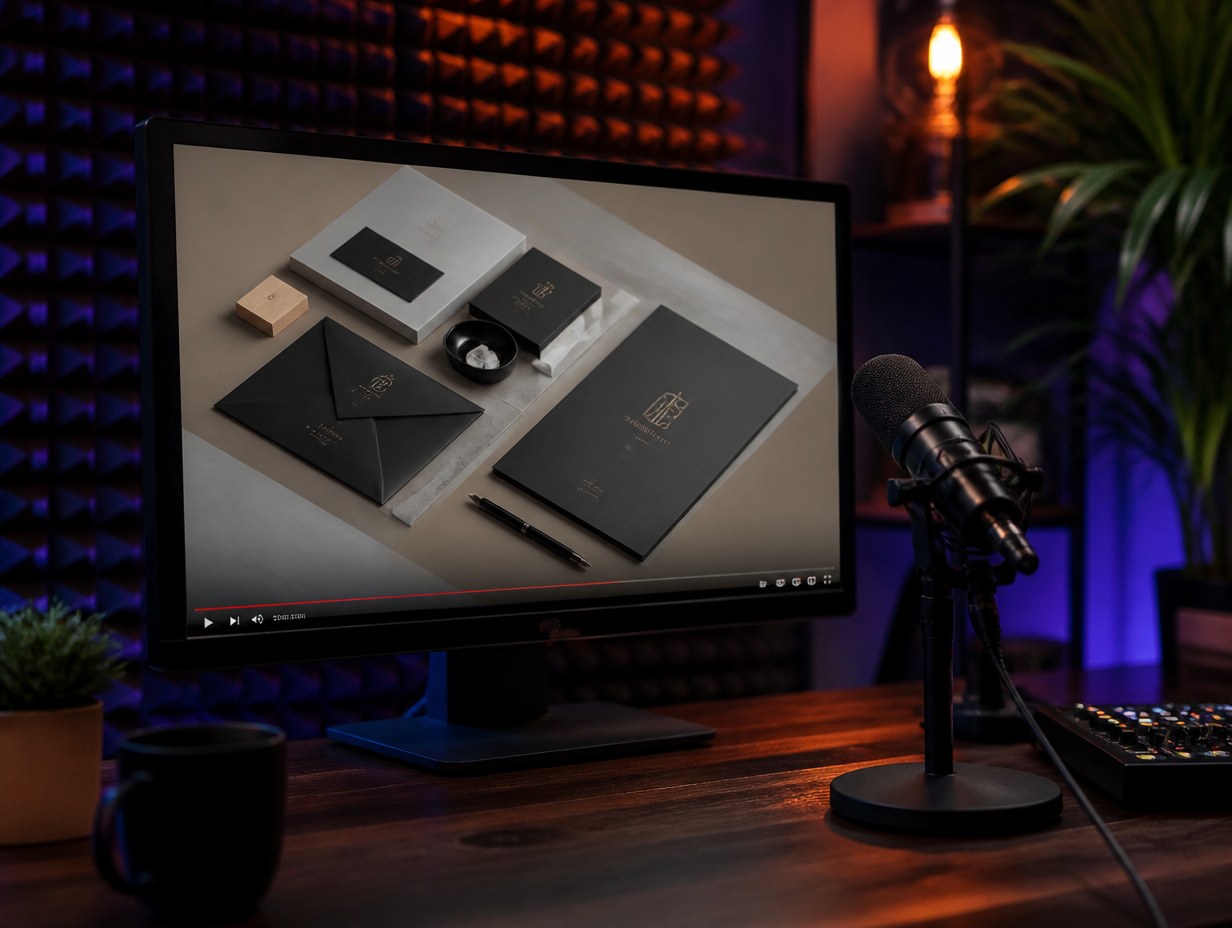
Generated with Mockup Generator — “A photorealistic close-angle photo of a monitor on a podcast studio table beside…”
Prompt ideas to start from
Fresh from the community
 Video
Video Video
Video Video
Video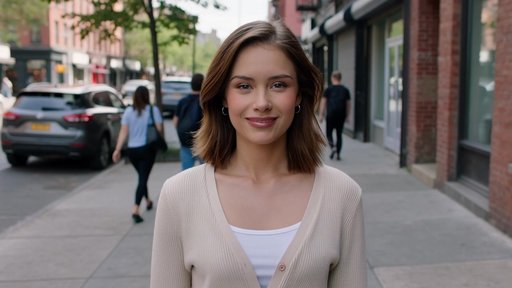 Video
Video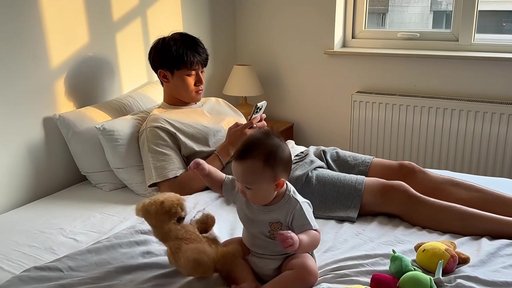 Video
Video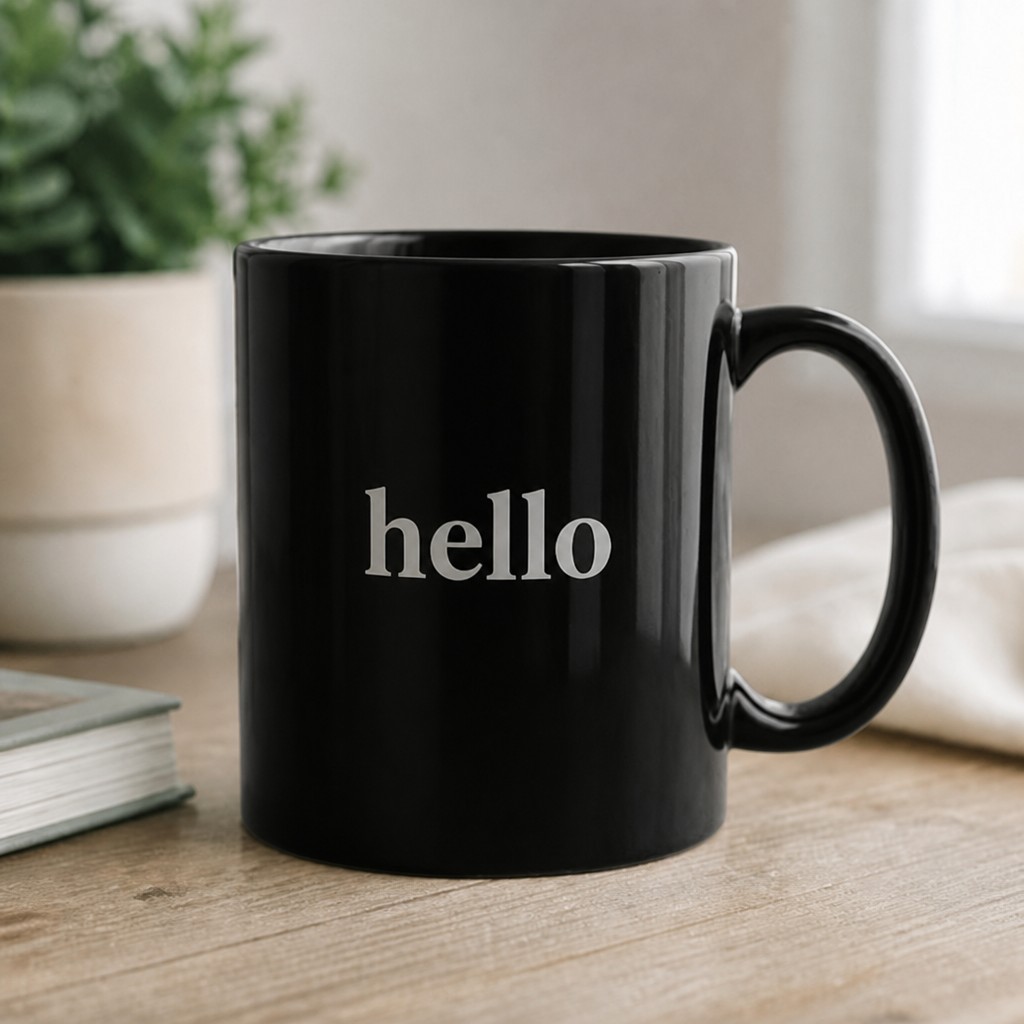 Video
Video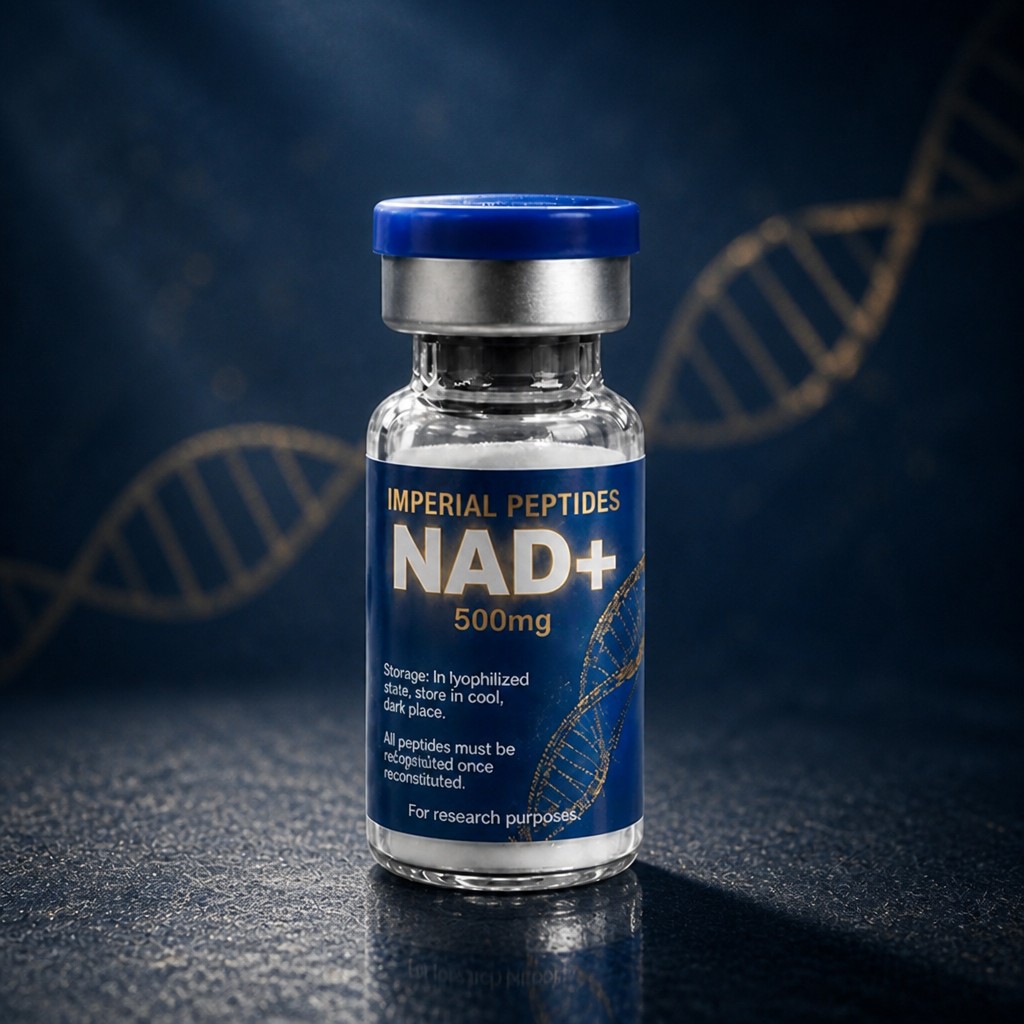 Video
Video

![Top Status Bar (iPhone 13 Pro style):
· Left: [Time] [Signal/Dots] [Wi-Fi]
· Center: [Time] (e.g., 18:40)
· Right: [Battery Icon] 60%
Header (Blue icon):
· Back Arrow | [Blue Circle Icon] Oagile Mosetlhe | [Video Icon] [Phone Icon] [Menu Icon]
Chat Messages:
17:41 (Date/time)
[Image: Man holding wine glass]
(You) 18:14 (Green bubble)
spurs e sign gakpo
(You) 18:28 (Green bubble)
[Photo Icon] Photo
(You) 18:28 (Green bubble)
chomi yae are wao nyaka
(Them) 18:39 (Gray bubble)
Mara mfan wang hafela wayitsi 😂😂😂😭
(Them) 18:39 (Gray bubble)
no serious man 🤔
(You) (Quote bubble replying to self)
spurs e sign gakpo
Ere ke bone 😭
(You) 18:39 (Green bubble)
[Photo Icon] Photo
[Image: Man in blue jacket with media backdrop]
Bottom Input Bar:
· [Smiley Icon] [Text field: "Message"] [Paperclip Icon] [Camera Icon] [Microphone Icon (Green)]](https://media.mockupgenerator.com/d9a11c5c-4a4b-4787-8168-36d6823b46ba-thumbnail.jpg)
Frequently asked questions
How does the AI youtube video mockup generator work?
Describe the scene you want — or upload your design, logo or artwork — and the AI renders a photorealistic youtube video mockup in seconds, with natural lighting, shadows and perspective. No Photoshop templates or smart objects needed.
Can I put my own design on the youtube video?
Yes — upload up to four reference images (logos, artwork, screenshots or product shots) and the AI integrates them onto the youtube video with realistic warping, lighting and materials.
Who owns the mockups?
You do — mockups you generate are yours. See our Terms of Service for full details. Copyright rules vary by country and we can't give legal advice, so check with a legal expert on specific questions.