AI logo-on-product mockups
Your logo, printed on anything — virtually
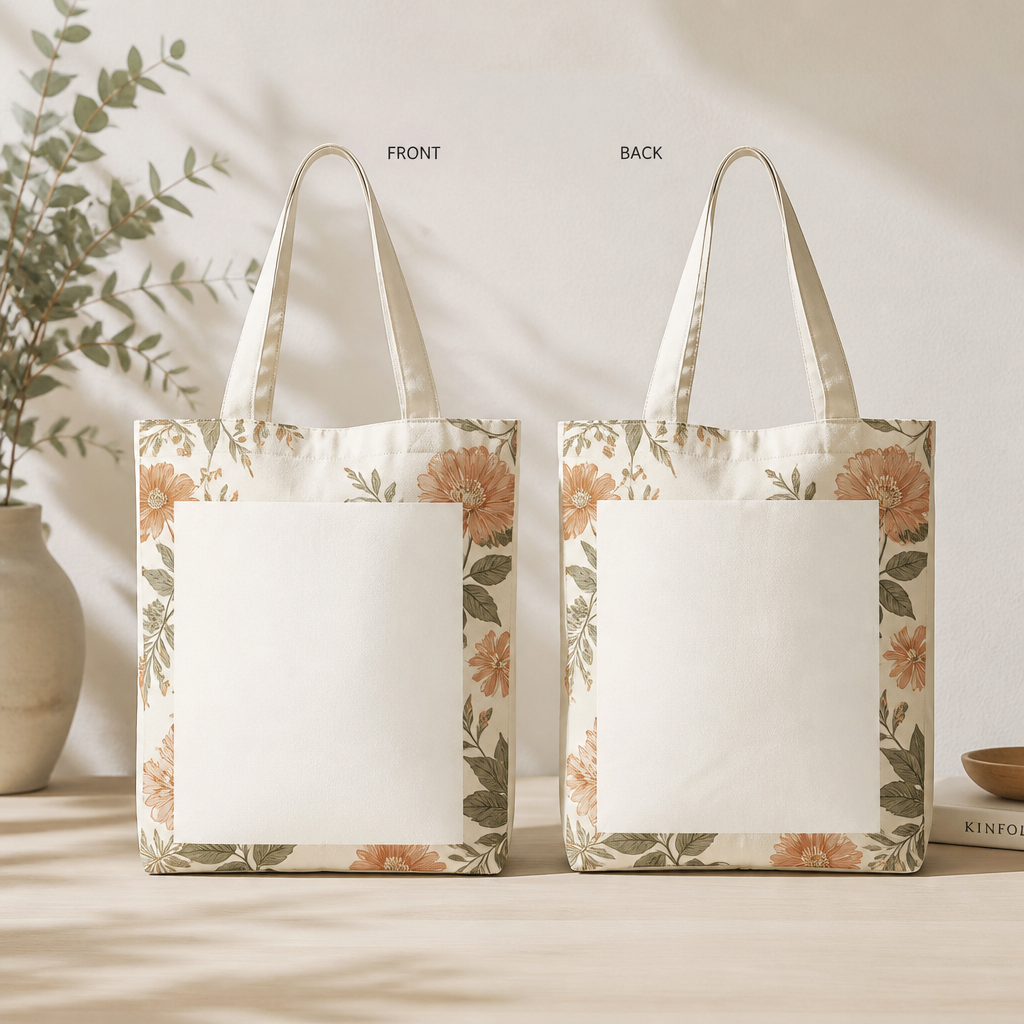
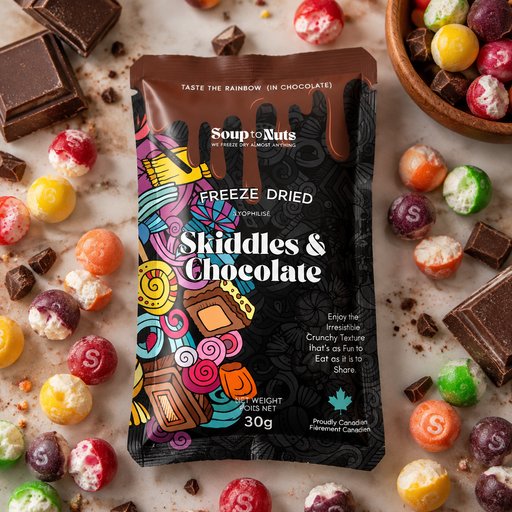
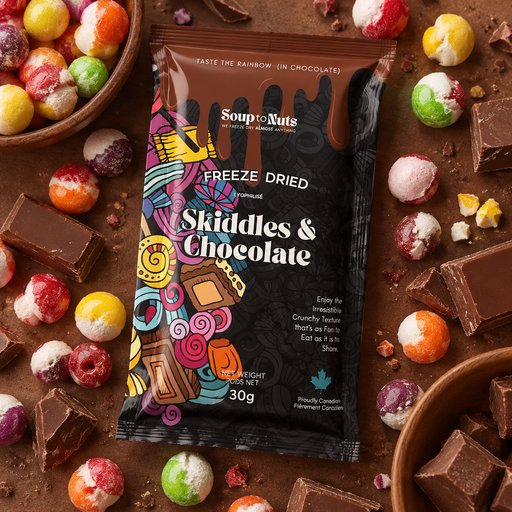
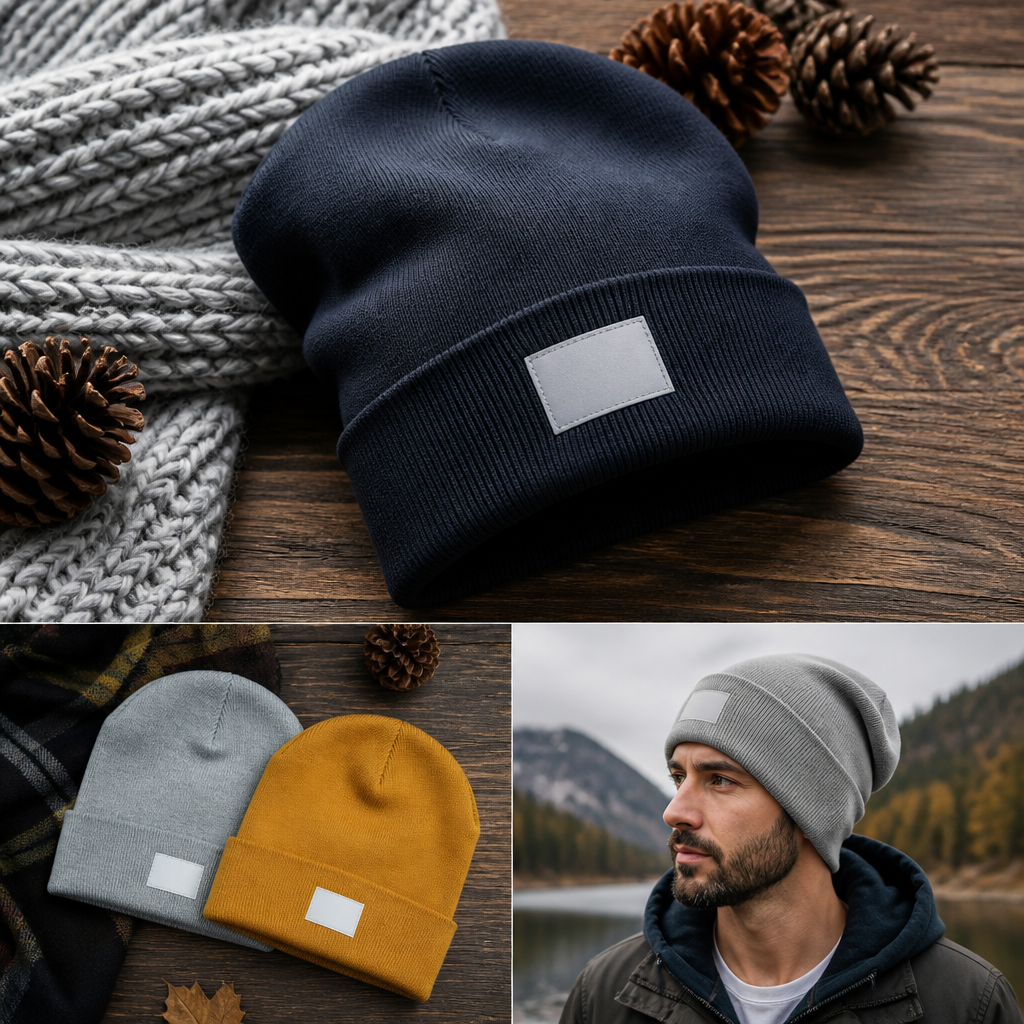
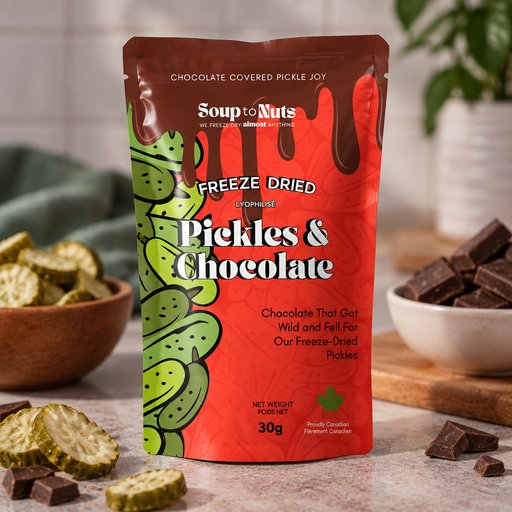
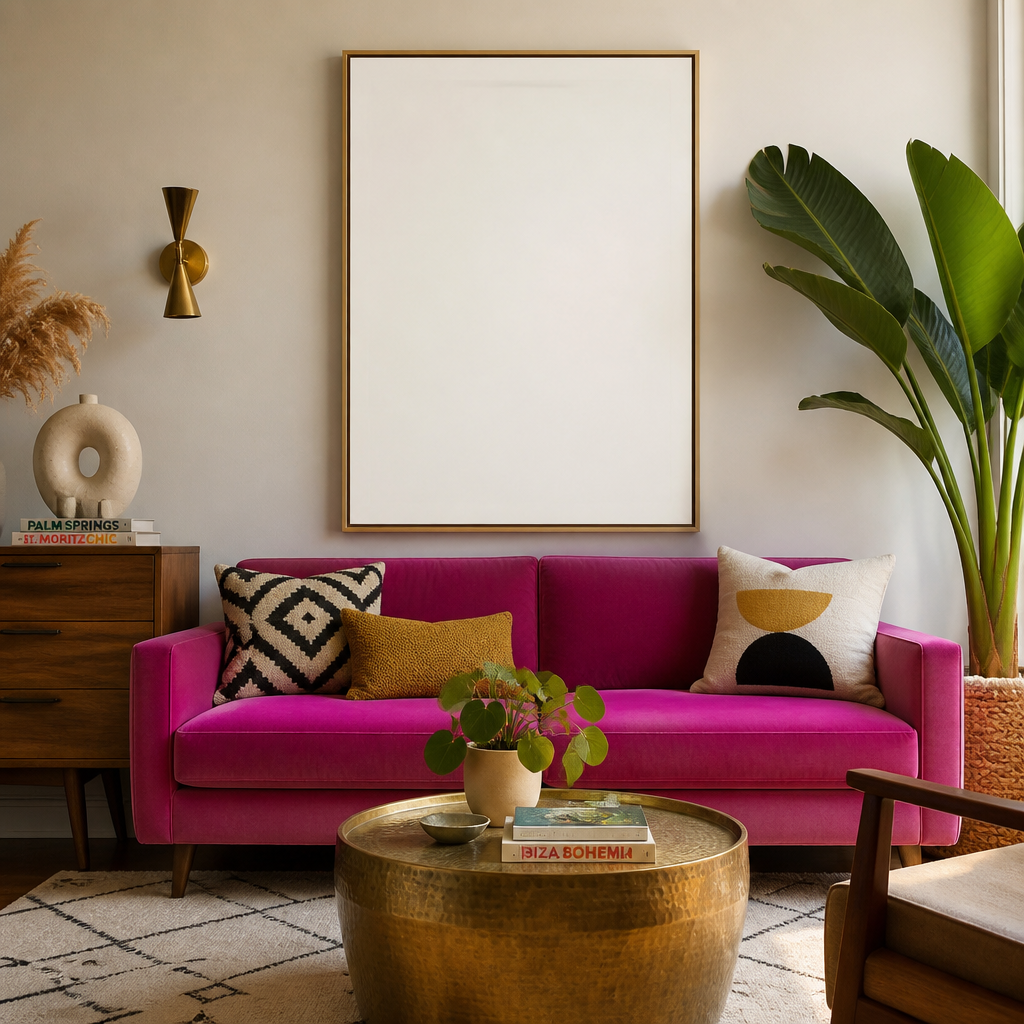
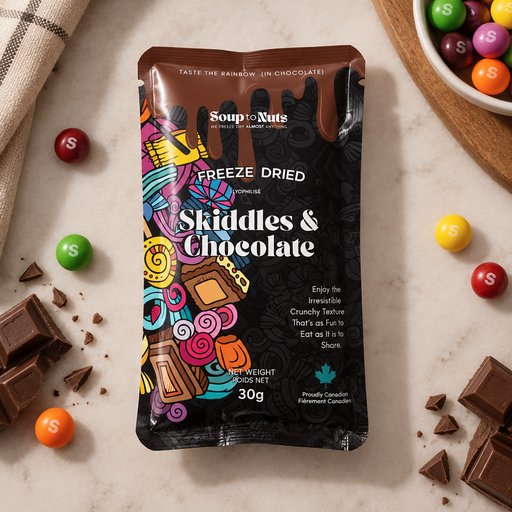
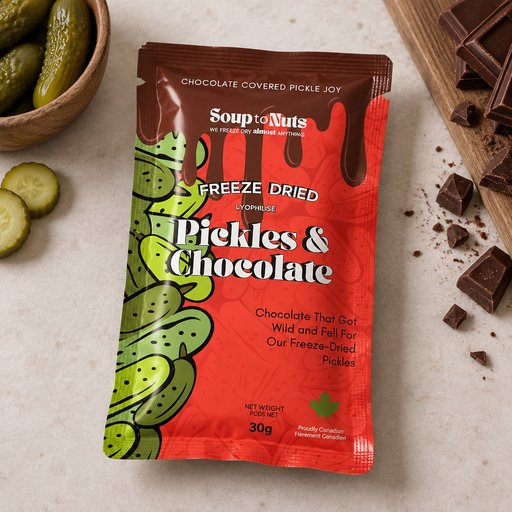
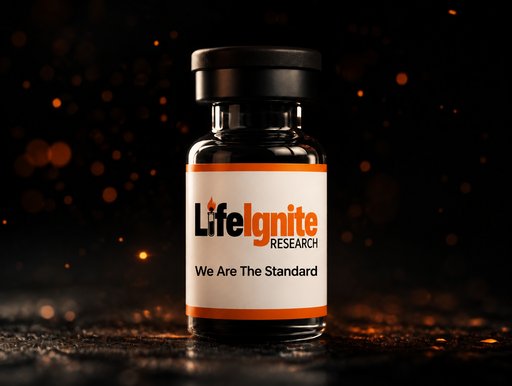
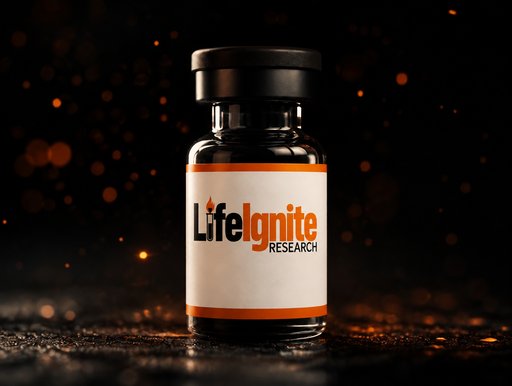
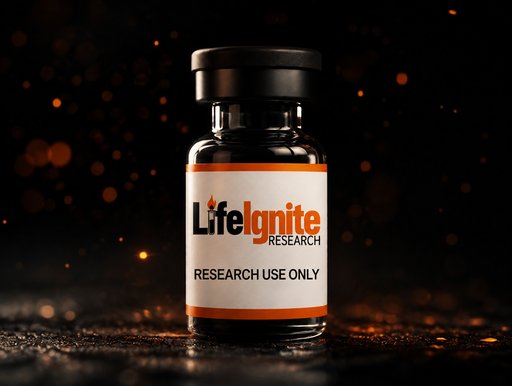
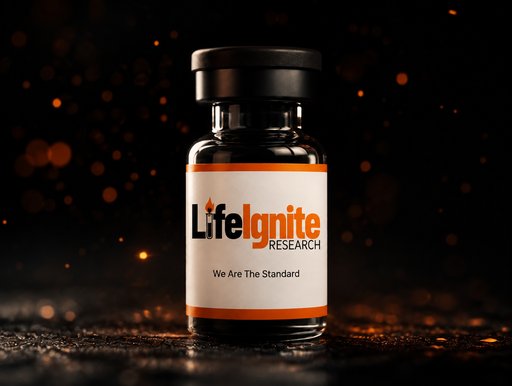
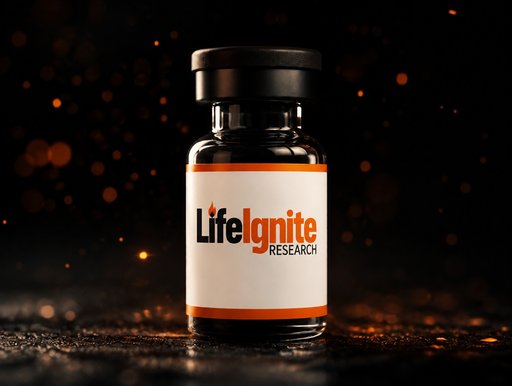
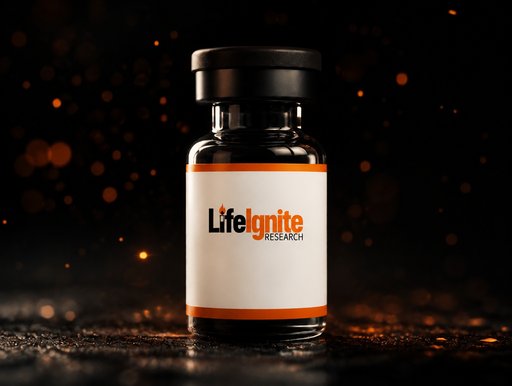
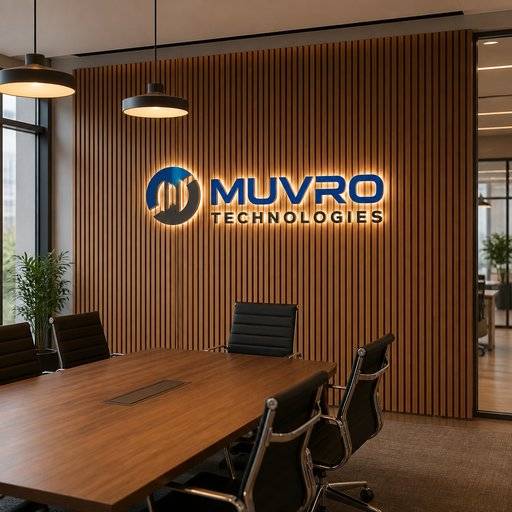
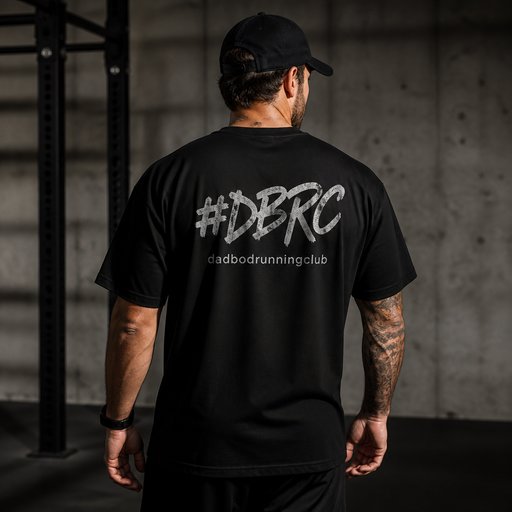
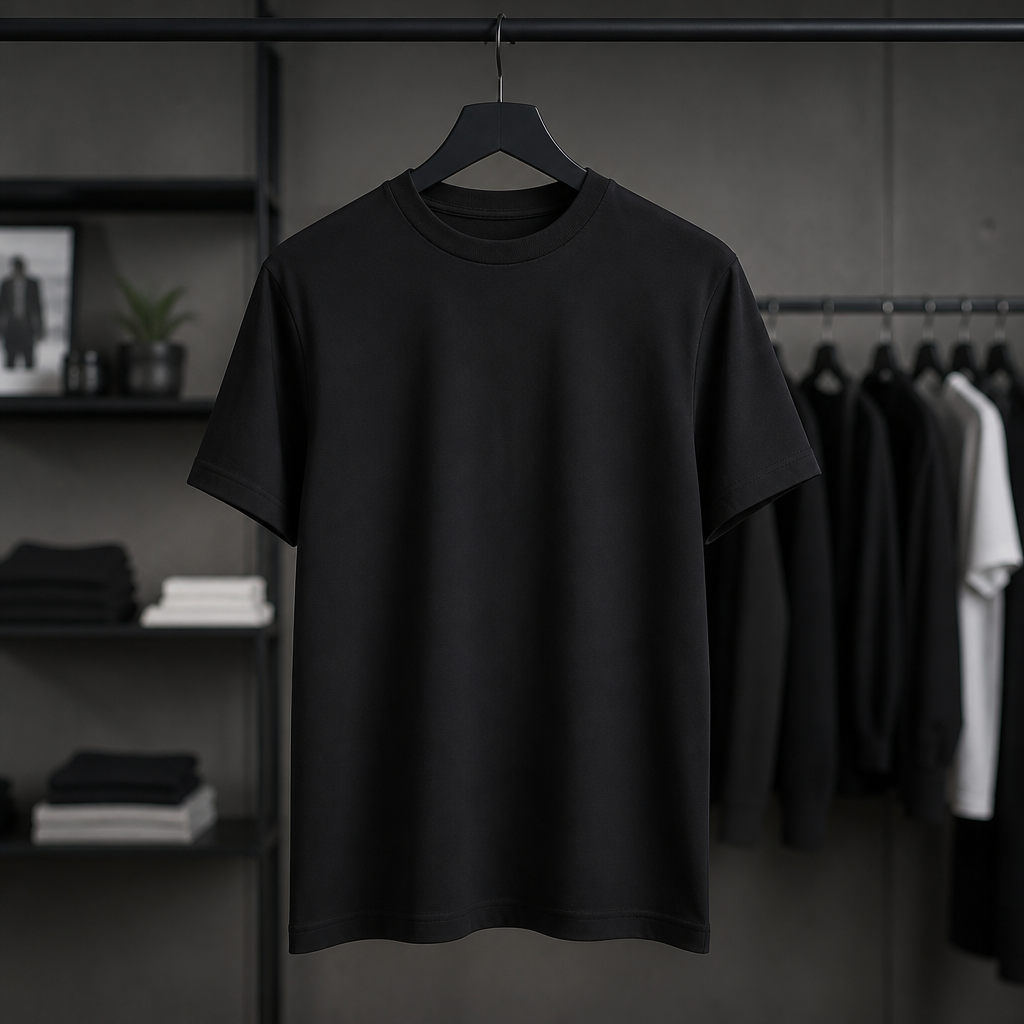
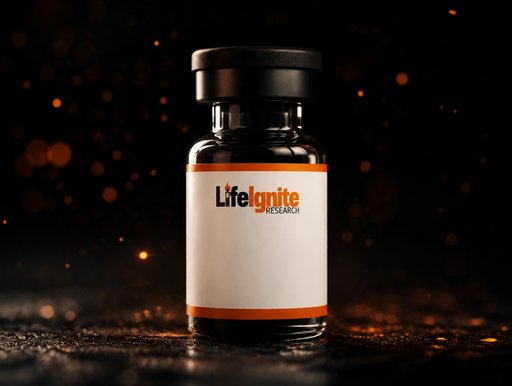
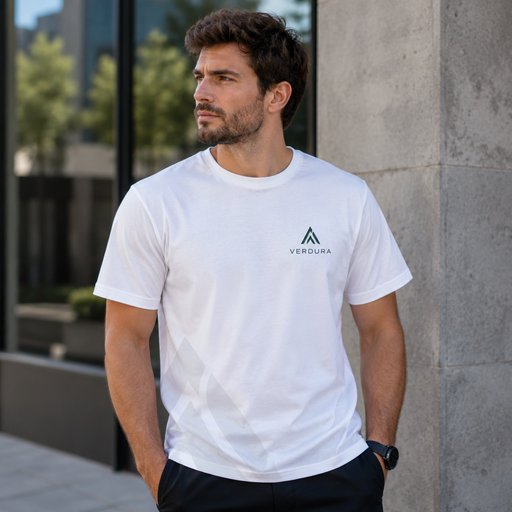
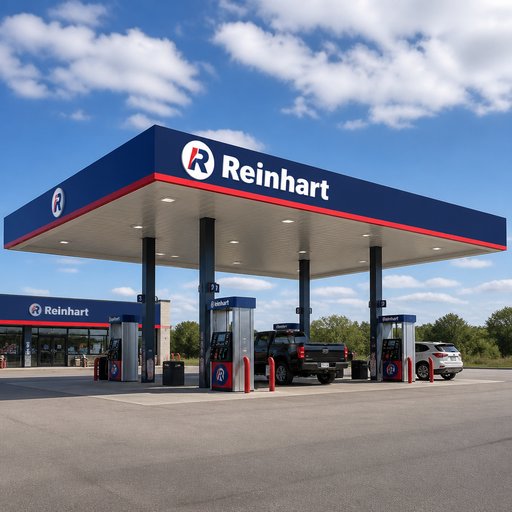
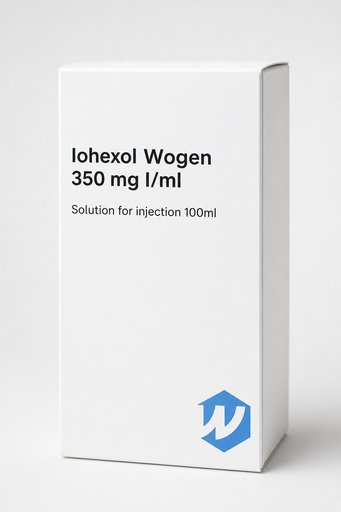
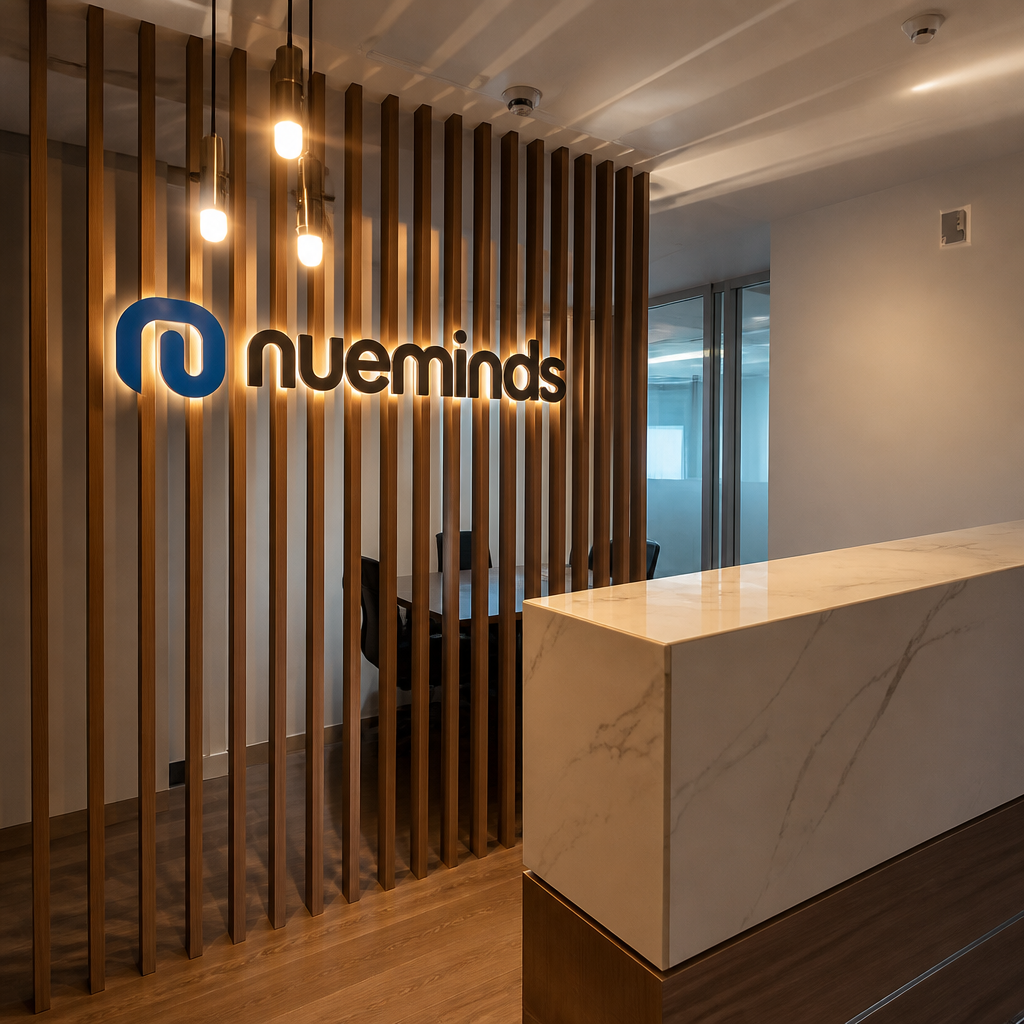
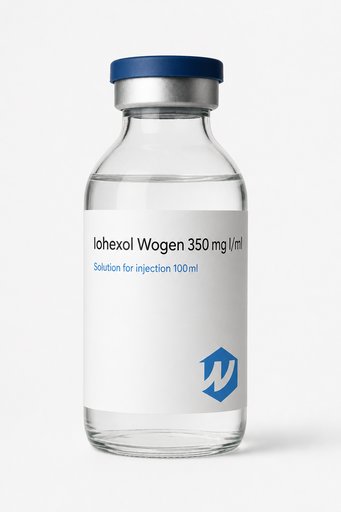
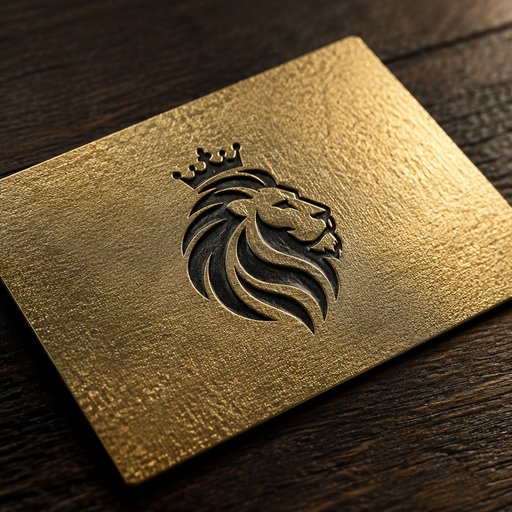
You have a logo file; what you need is product photos. Upload the logo, name the product — mug, tote, cap, shipping box, storefront sign — and the AI renders it printed on that product with correct perspective wrap, surface texture and lighting, ready for a deck, listing or client preview.
- Photorealistic lighting, shadows and materials
- Upload your own design, logo or artwork
- Any scene you can describe — no template hunting
- Edit, restage, upscale and animate afterwards

Generated with Mockup Generator — “Photorealistic mockup of a ceramic coffee mug with the uploaded logo printed on …”
Prompt ideas to start from
Fresh from the community





Frequently asked questions
How do I get my logo onto a product photo?
In the Studio, upload your logo as a reference image, then describe the product and scene. The AI composes a new photograph-quality image with your logo applied to the product’s surface — curved around mugs, stitched into fabric, embossed on boxes — rather than pasted flat on top.
What does a logo-on-product mockup cost?
A Draft render is 2 credits plus 2 credits for the uploaded logo — 4 credits total, so it isn’t covered by the 2 free credits new accounts get (those cover a text-only Draft mockup). Standard quality with a logo runs 14 credits; plans start at $15/month for 1,000 credits.
Which file should I upload for best results?
A high-resolution PNG with a transparent or plain background works best. Wordmarks and simple marks reproduce most faithfully; very fine small text may soften at Draft quality, so use Standard for final shots.