AI on-model apparel mockups
Your apparel, on a body, in a scene
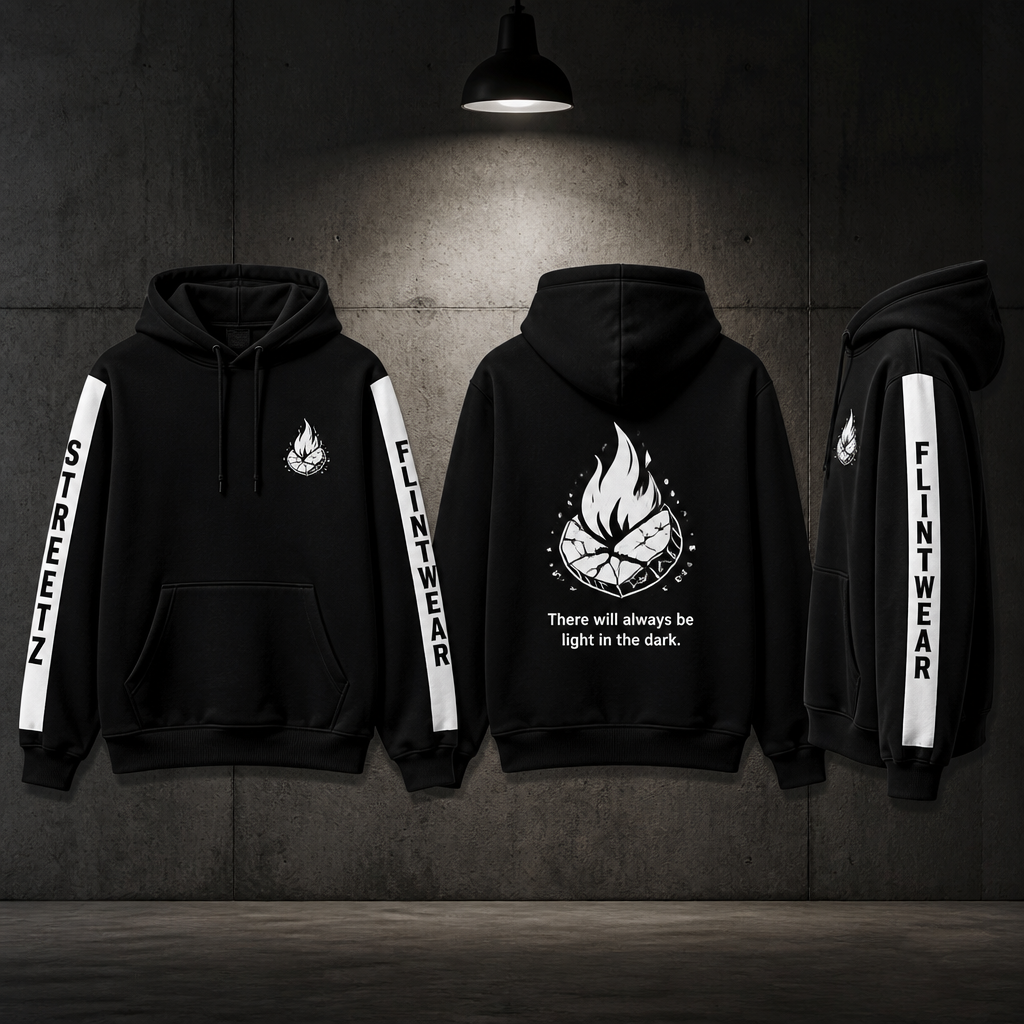
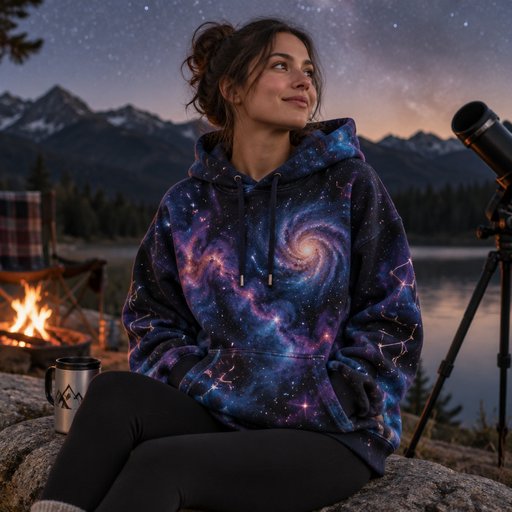
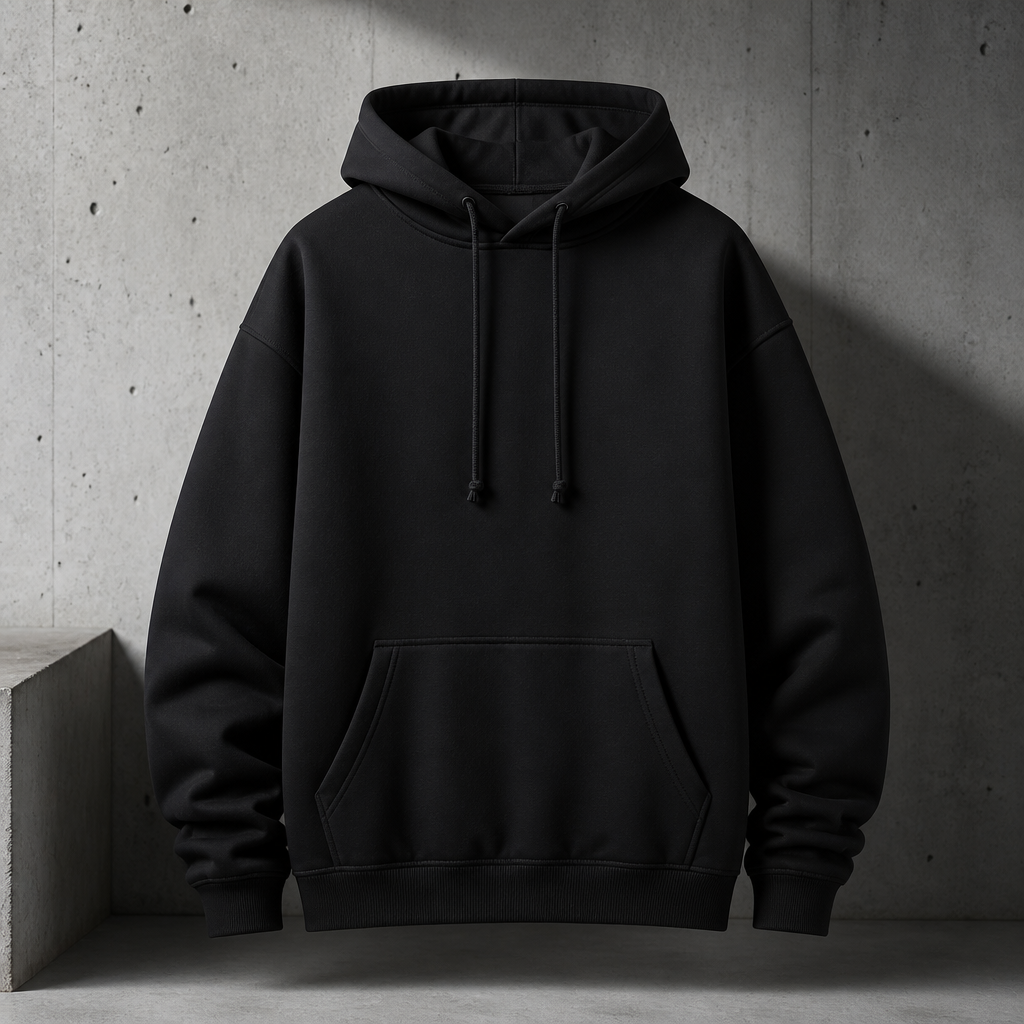
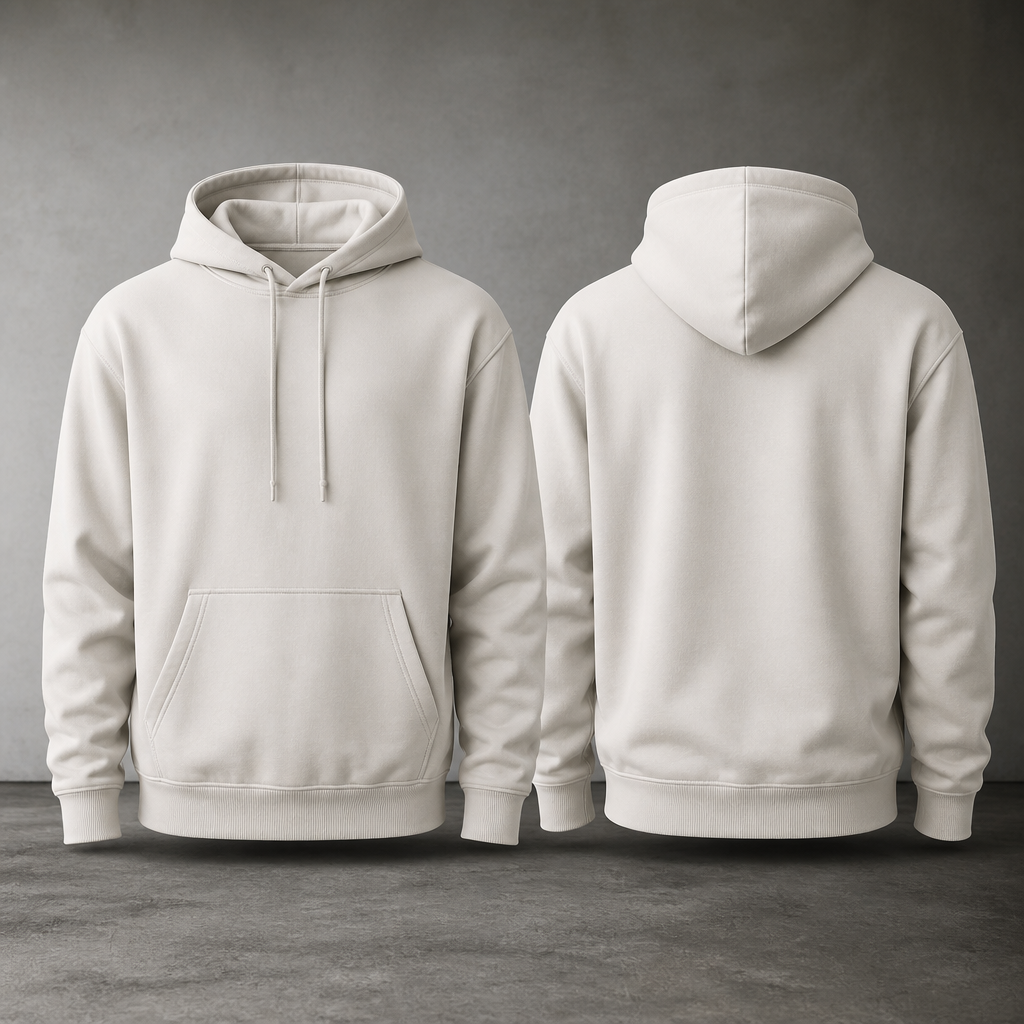
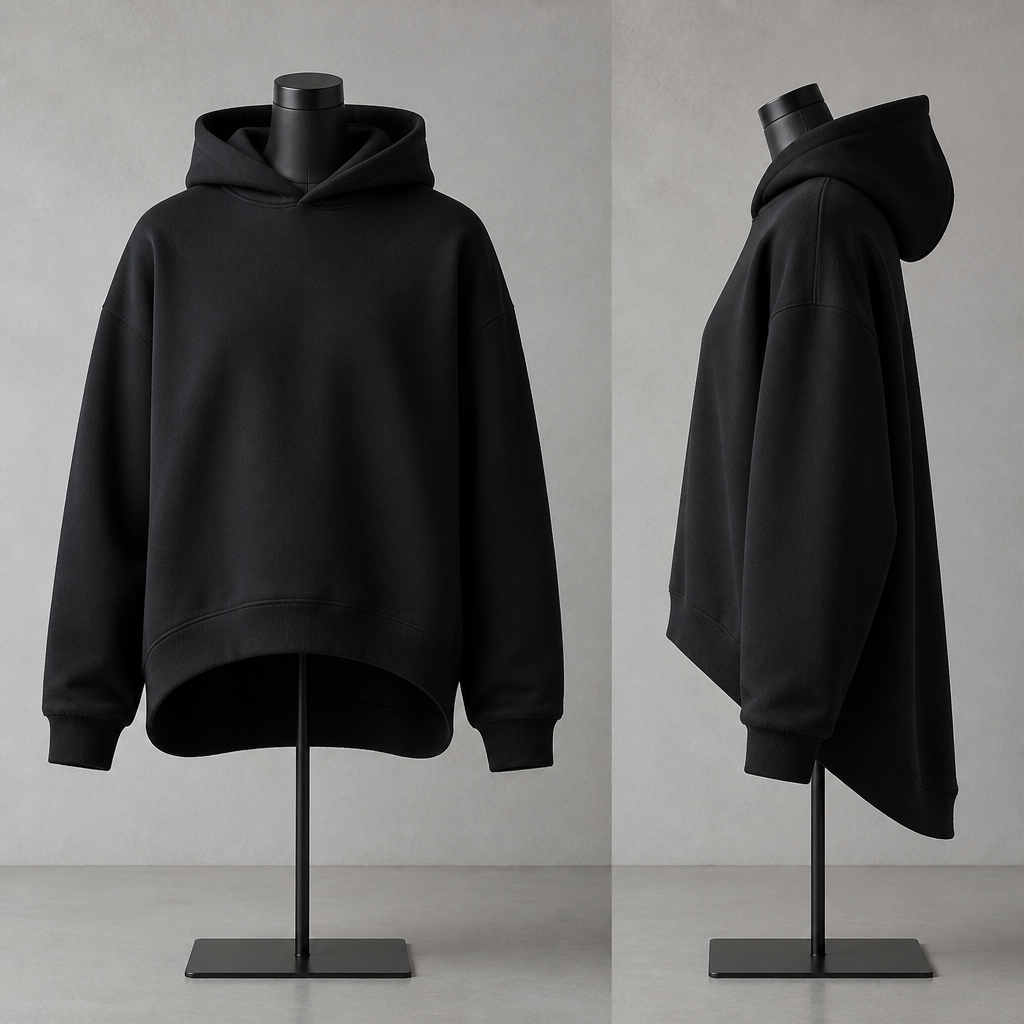
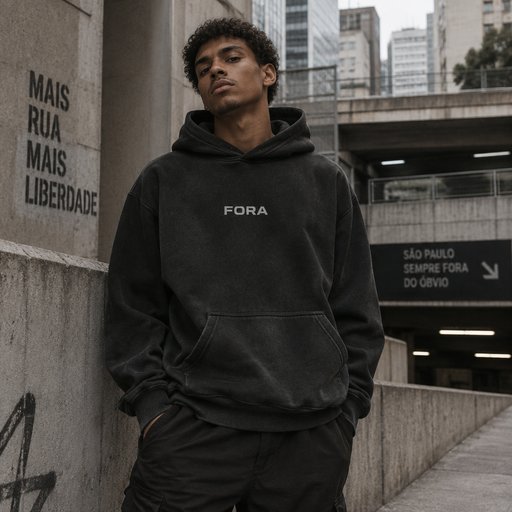
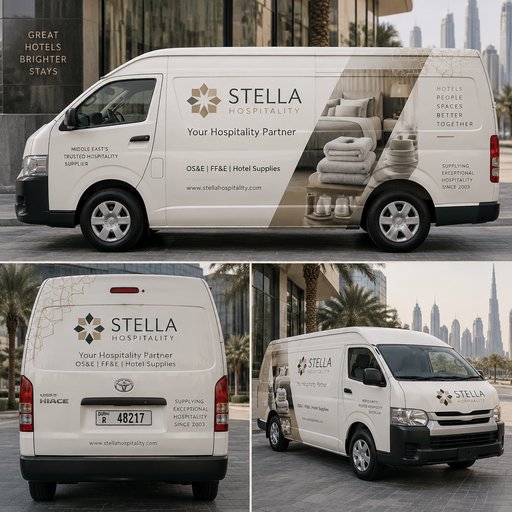
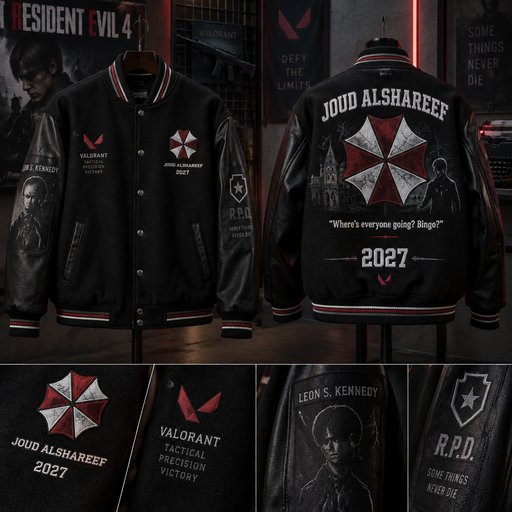
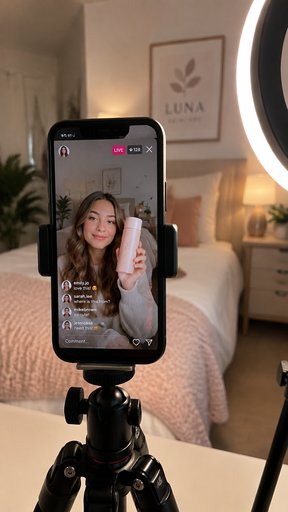
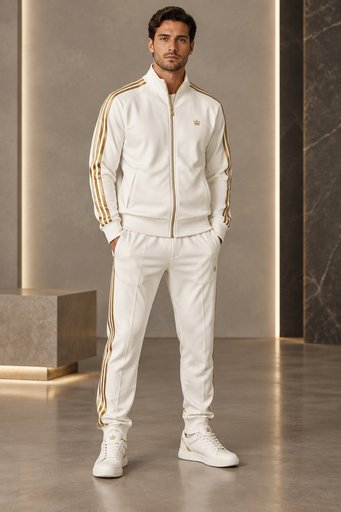
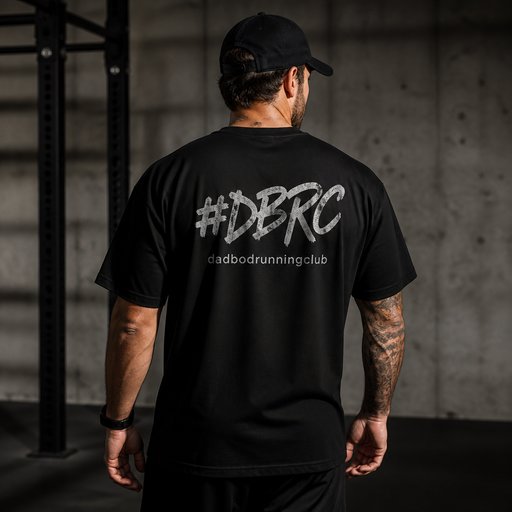
Flat lays show the print; on-model shots sell the garment. Upload your apparel design or product photo and the Try On tool renders it worn — drape over shoulders, wrinkles at the elbows, the hem sitting the way heavyweight cotton actually sits — in any setting from studio seamless to city street.
- Photorealistic lighting, shadows and materials
- Upload your own design, logo or artwork
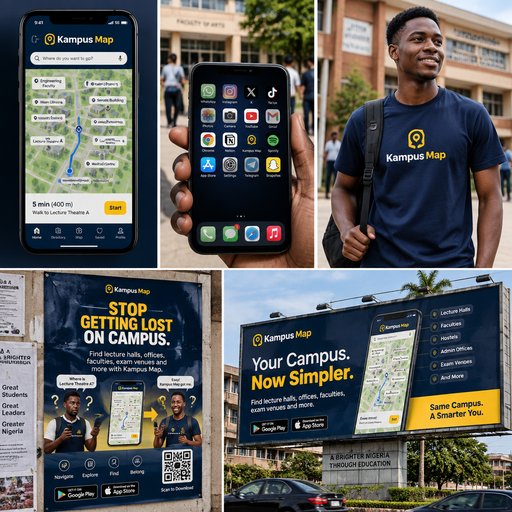
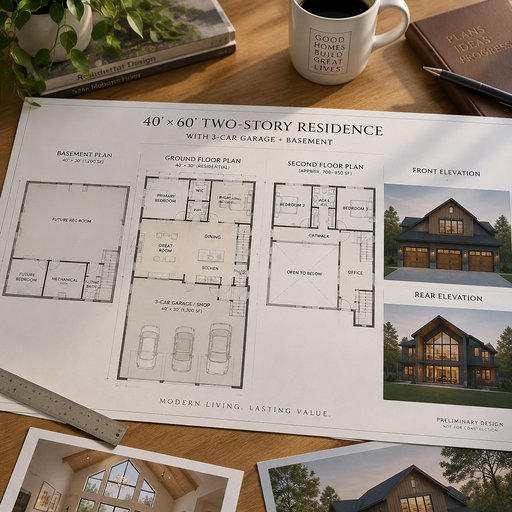
- Any scene you can describe — no template hunting
- Edit, restage, upscale and animate afterwards
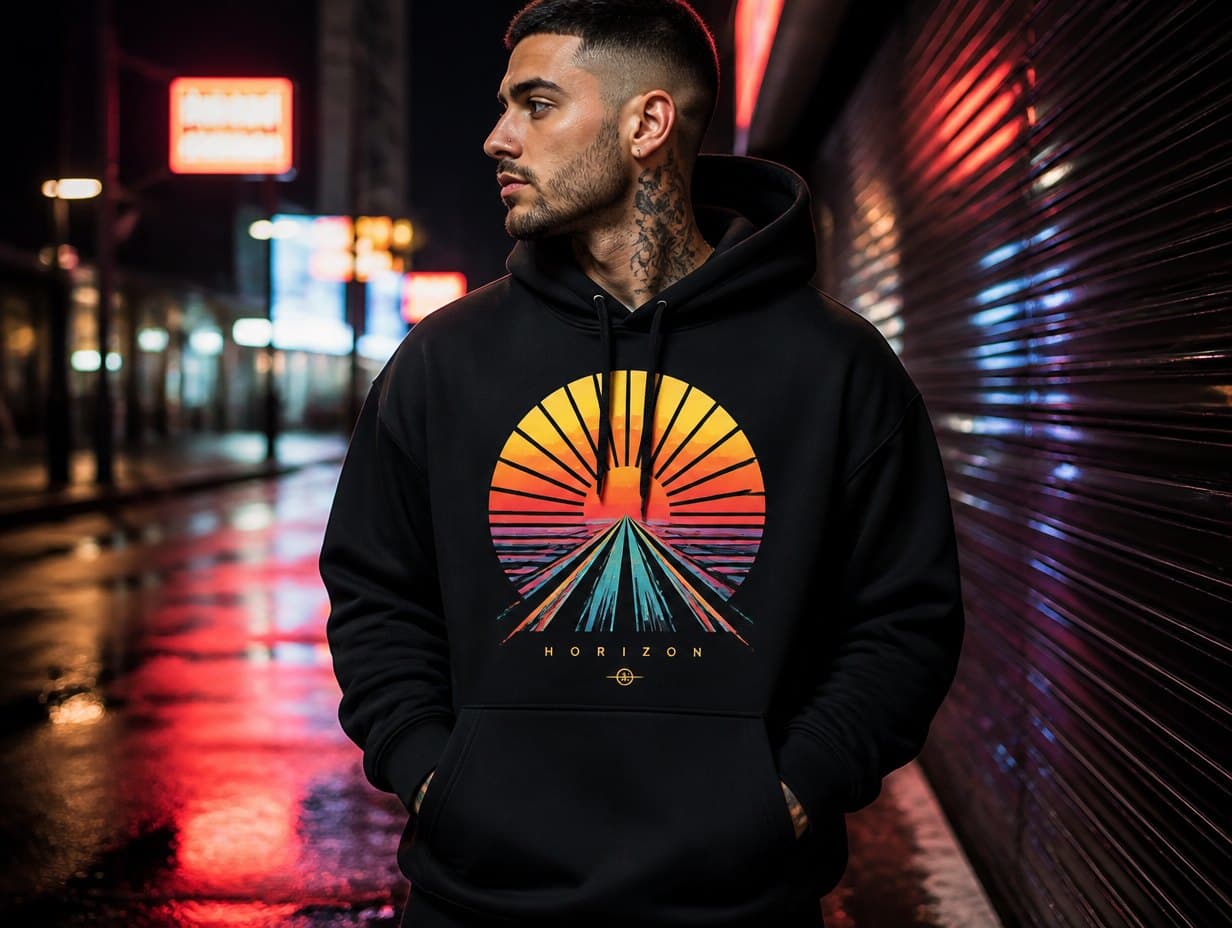
Generated with Mockup Generator — “The uploaded hoodie worn by a model leaning against a concrete wall, overcast st…”
Prompt ideas to start from
Fresh from the community



Frequently asked questions
What apparel does the on-model tool handle?
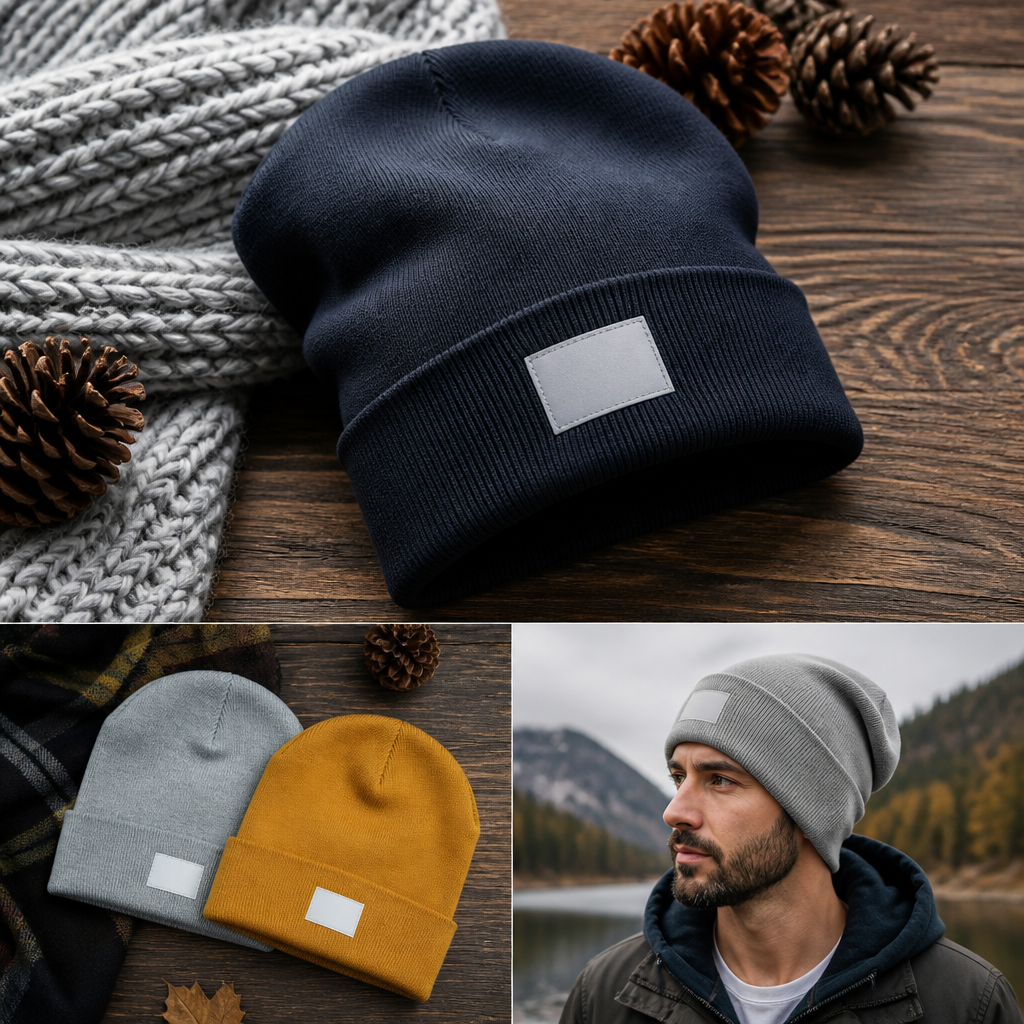
Tees, hoodies, crewnecks, jerseys, tanks, caps and most flat garments. Give it either the printed design or a photo of the finished garment, plus a description of the model and scene, and it renders the piece being worn with natural fit.
Is there a cost per on-model render?
Yes — Try On renders cost 6 credits at Standard and 16 at Pro. New accounts’ 2 free credits cover one Draft text-to-mockup generation instead; a $15/month plan (1,000 credits) comfortably covers a full drop’s worth of on-model shots.
Can I keep the same garment across several poses?
Reuse the same uploaded garment image and vary the scene description each run. Because the source garment is identical, the renders stay consistent enough to use as one cohesive lookbook set.