AI own-design t-shirt mockups
From art file to worn t-shirt photo
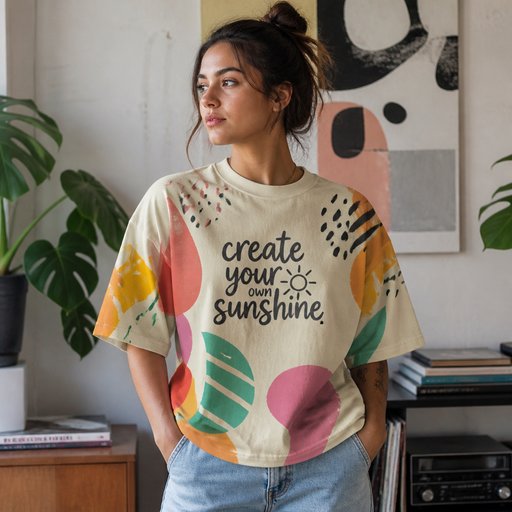
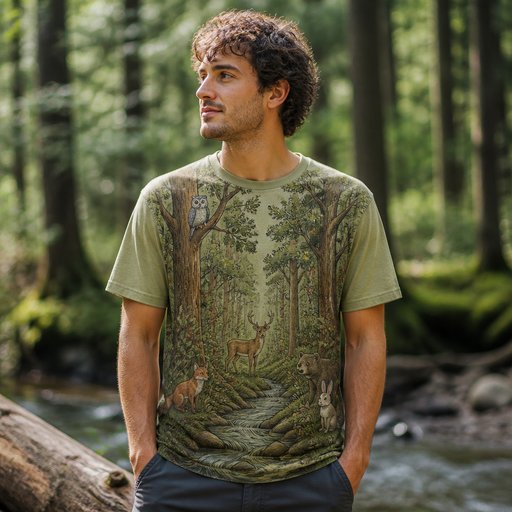
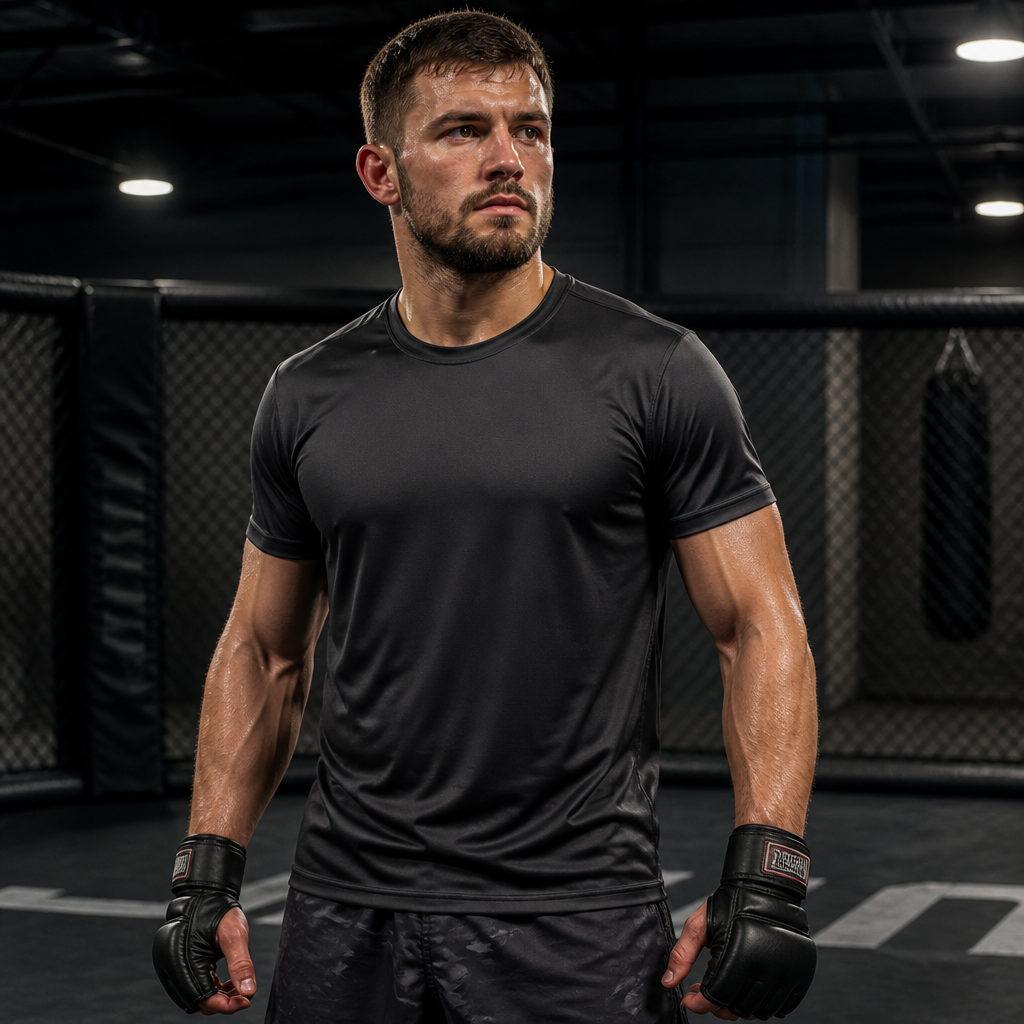
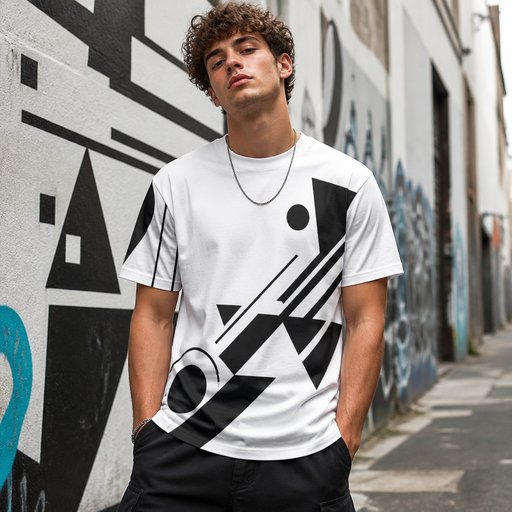
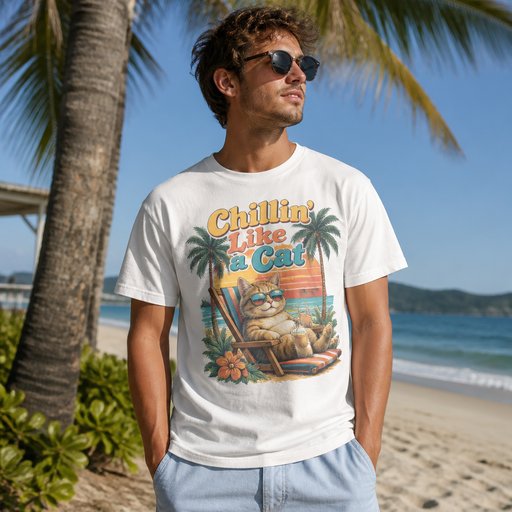
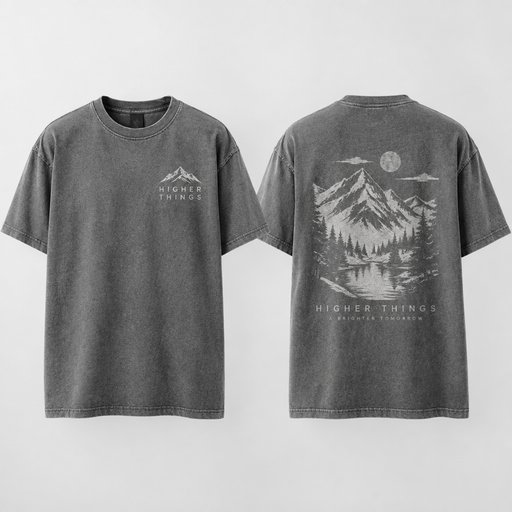
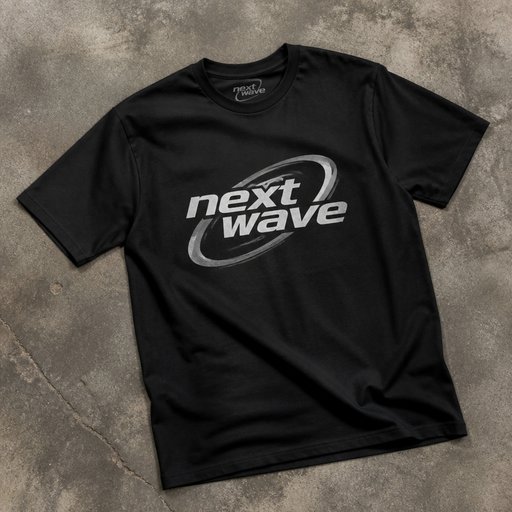
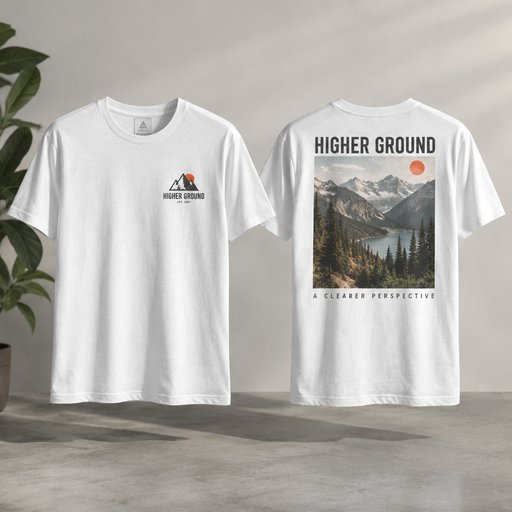
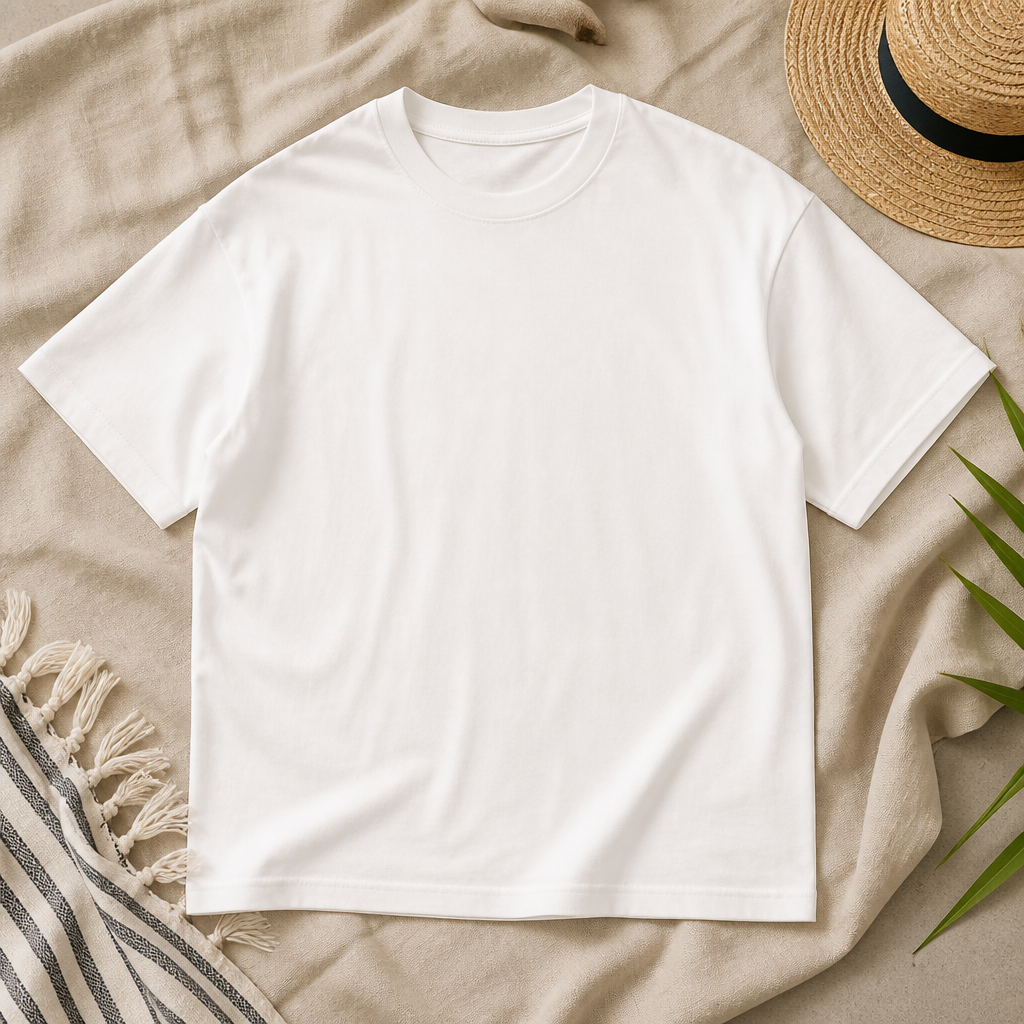
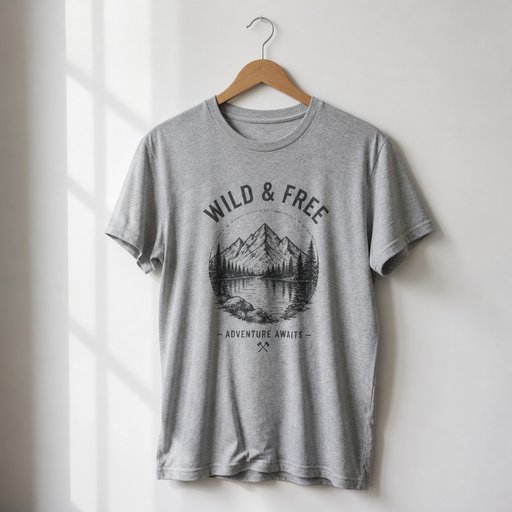
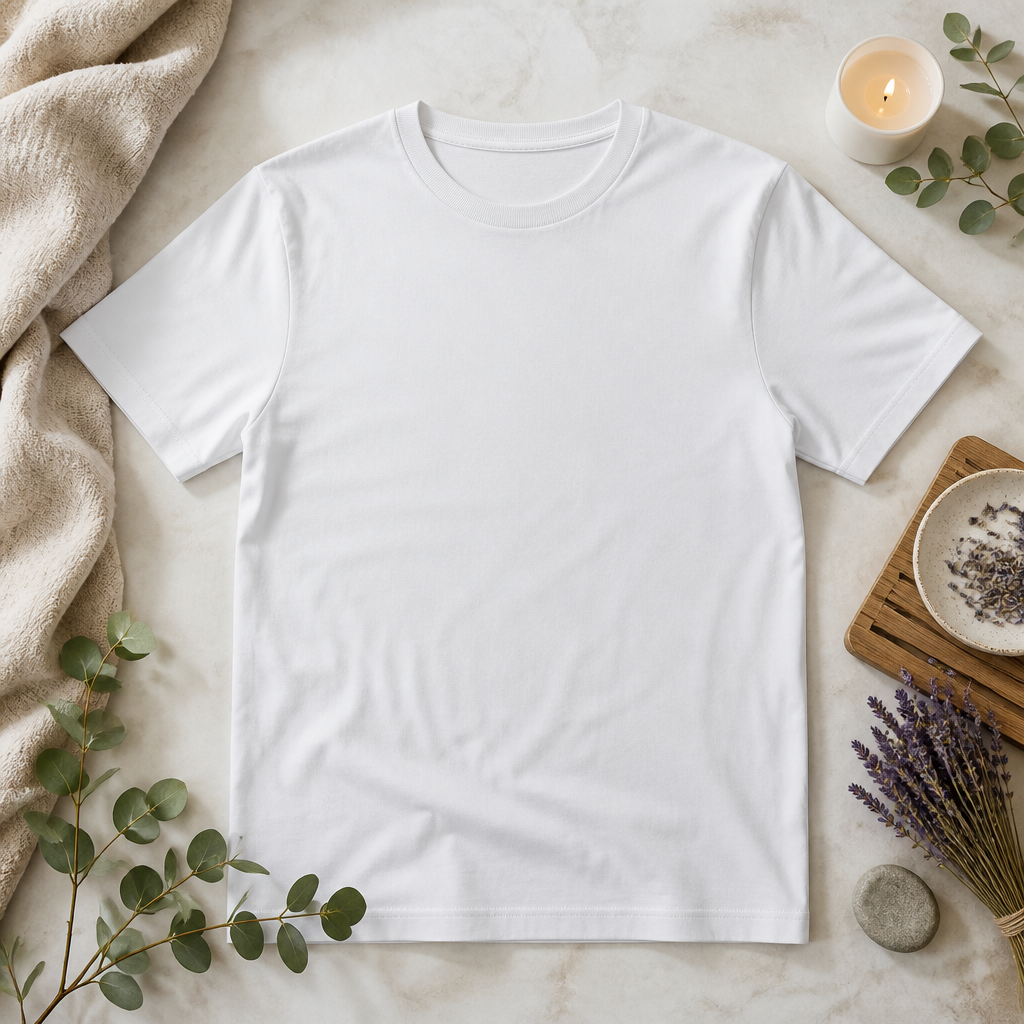
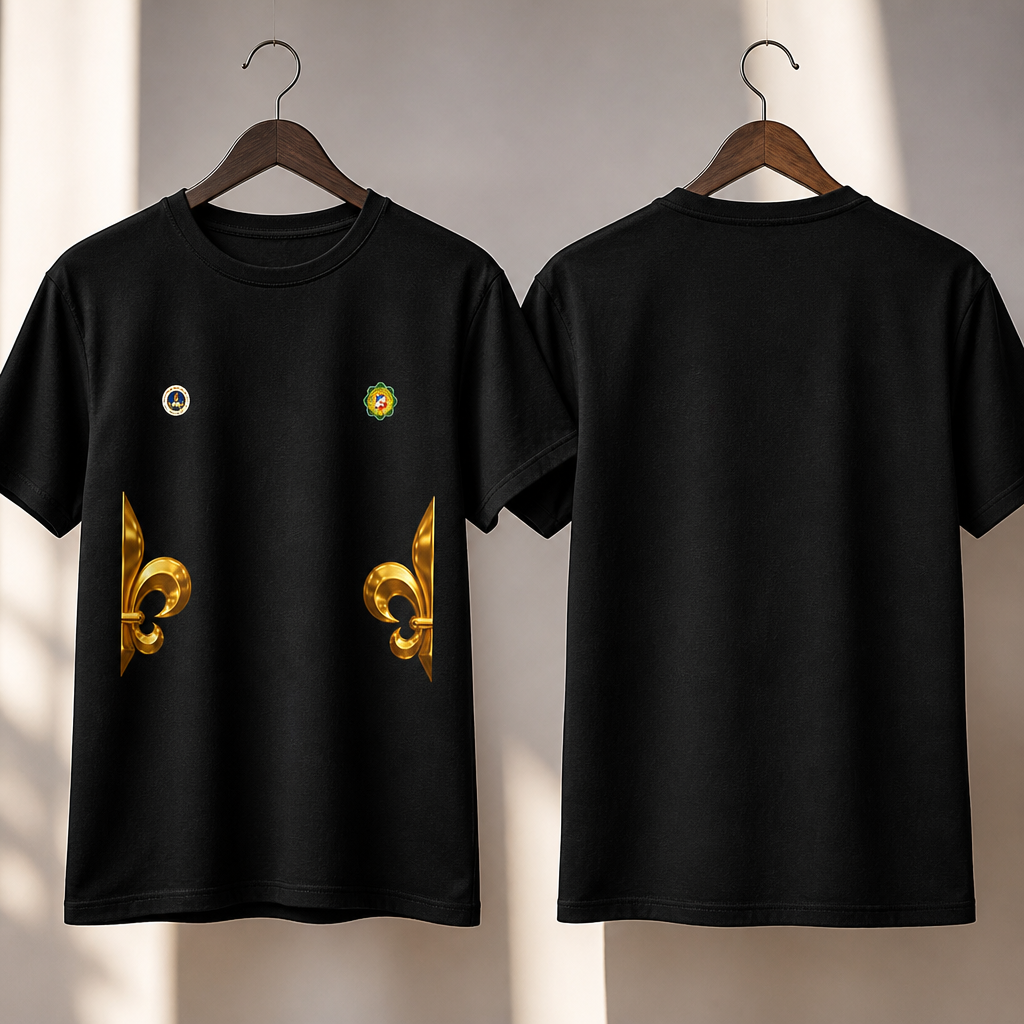
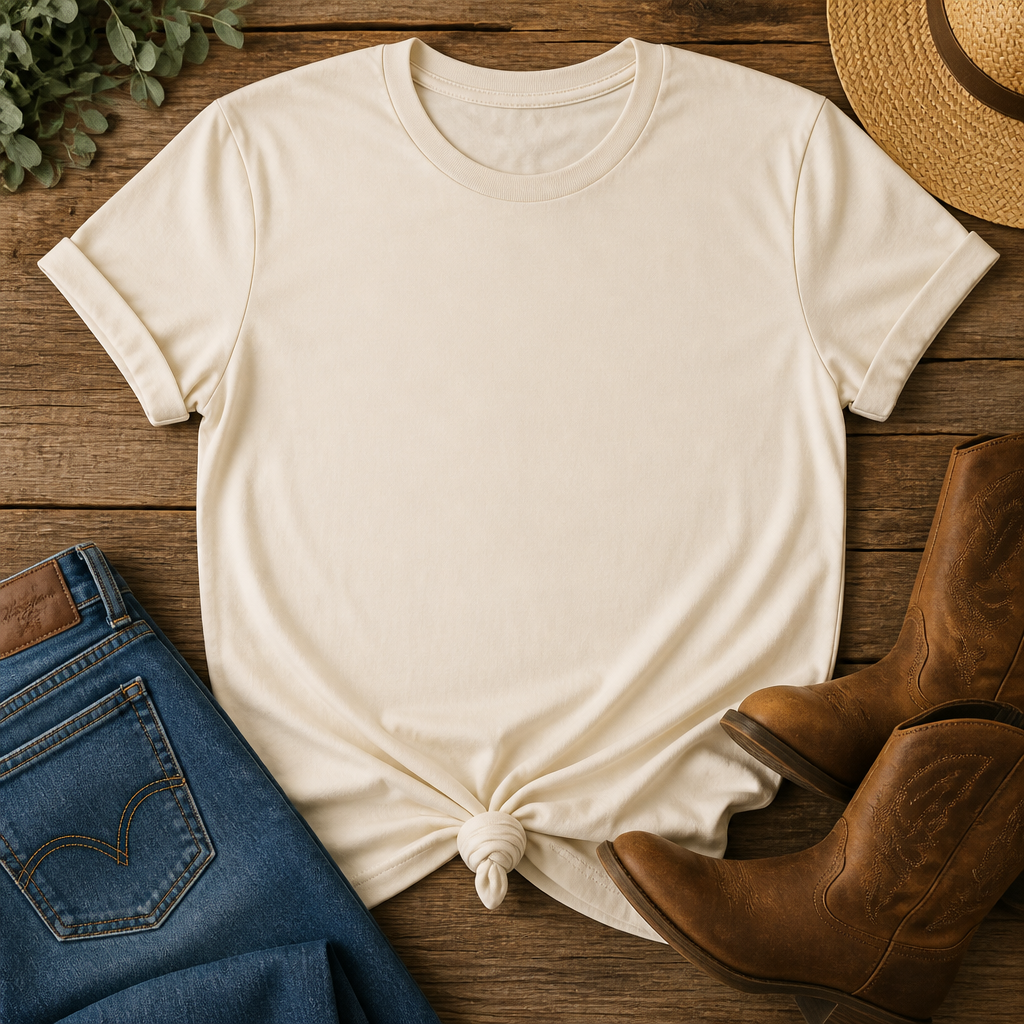
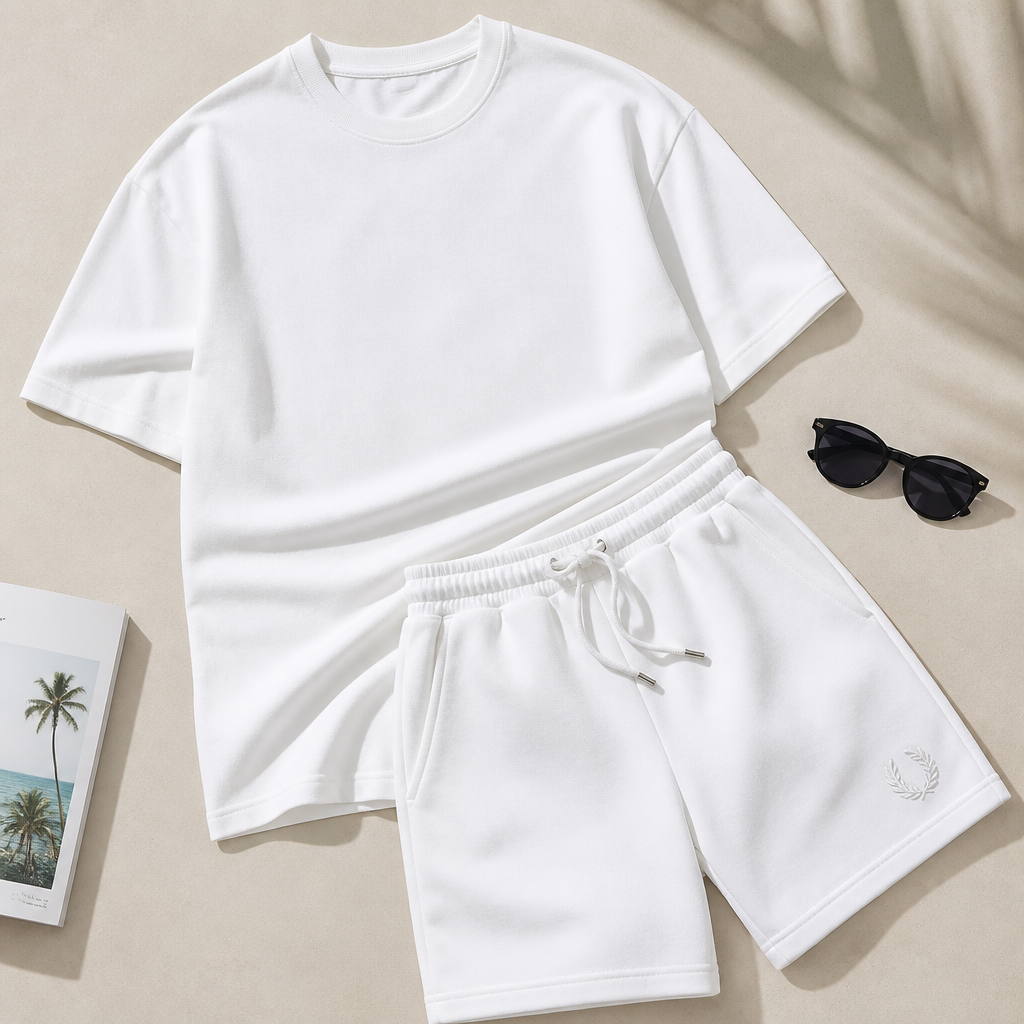
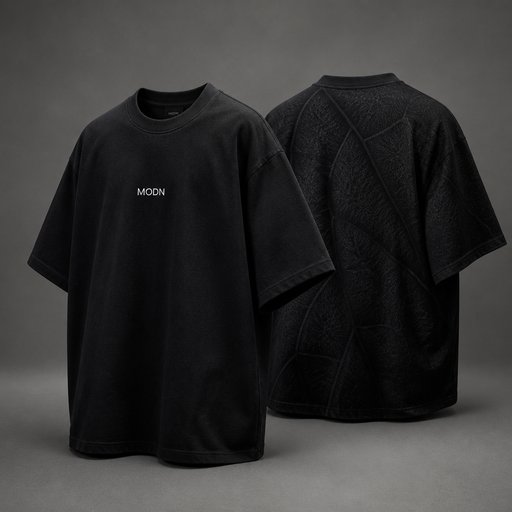
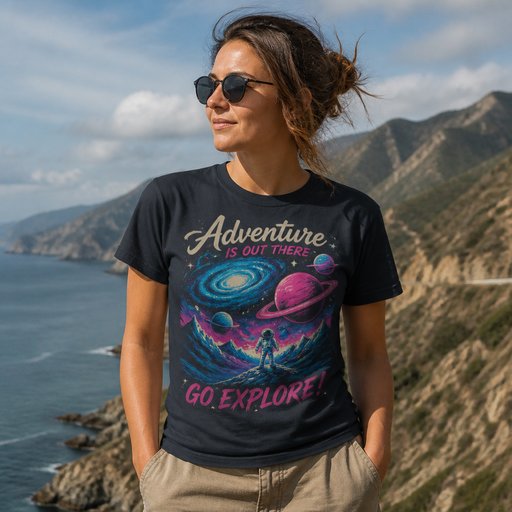
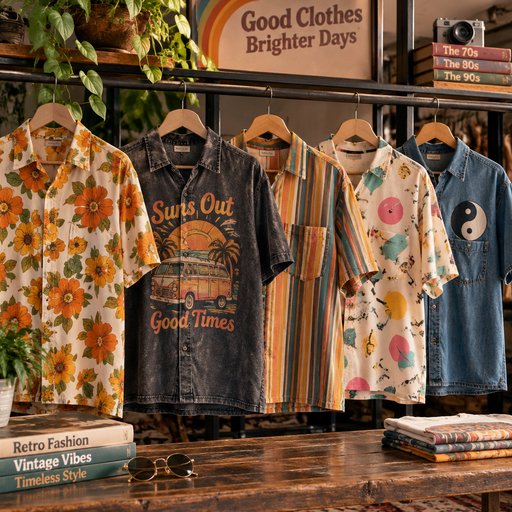
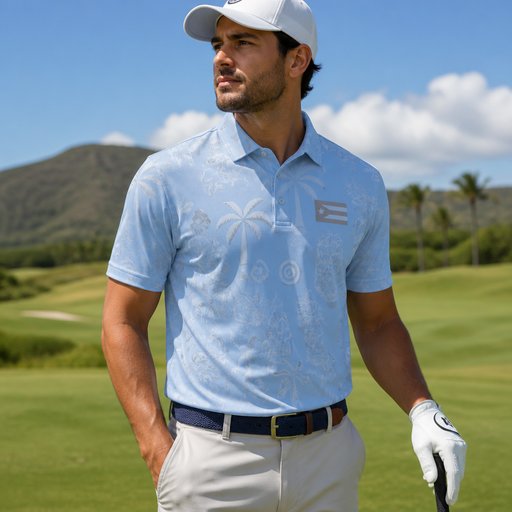
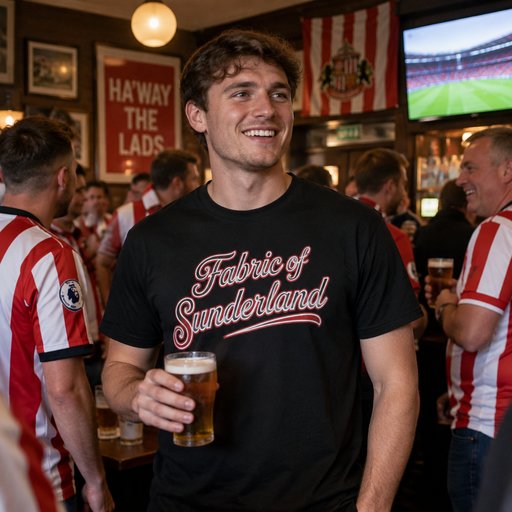
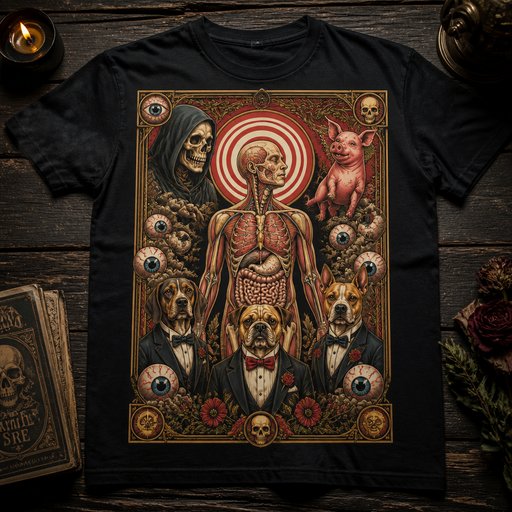
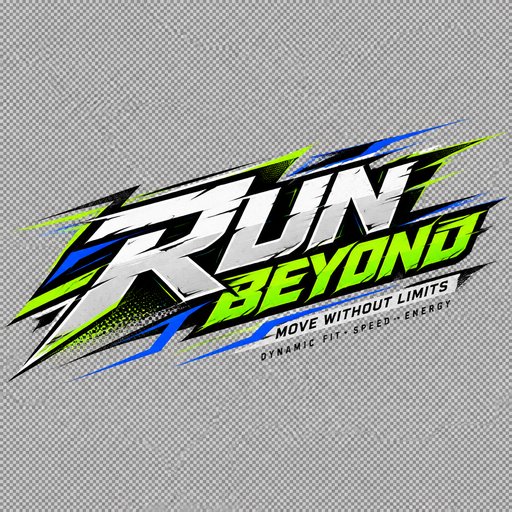
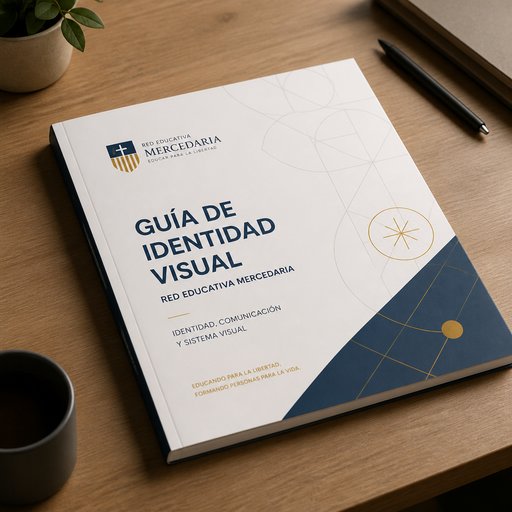
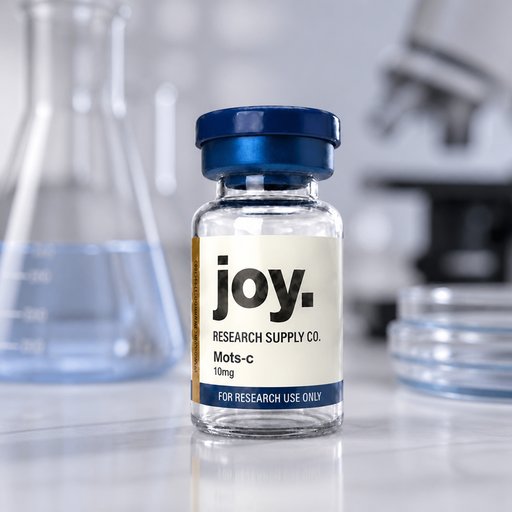
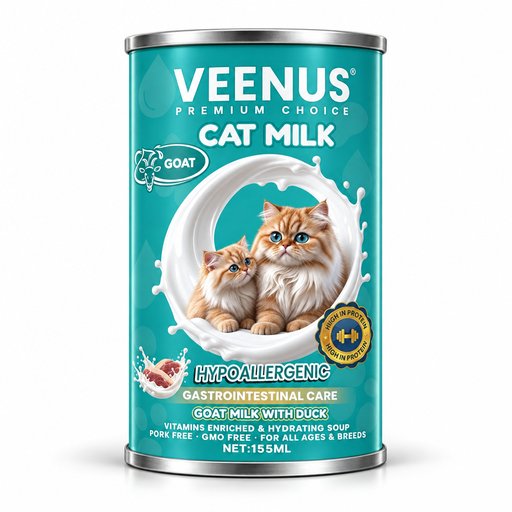
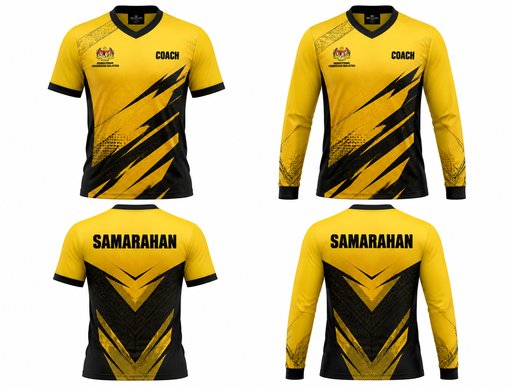
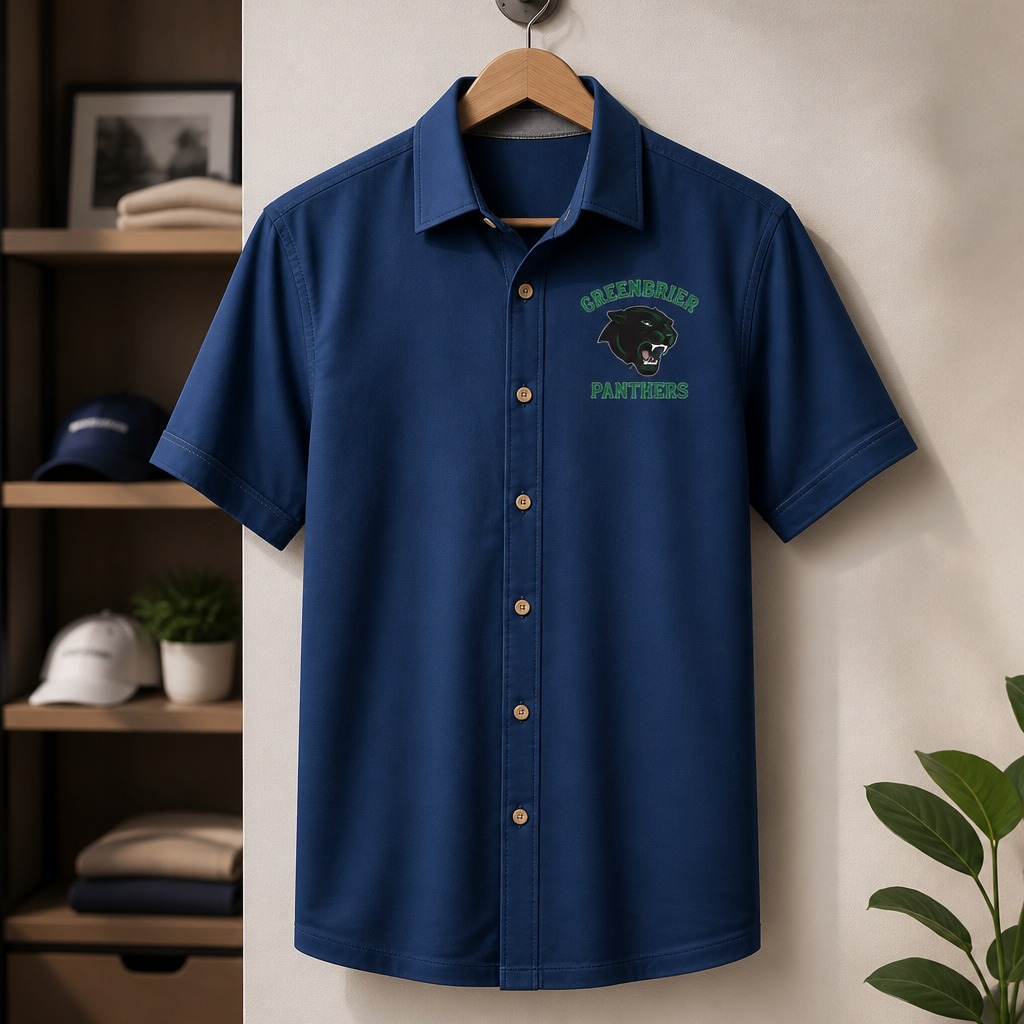
Print-on-demand listings live or die on the mockup. Upload the exact artwork you plan to print and render it on tees the way a customer will see them: worn by a model in daylight, folded in a flat lay, hanging in a lookbook — with your design following the fabric’s folds instead of floating above them.
- Photorealistic lighting, shadows and materials
- Upload your own design, logo or artwork
- Any scene you can describe — no template hunting
- Edit, restage, upscale and animate afterwards
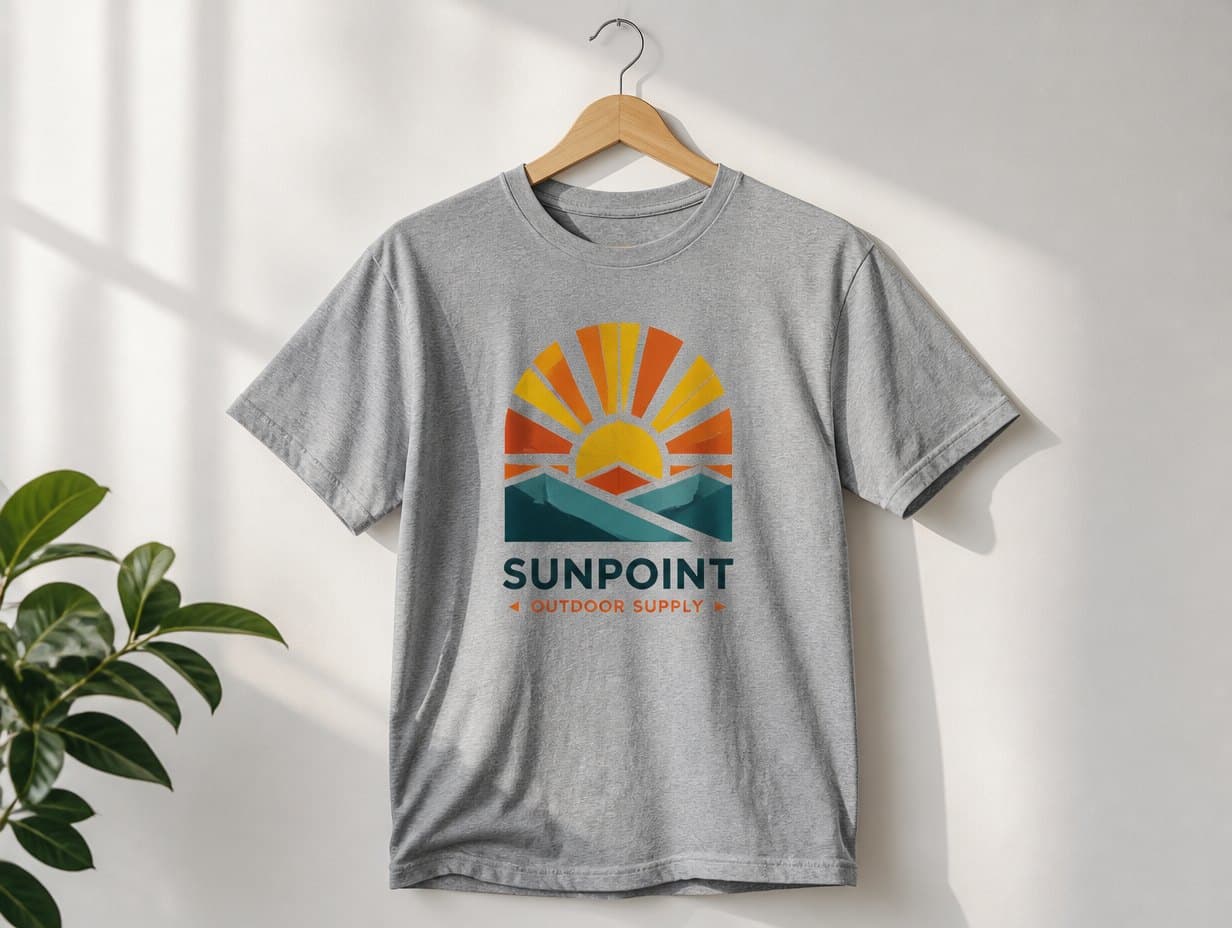
Generated with Mockup Generator — “Photorealistic mockup of a white t-shirt worn by a model, the uploaded artwork p…”
Prompt ideas to start from
Fresh from the community
![Top Status Bar (iPhone 13 Pro style):
· Left: [Time] [Signal/Dots] [Wi-Fi]
· Center: [Time] (e.g., 18:40)
· Right: [Battery Icon] 60%
Header (Blue icon):
· Back Arrow | [Blue Circle Icon] Oagile Mosetlhe | [Video Icon] [Phone Icon] [Menu Icon]
Chat Messages:
17:41 (Date/time)
[Image: Man holding wine glass]
(You) 18:14 (Green bubble)
spurs e sign gakpo
(You) 18:28 (Green bubble)
[Photo Icon] Photo
(You) 18:28 (Green bubble)
chomi yae are wao nyaka
(Them) 18:39 (Gray bubble)
Mara mfan wang hafela wayitsi 😂😂😂😭
(Them) 18:39 (Gray bubble)
no serious man 🤔
(You) (Quote bubble replying to self)
spurs e sign gakpo
Ere ke bone 😭
(You) 18:39 (Green bubble)
[Photo Icon] Photo
[Image: Man in blue jacket with media backdrop]
Bottom Input Bar:
· [Smiley Icon] [Text field: "Message"] [Paperclip Icon] [Camera Icon] [Microphone Icon (Green)]](https://media.mockupgenerator.com/d9a11c5c-4a4b-4787-8168-36d6823b46ba-thumbnail.jpg)
Frequently asked questions
How is this different from a Placeit-style template?
Templates paste your art into a fixed photo through a smart object, so every seller’s listing looks the same. Here each image is generated fresh — you choose the model, pose, scene and shirt color in words, and the print warps naturally with the fabric.
How many credits does a shirt mockup with my design use?
The uploaded design adds 2 credits to the render: 4 credits at Draft, 14 at Standard. The 2 free starter credits cover a described-from-text Draft mockup without an upload; plans start at $15/month for 1,000 credits.
Can I reuse the same design across many shirt scenes?
Yes — upload it once per session and run as many scene variations as you like: colors, models, flat lays, lifestyle shots. Each render is a separate generation, so a full listing set of 5 Standard images is about 70 credits.