AI mockup editing
Edit any mockup by describing the change
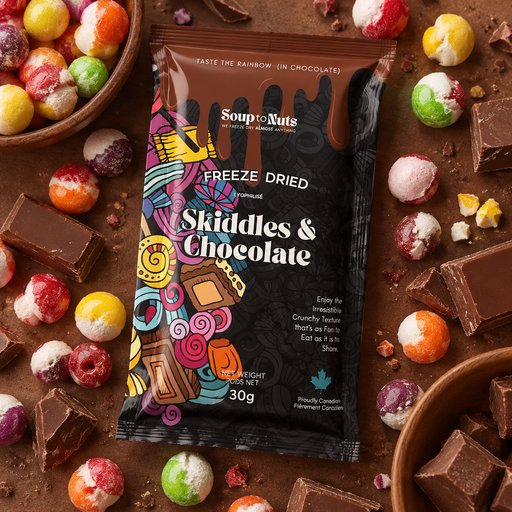
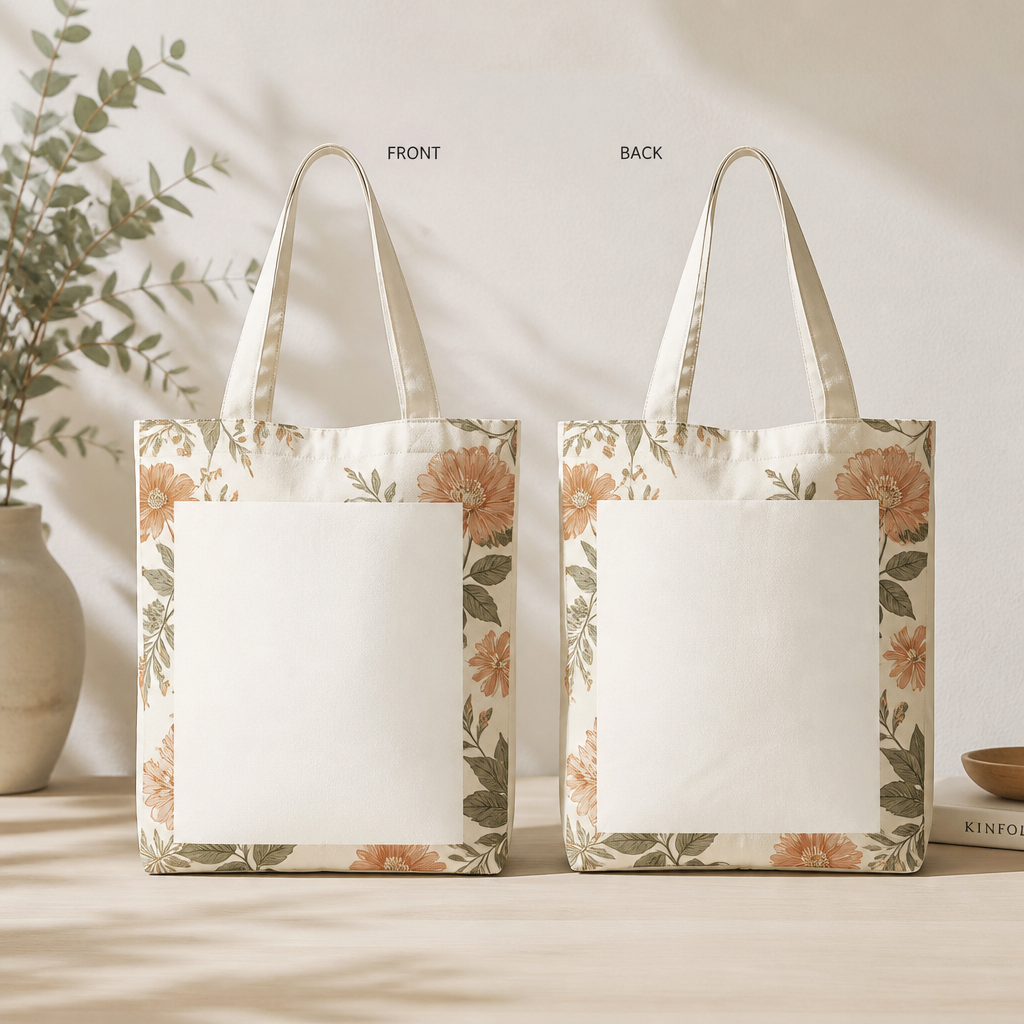
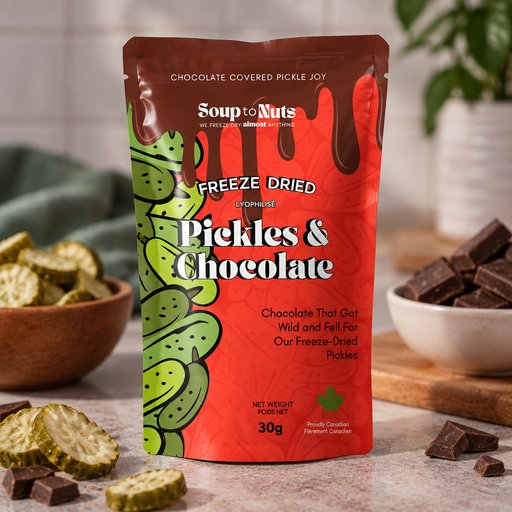
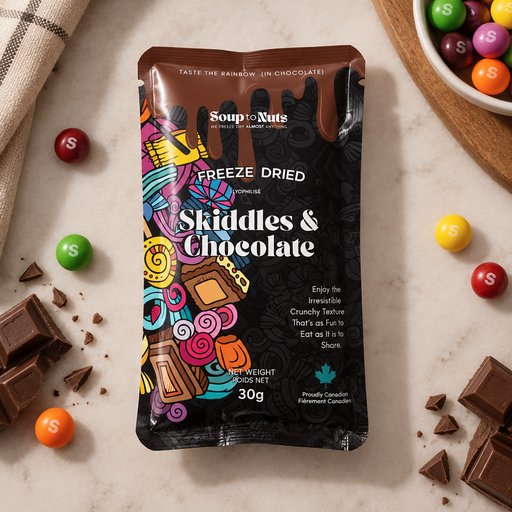
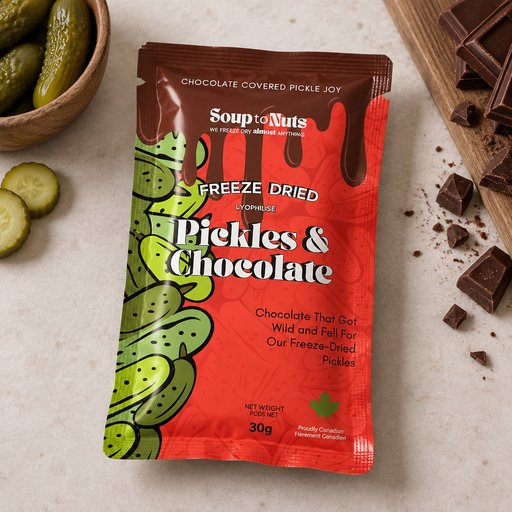
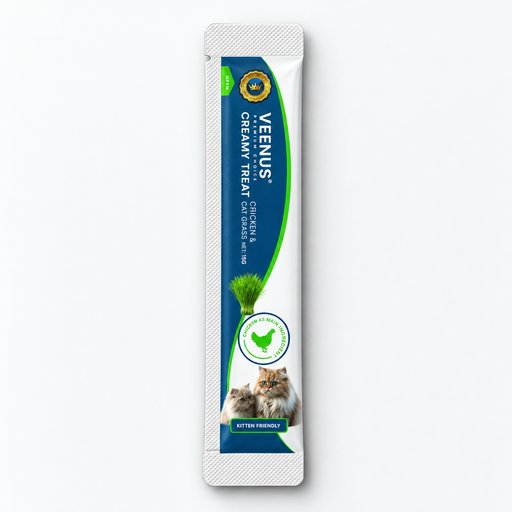
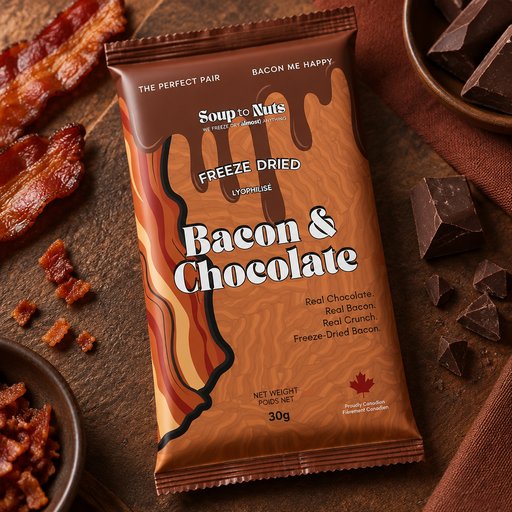
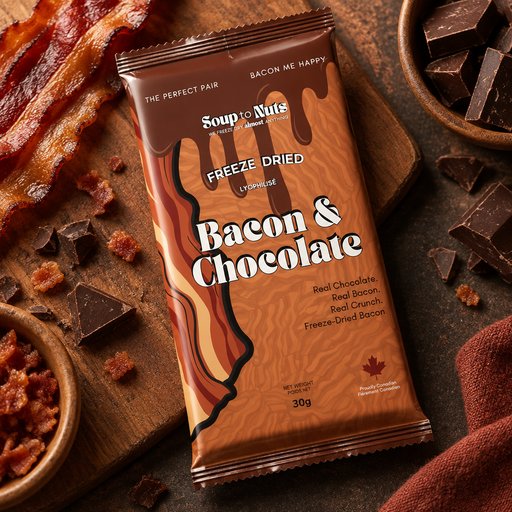
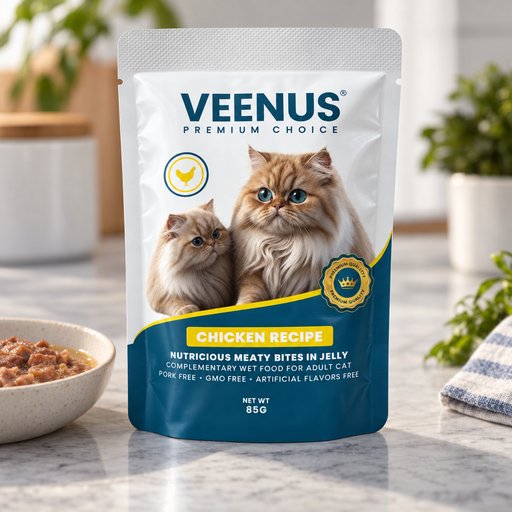
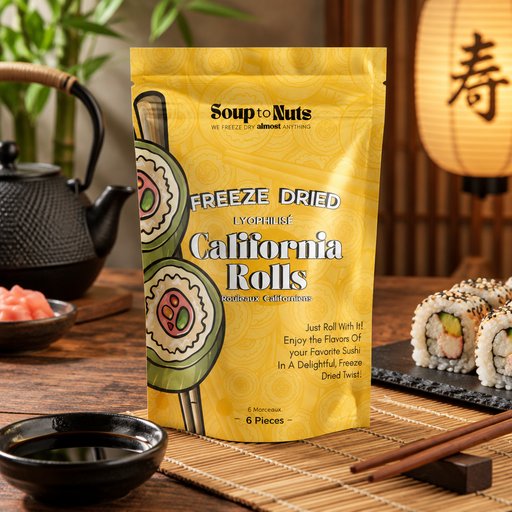
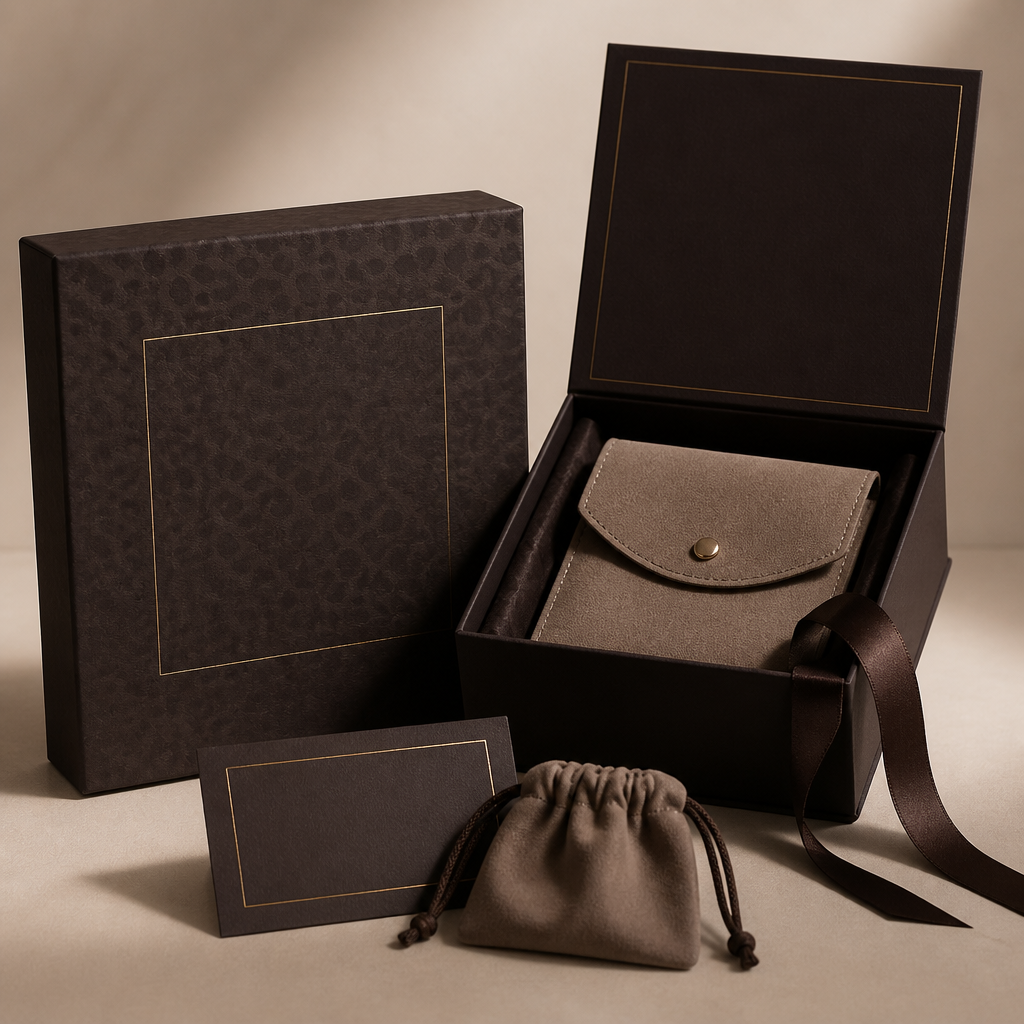
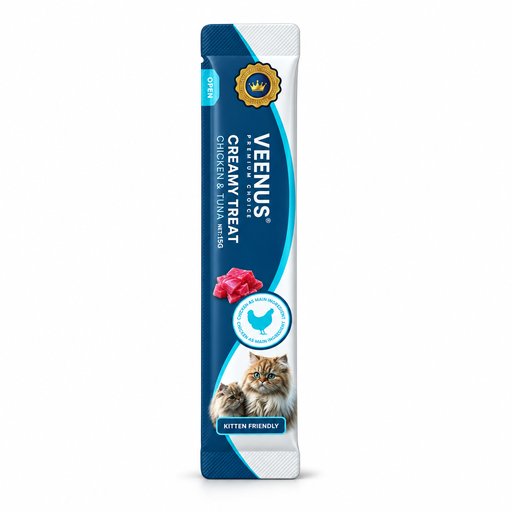
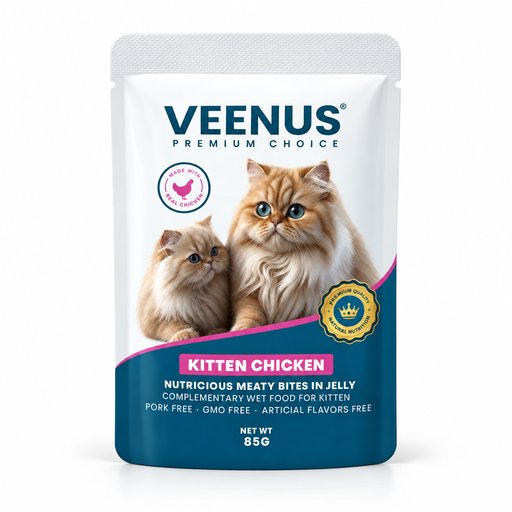
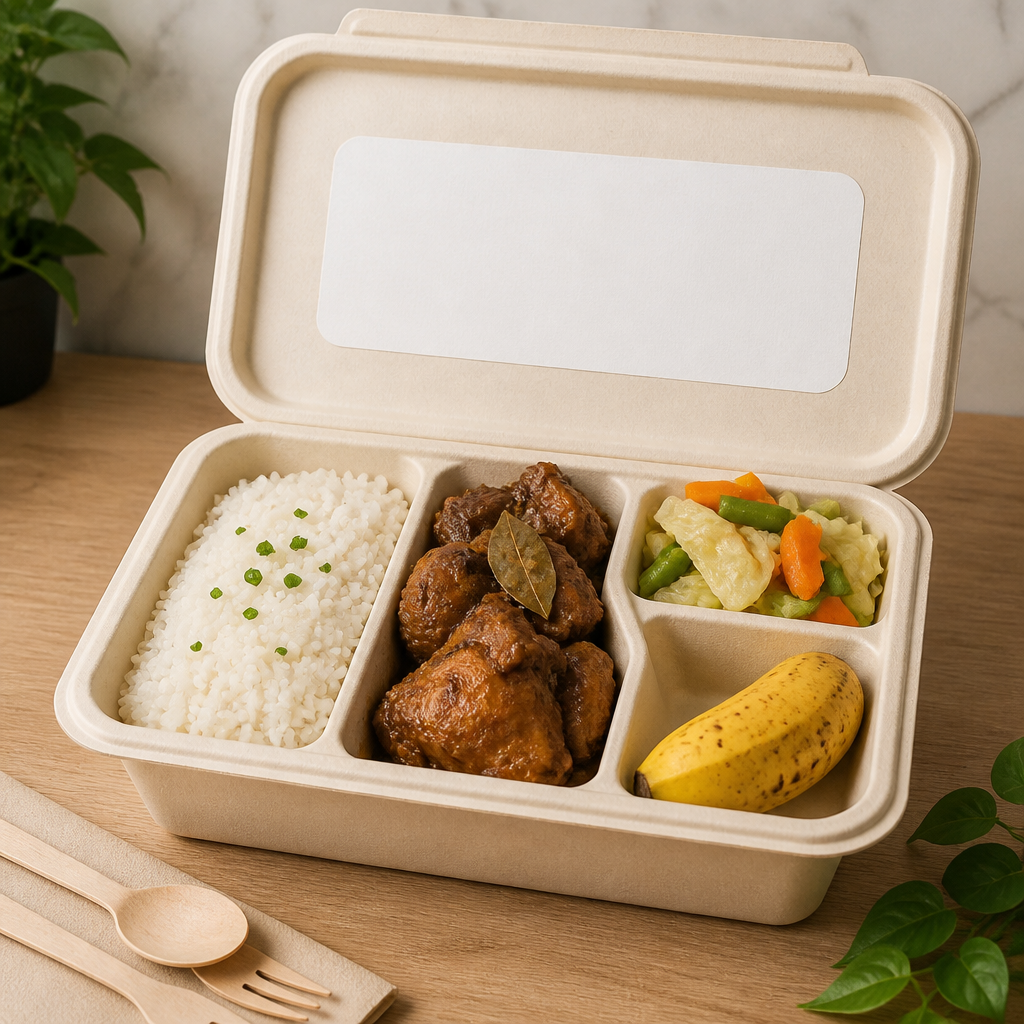
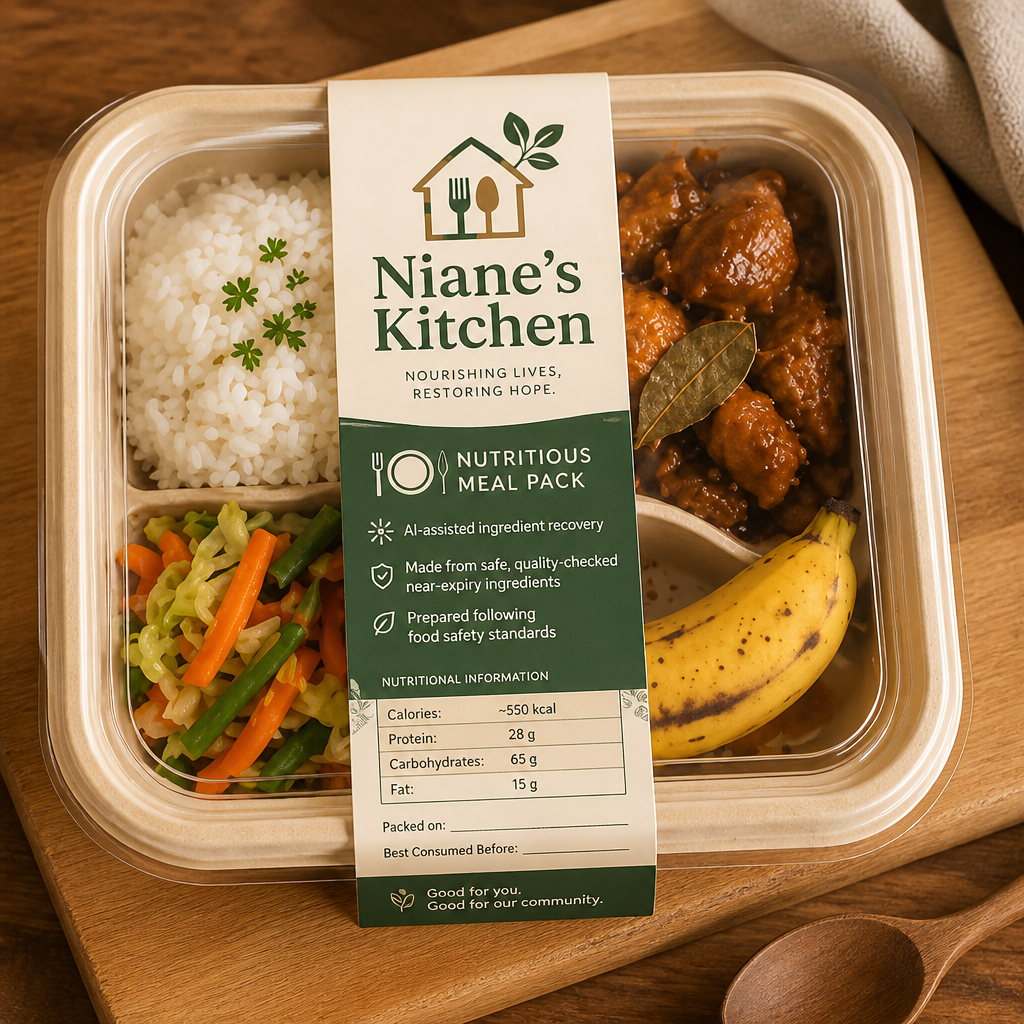
The shot is 90% right — wrong shirt color, a distracting prop, label slightly off. Instead of regenerating from scratch, open it in the Edit tool and type the fix: "make the box matte black", "remove the plant", "warmer light from the left". The scene stays; the detail changes.
- Photorealistic lighting, shadows and materials
- Upload your own design, logo or artwork
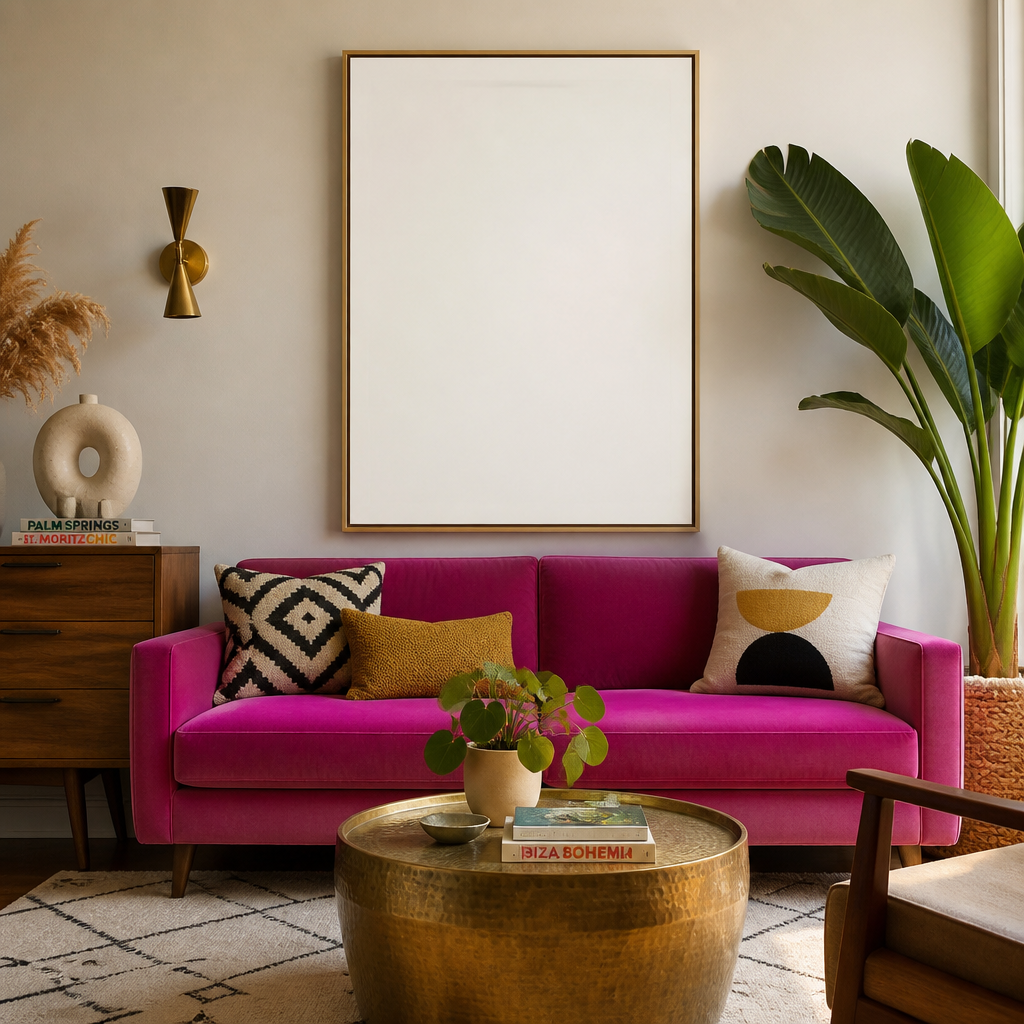
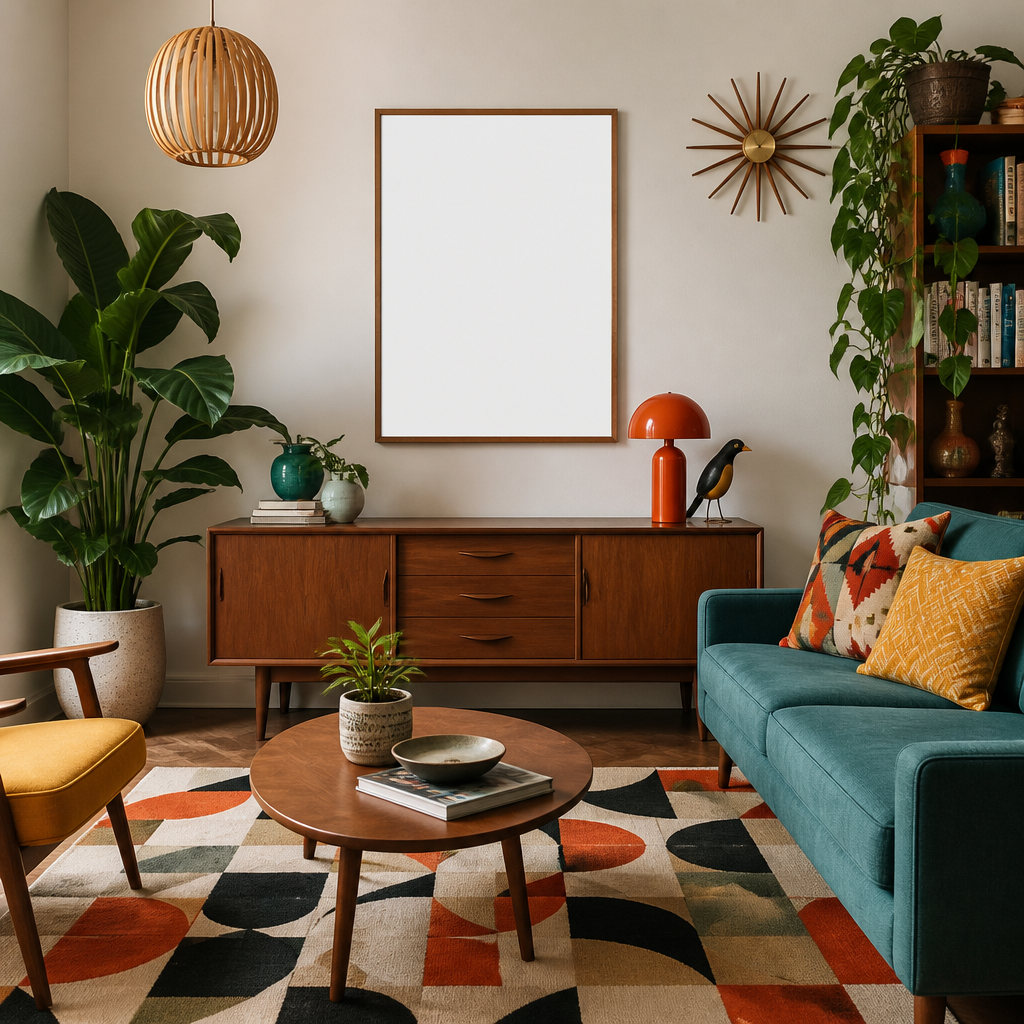
- Any scene you can describe — no template hunting
- Edit, restage, upscale and animate afterwards
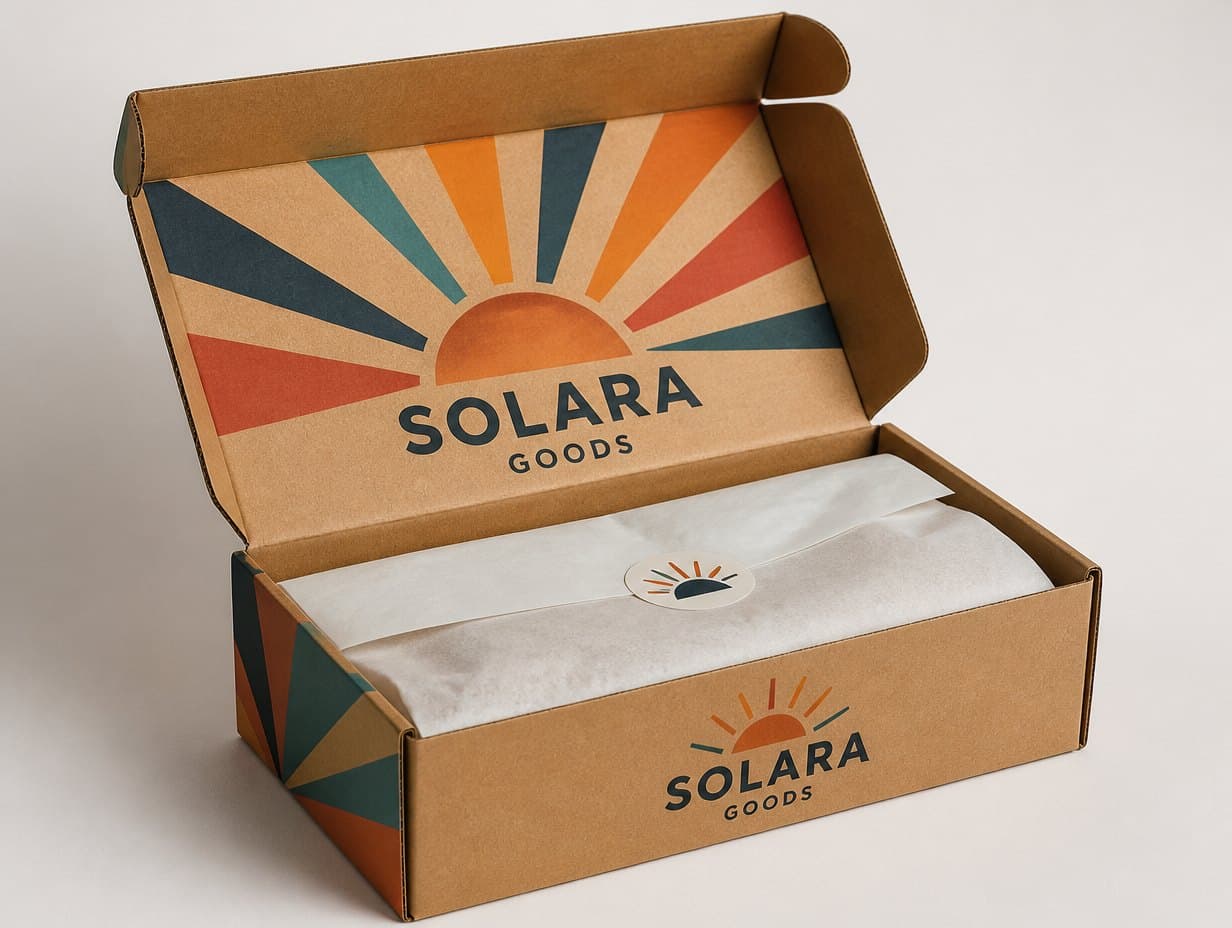
Generated with Mockup Generator — “Change the box to matte black with gold foil logo, keep the scene and lighting u…”
Prompt ideas to start from
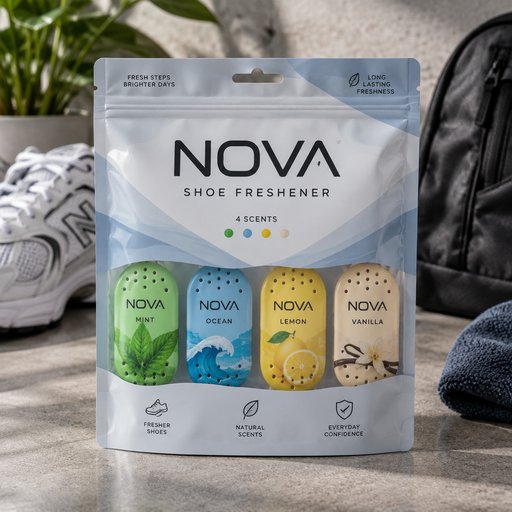
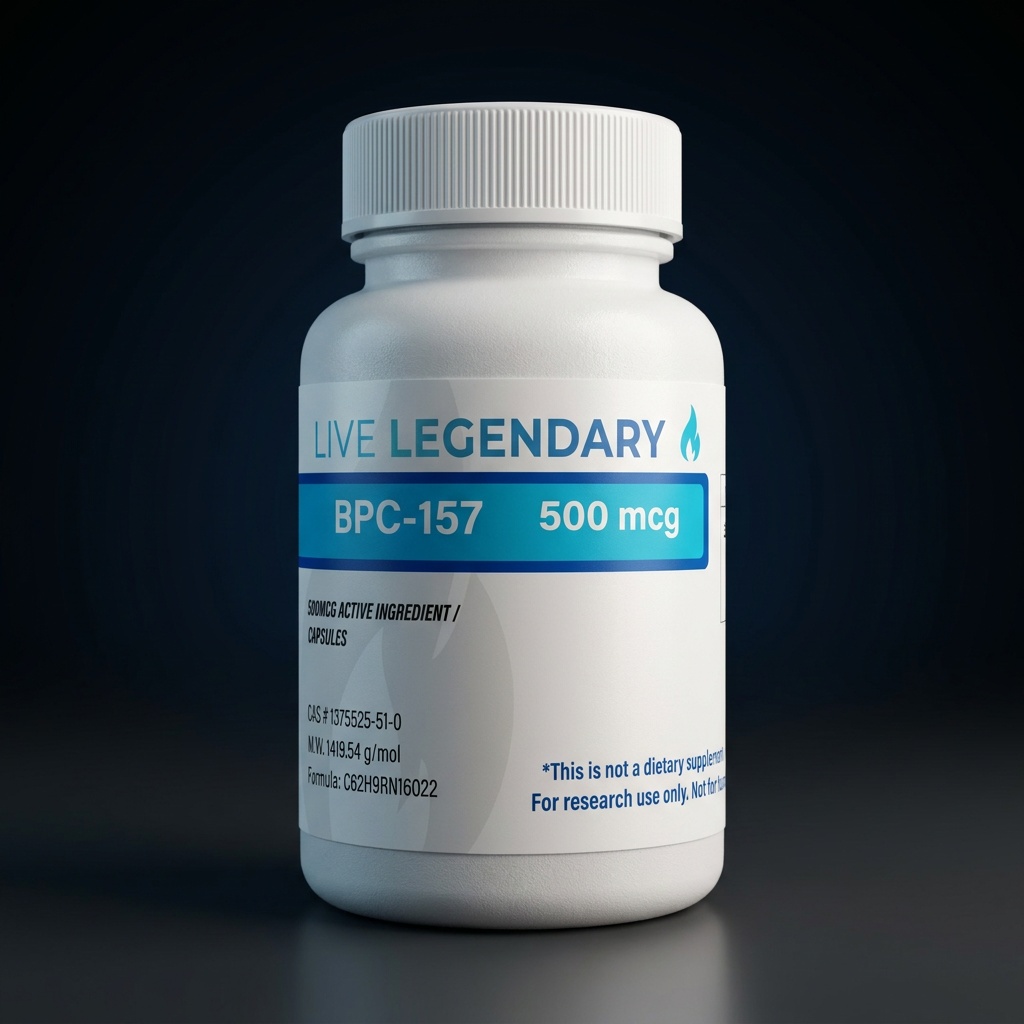
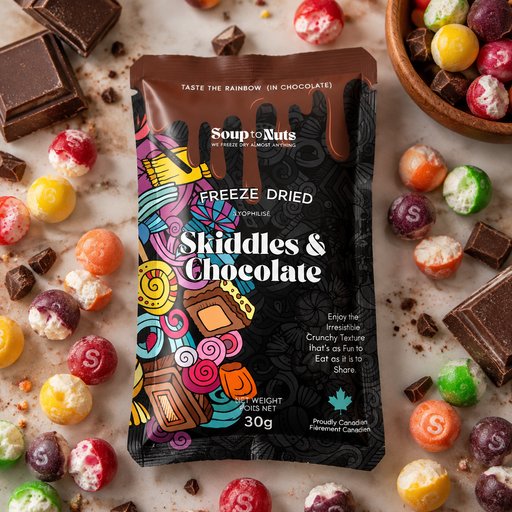
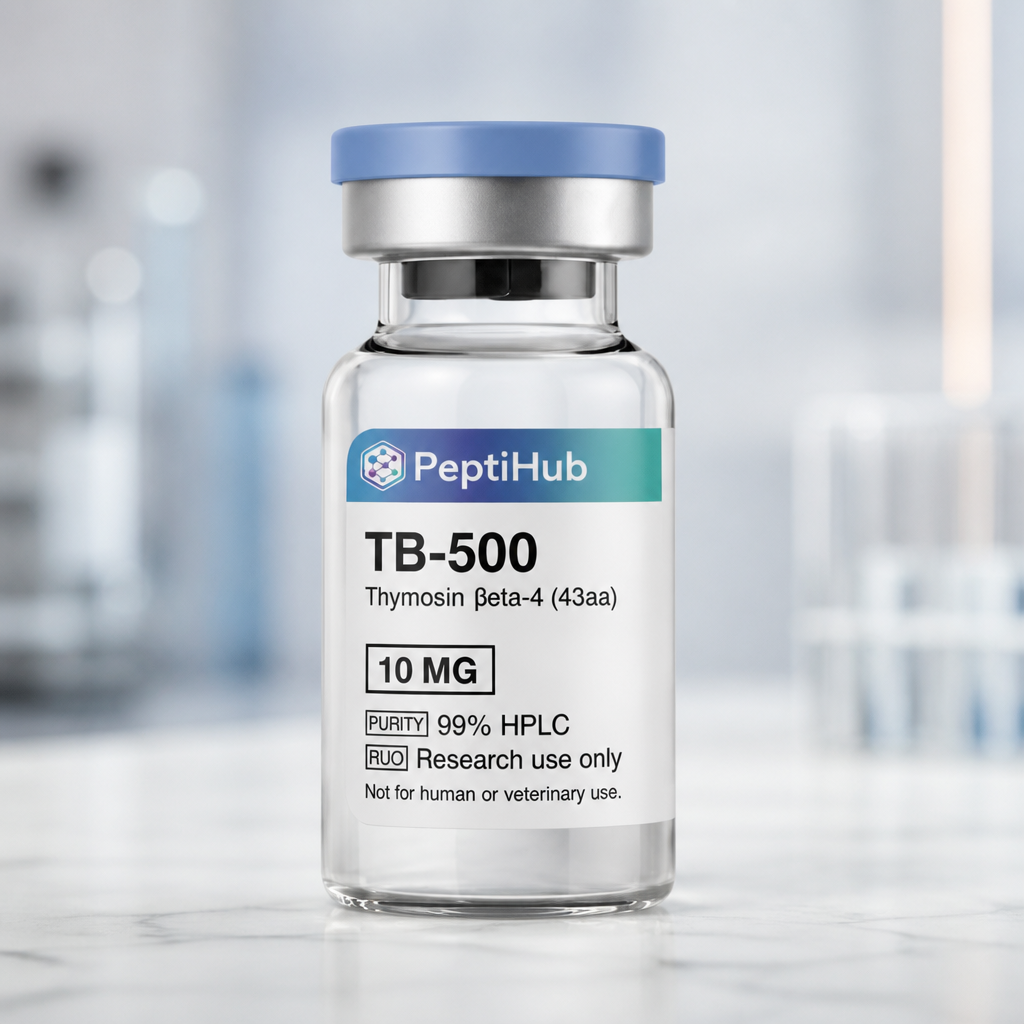
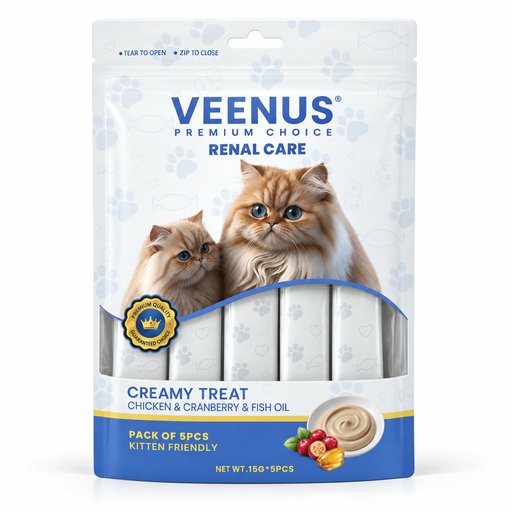
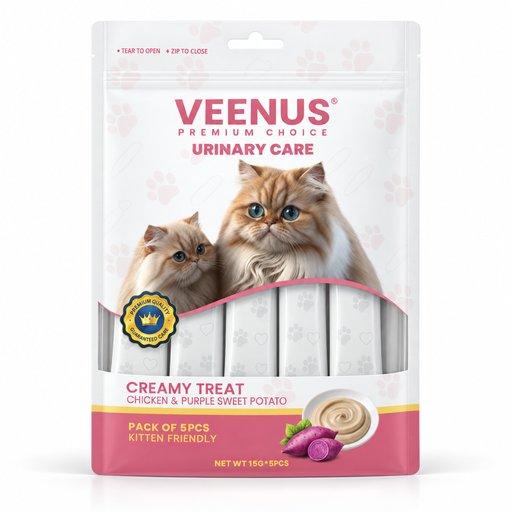
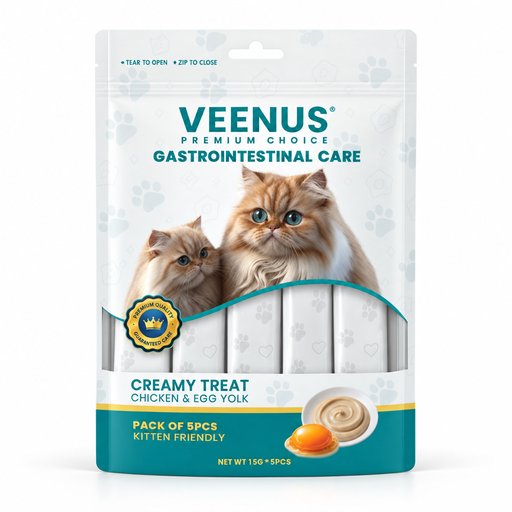
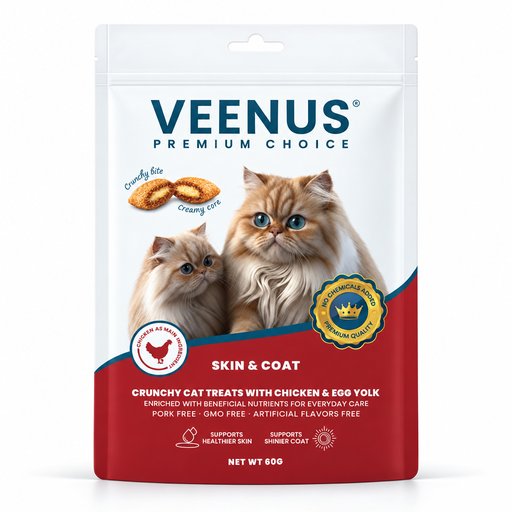
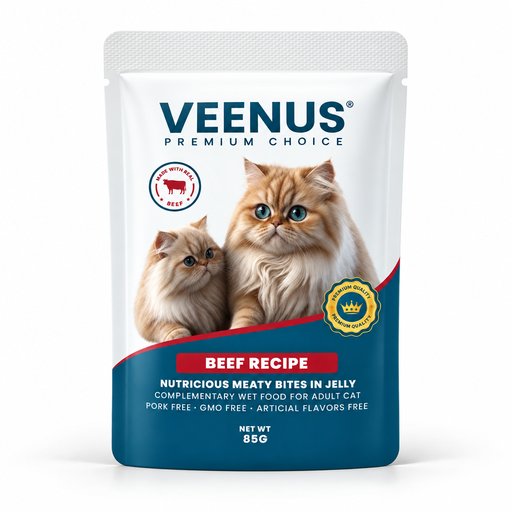
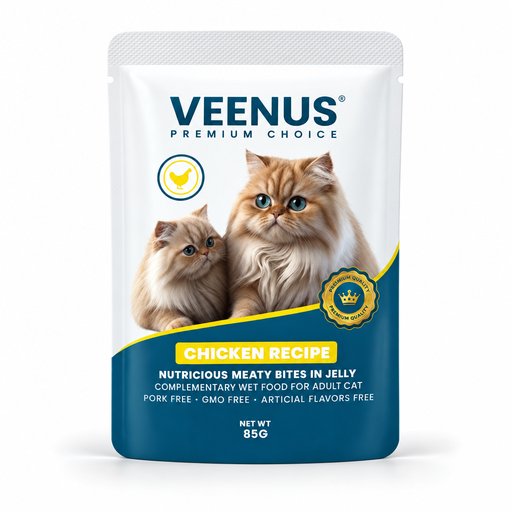
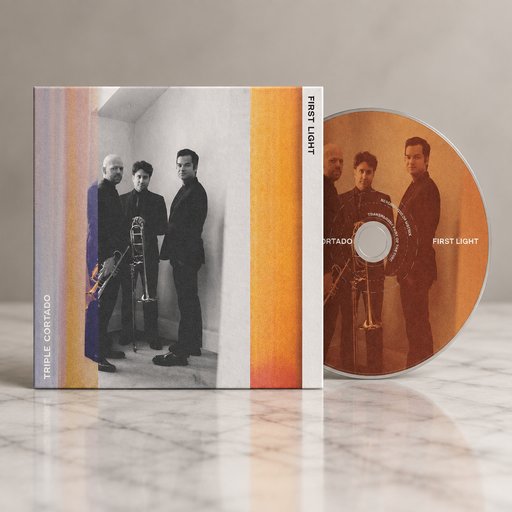
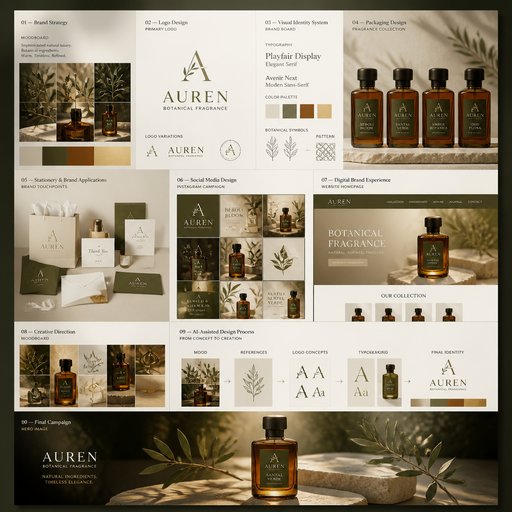
Fresh from the community




Frequently asked questions
What kinds of edits can I make?
Anything you can describe: recolor products, swap materials, add or remove props, change backgrounds, adjust lighting and mood, or fix small artifacts. The editor regenerates only what your instruction touches and keeps the rest of the image consistent.
How much does an edit cost?
Edits cost 4 credits at Standard quality (14 Pro, 47 Max). The 2 free credits new accounts receive cover a Draft generation rather than an edit, so editing sessions run on a plan — from $15/month for 1,000 credits, that’s 250 Standard edits.
Can I edit mockups I made somewhere else?
Yes — upload any image into the Edit tool, including renders from other tools or real photos, and apply the same described-in-words changes.