AI mockup background swaps
Keep the product. Change the world around it.
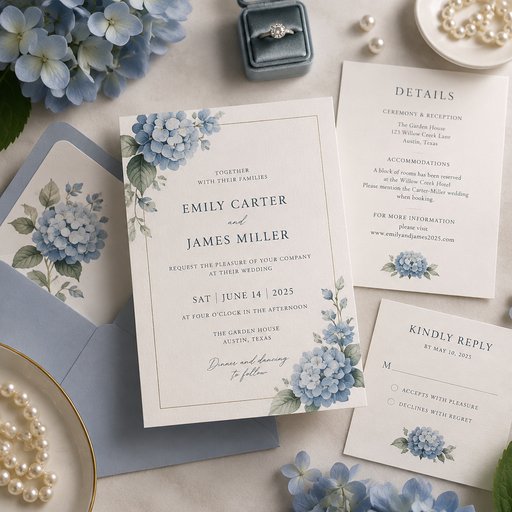
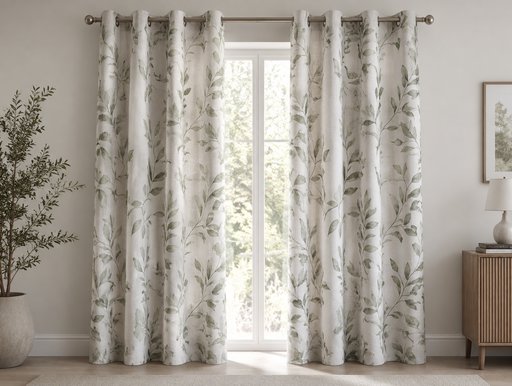
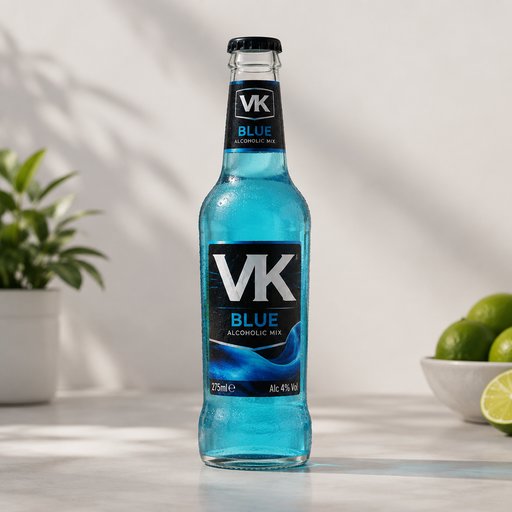
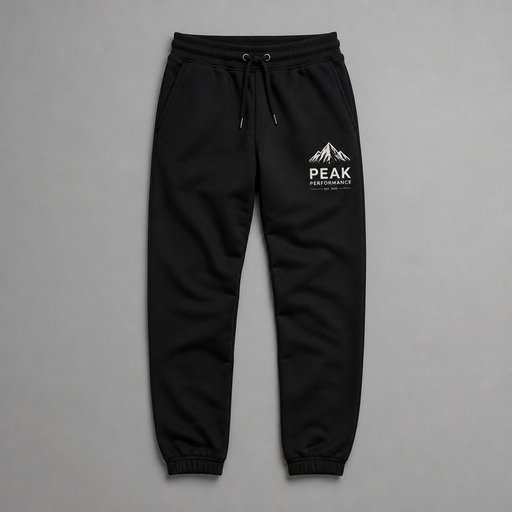
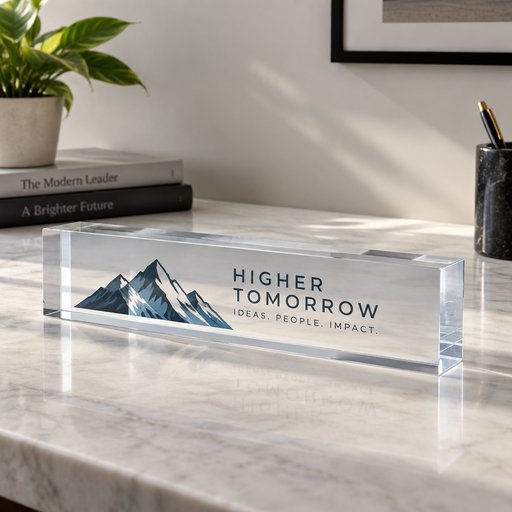
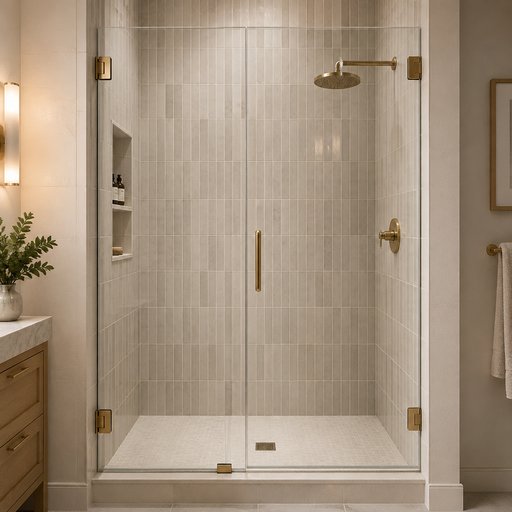
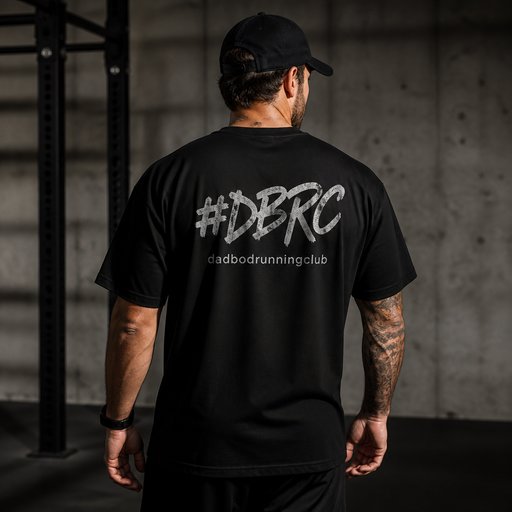
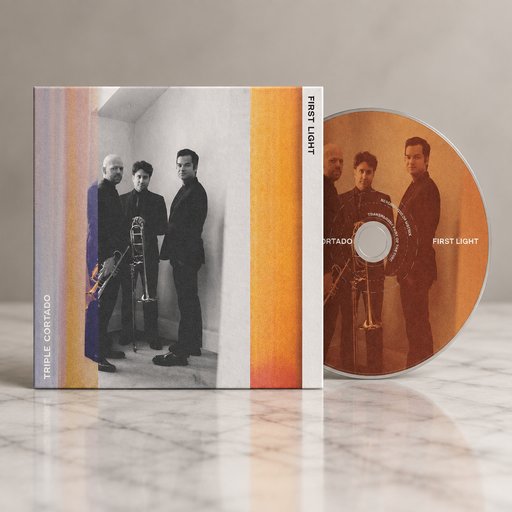
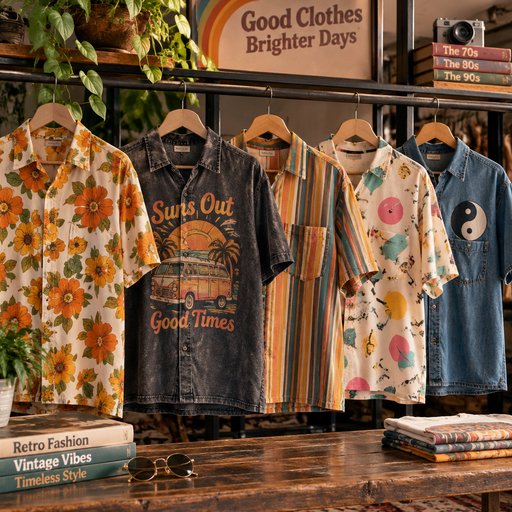
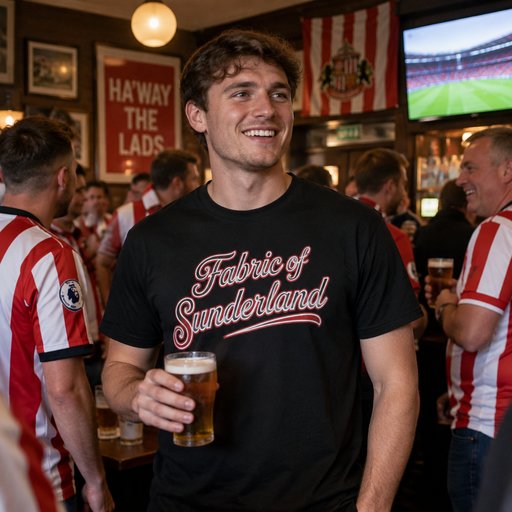
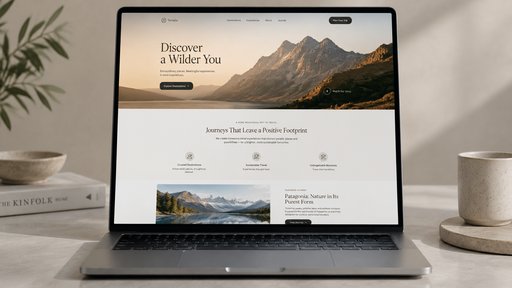
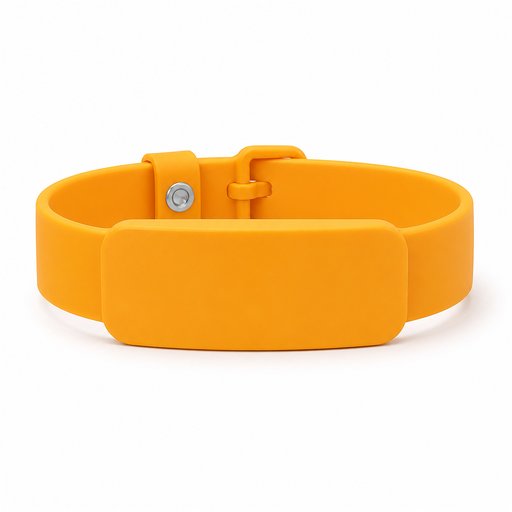
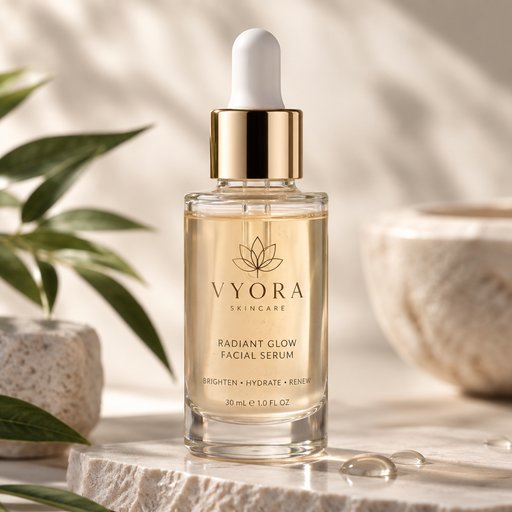
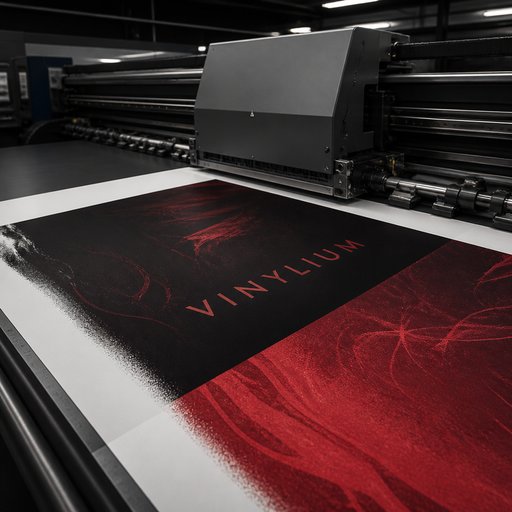
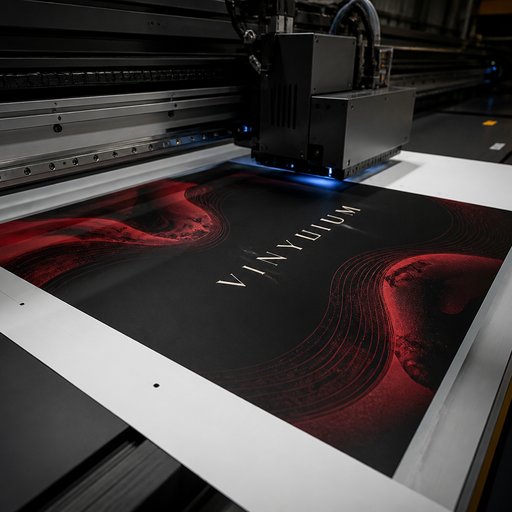
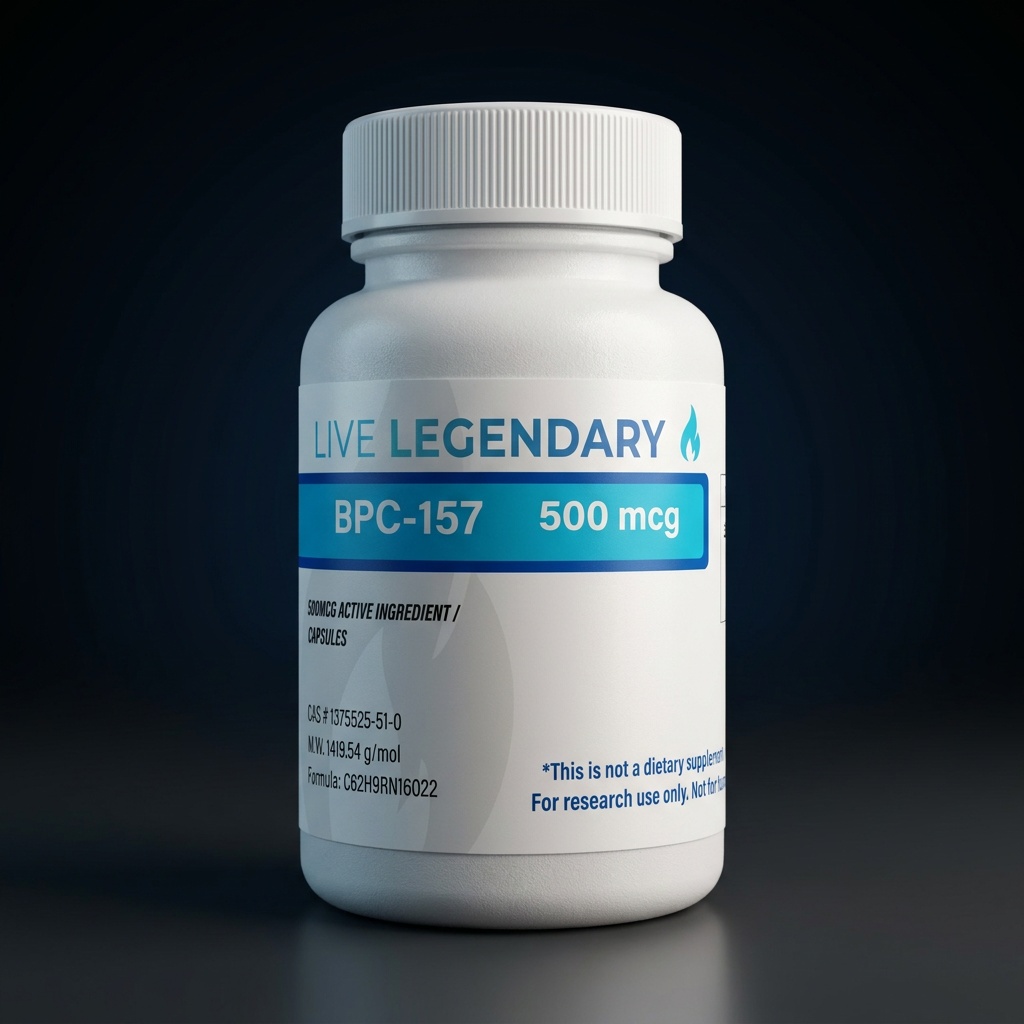
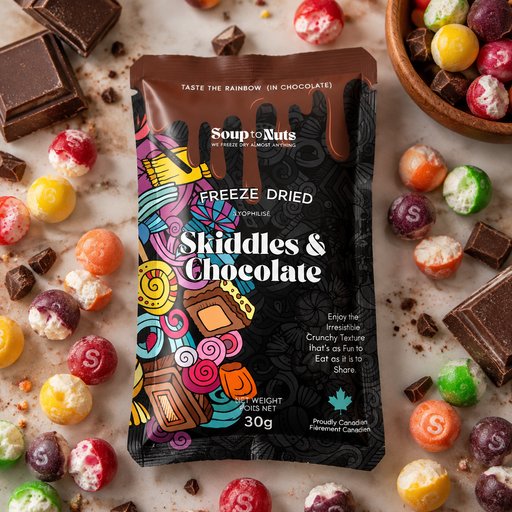
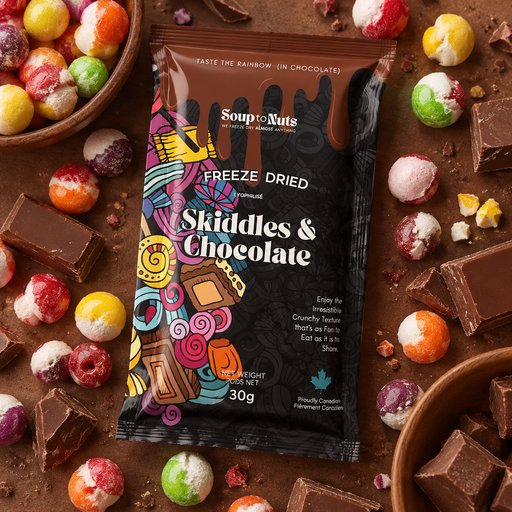
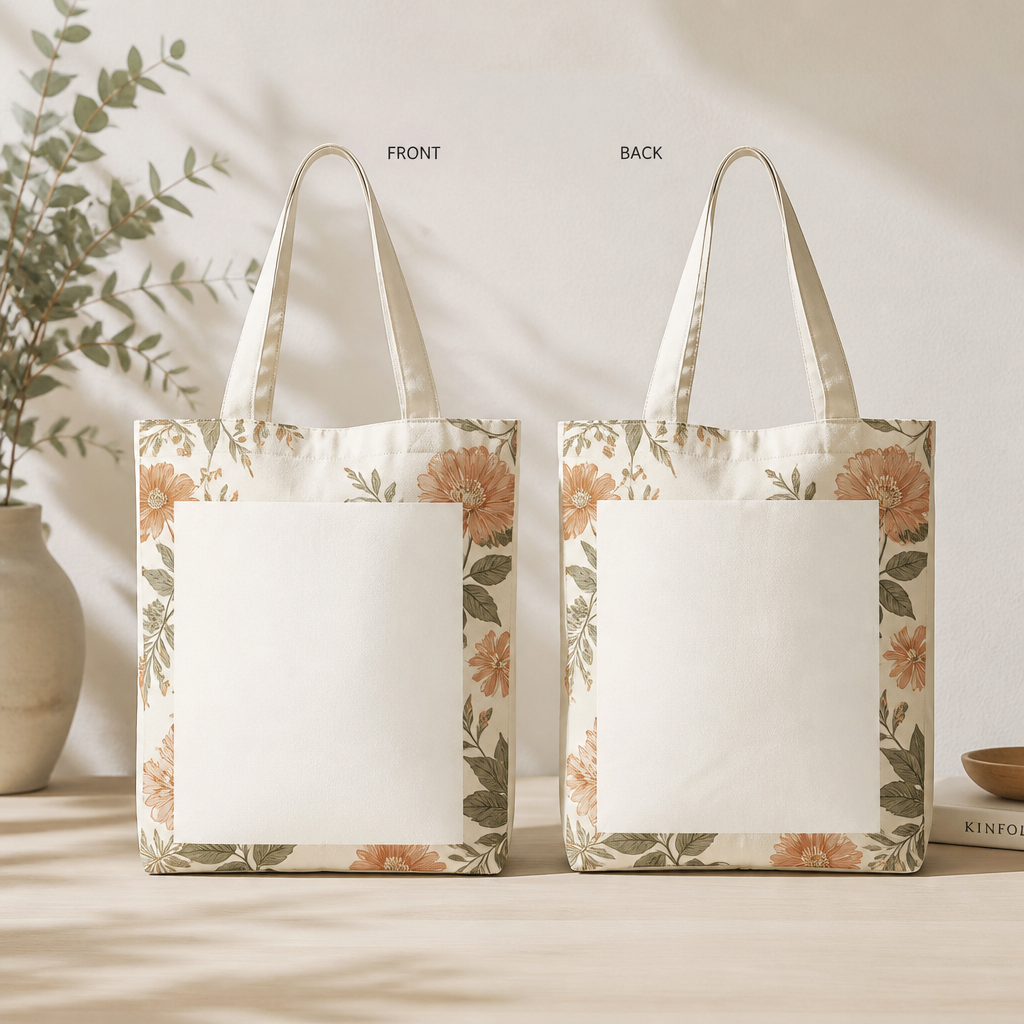
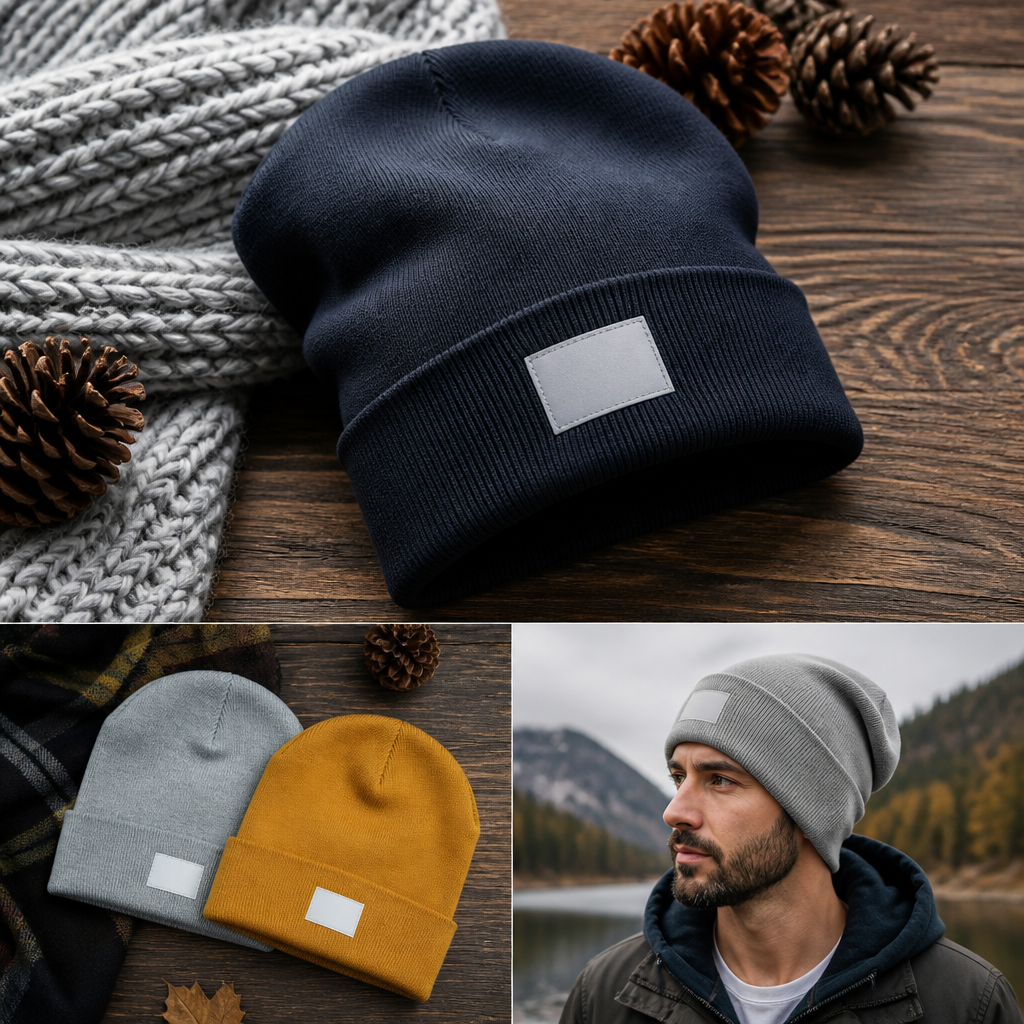
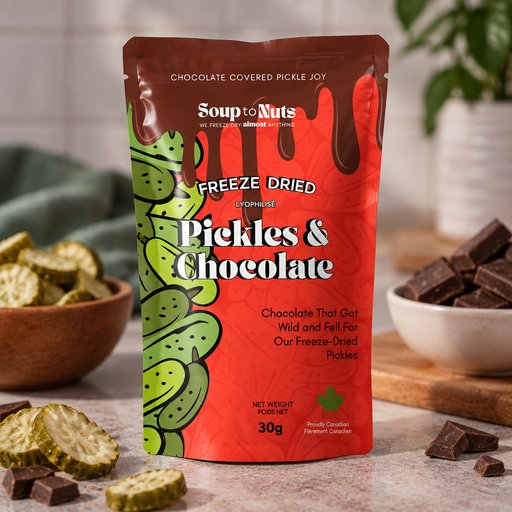
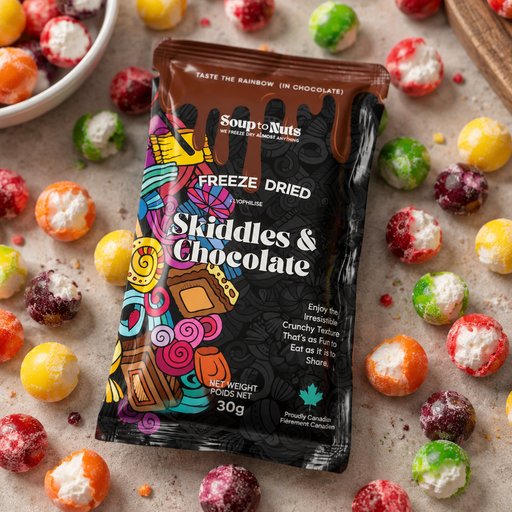
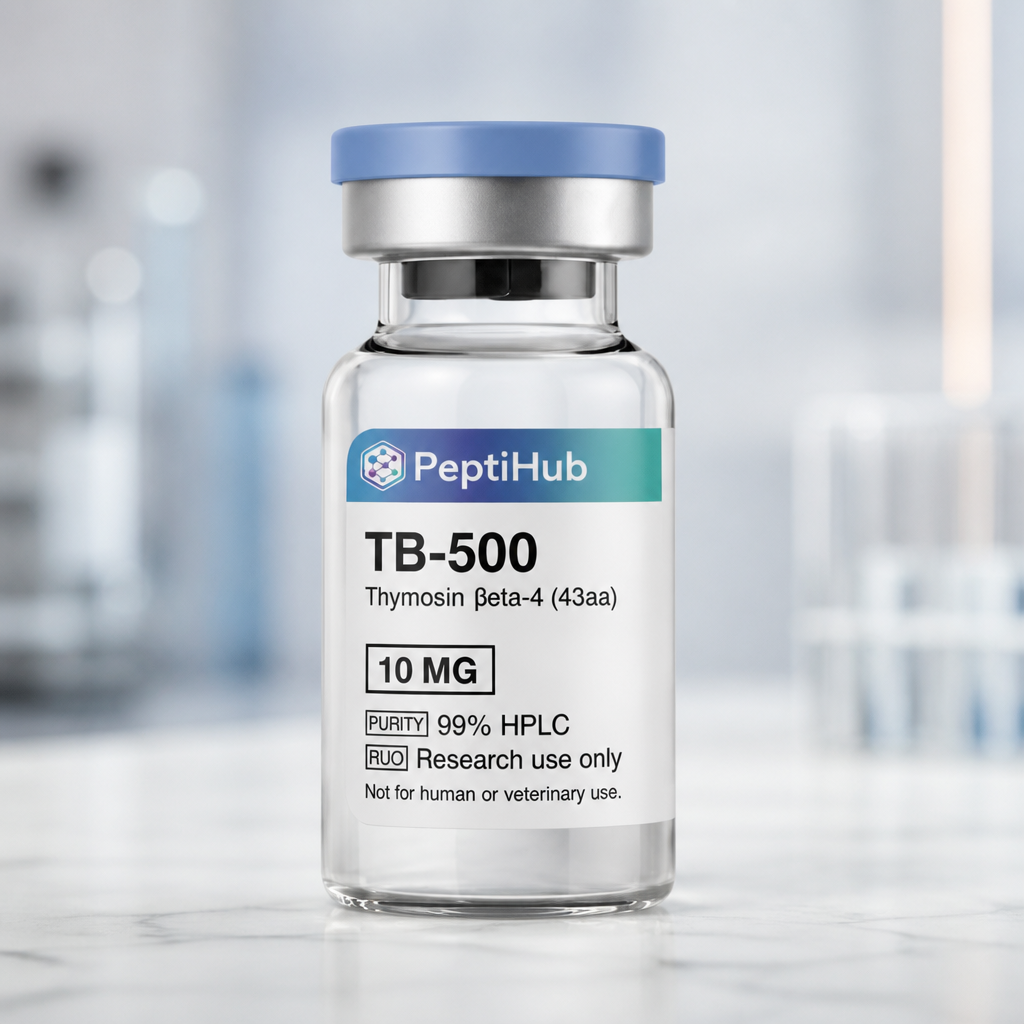
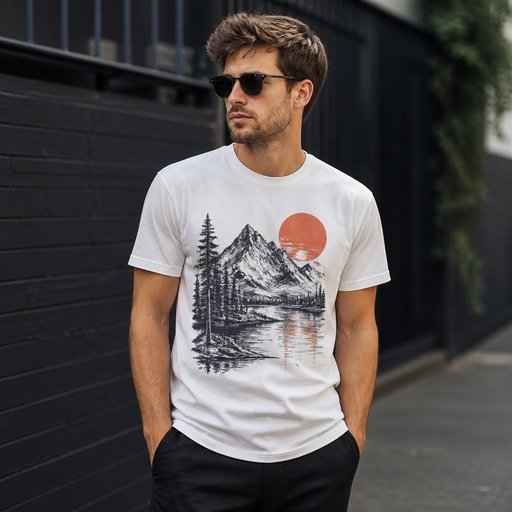
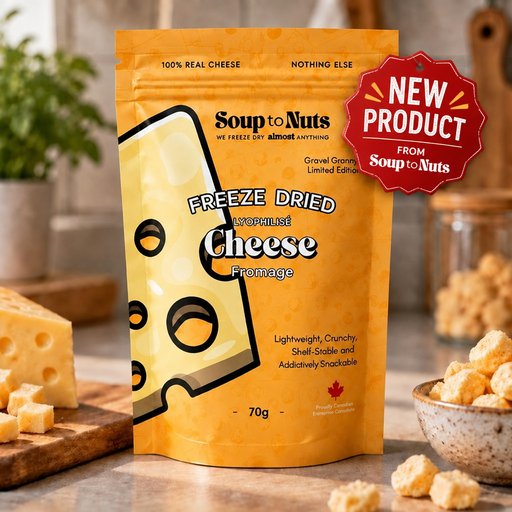
One product photo shouldn’t mean one context. The Scene tool lifts your product out of its current shot and restages it anywhere you can describe — a marble bathroom for the serum, a campsite for the enamel mug, a boutique shelf for the candle — while its shape, label and angle stay locked.
- Photorealistic lighting, shadows and materials
- Upload your own design, logo or artwork
- Any scene you can describe — no template hunting
- Edit, restage, upscale and animate afterwards
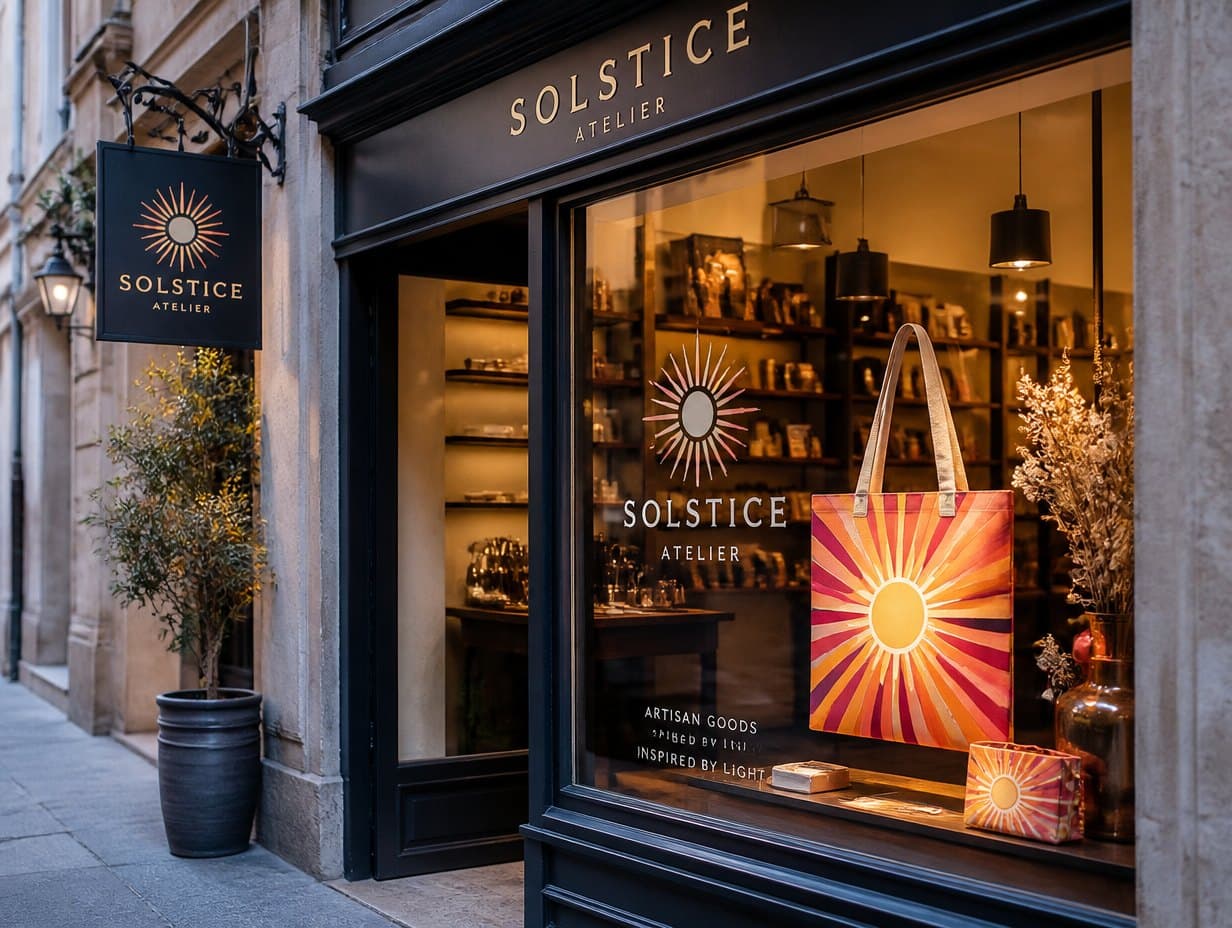
Generated with Mockup Generator — “Restage this product on a sunlit boutique shelf with soft shadows, keep the prod…”
Prompt ideas to start from
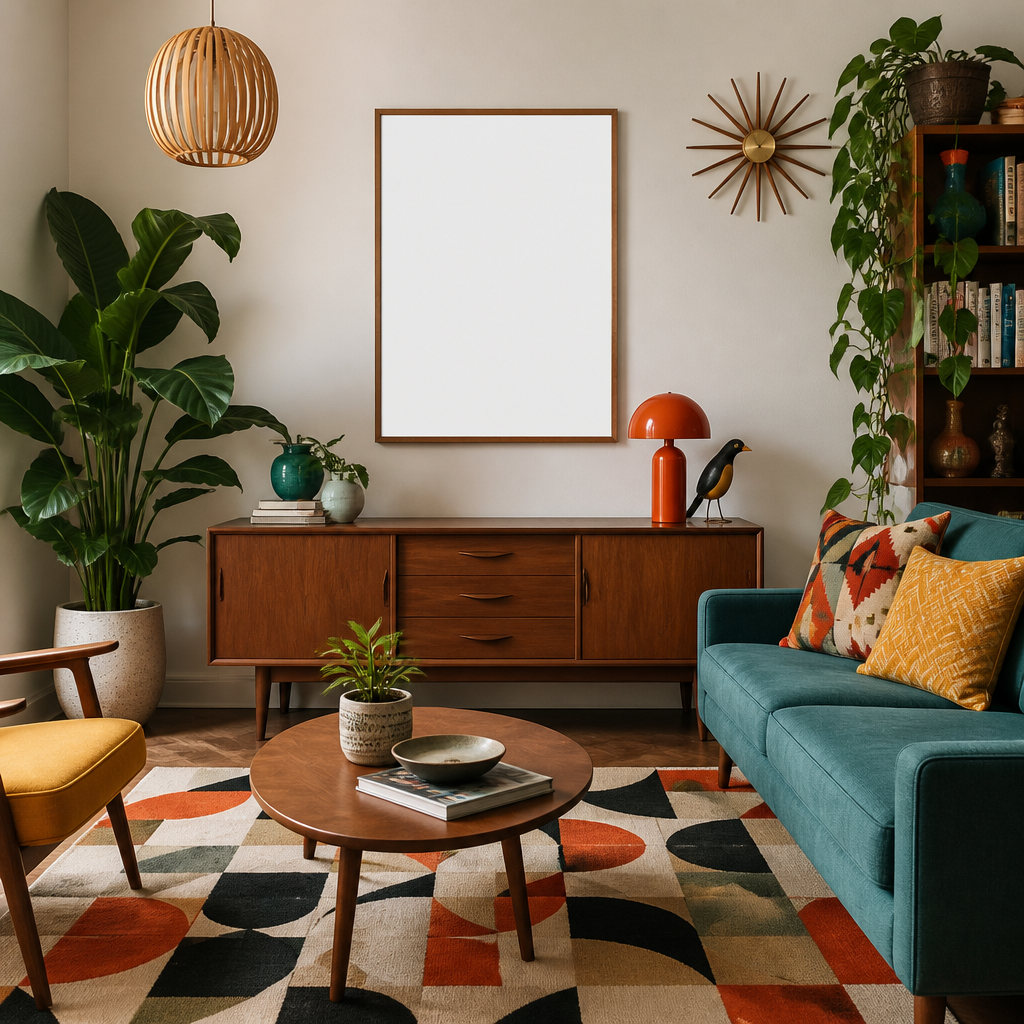
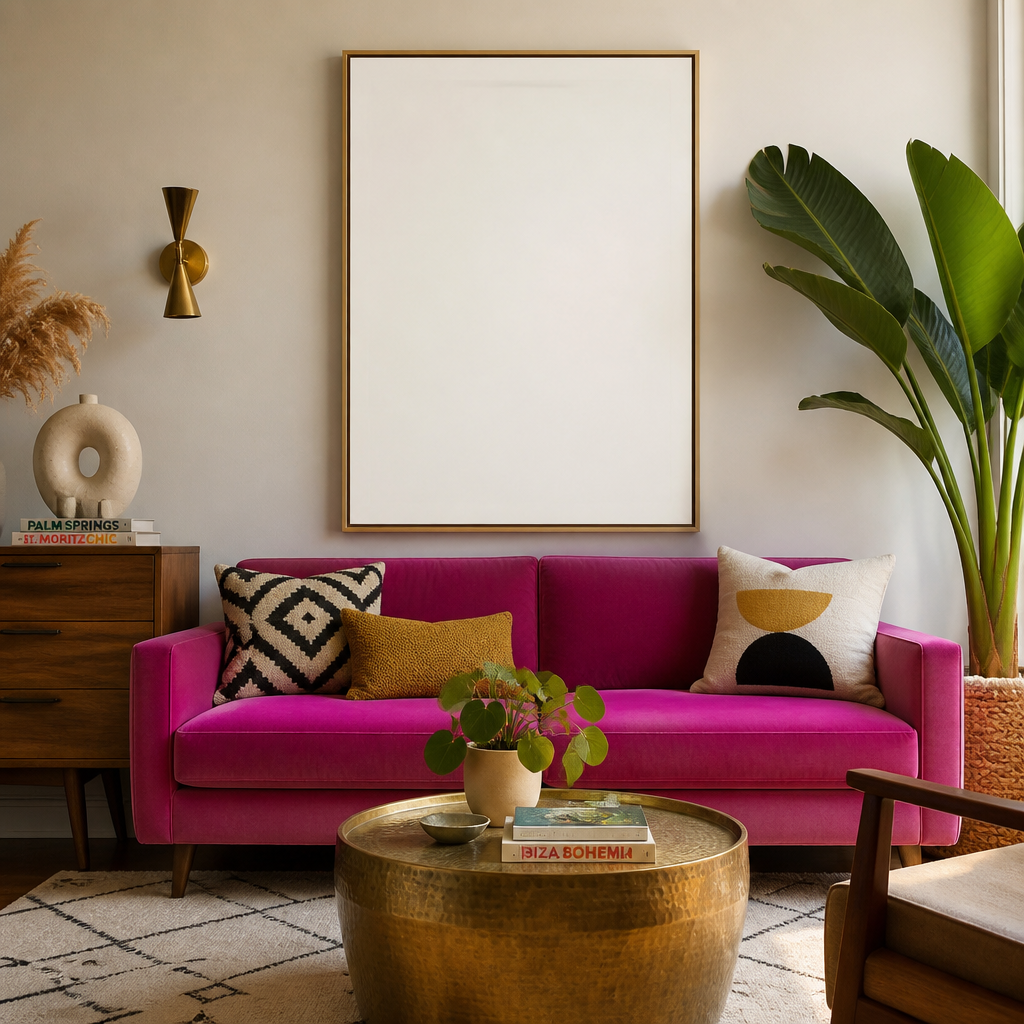
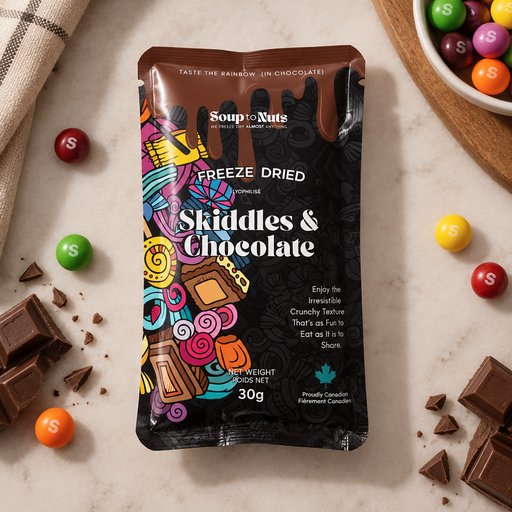
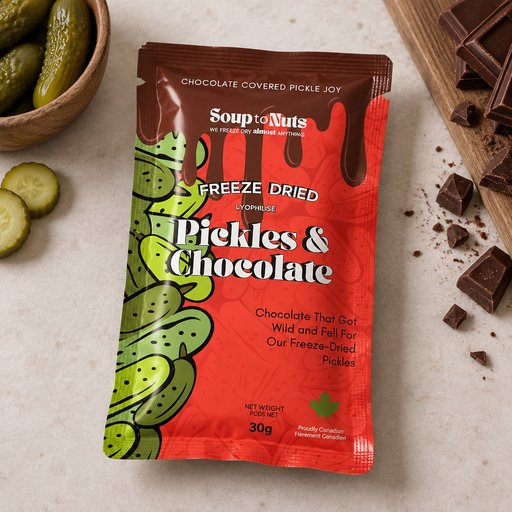
Fresh from the community



Frequently asked questions
How does scene changing differ from editing?
Edit changes details inside the existing image; Scene rebuilds the entire environment around an unchanged product. Use Scene when you want the same product consistent across many contexts — seasonal campaigns, marketplace variants, A/B tests.
What does a scene change cost?
Scene renders are billed like edits: 4 credits at Standard, 14 at Pro. They aren’t covered by the 2 free starter credits (those cover one Draft text-to-mockup generation). A $15/month plan covers hundreds of restages.
Will my product really stay identical?
The tool is built to preserve the subject — geometry, label art and colors carry over. Extremely fine print can soften at Standard; bump to Pro for pack shots where every word must hold.