AI print-resolution upscales
Take a mockup from screen-size to press-size
Generated images are born web-resolution; print is less forgiving. The upscaler enlarges any mockup you’ve generated — 4, 8, 16 megapixels and beyond — reconstructing edge detail and texture as it scales, so the file that goes to the printer holds up at poster distance.
- Photorealistic lighting, shadows and materials
- Upload your own design, logo or artwork
- Any scene you can describe — no template hunting
- Edit, restage, upscale and animate afterwards
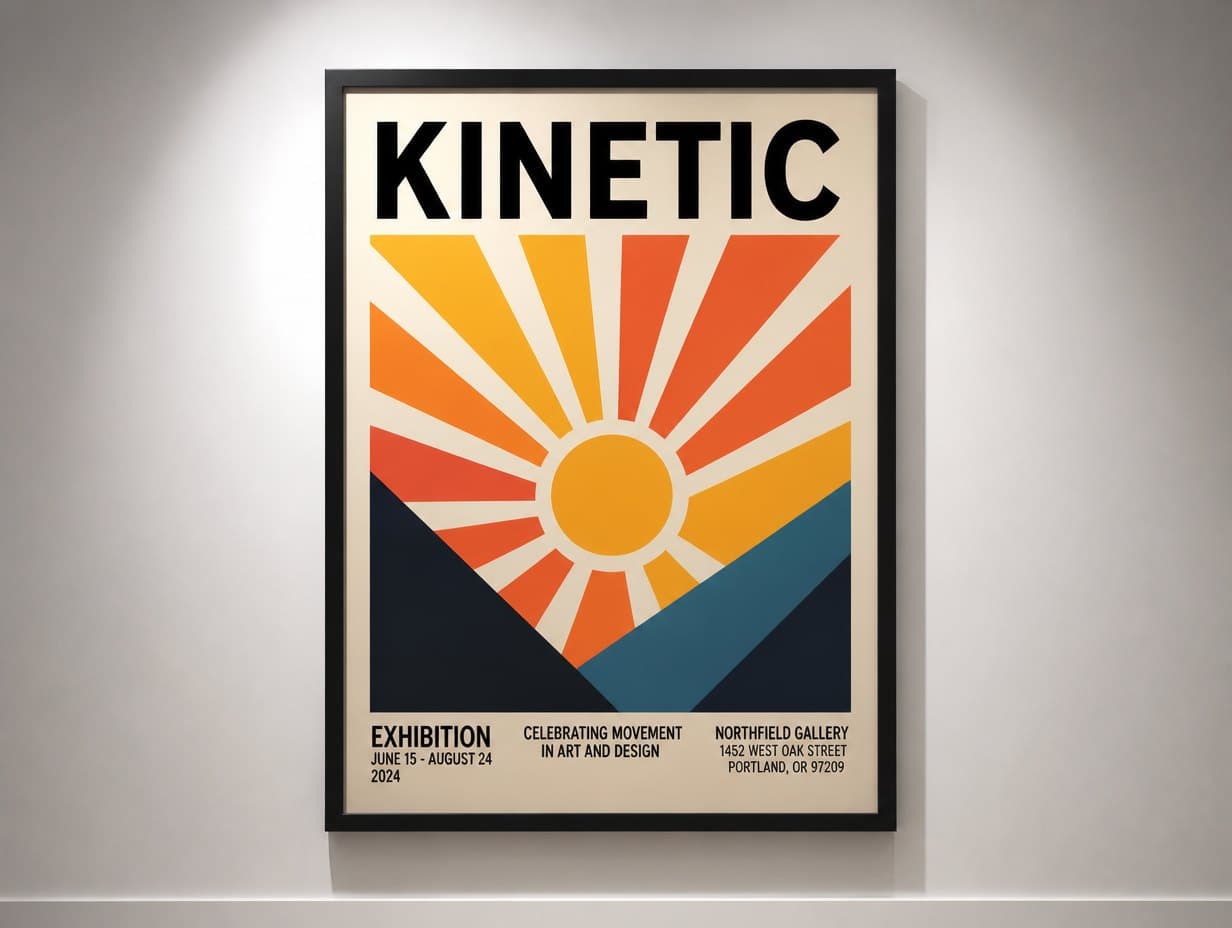
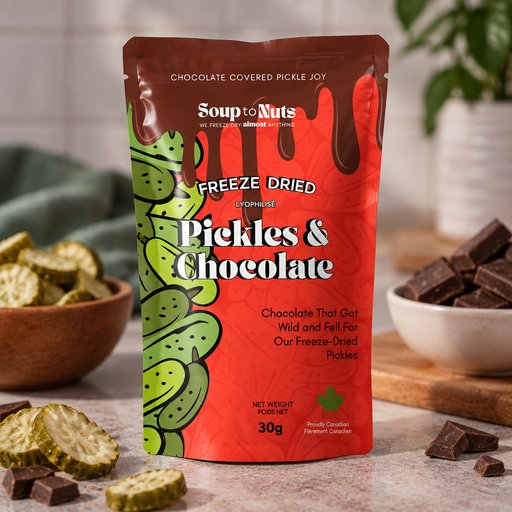
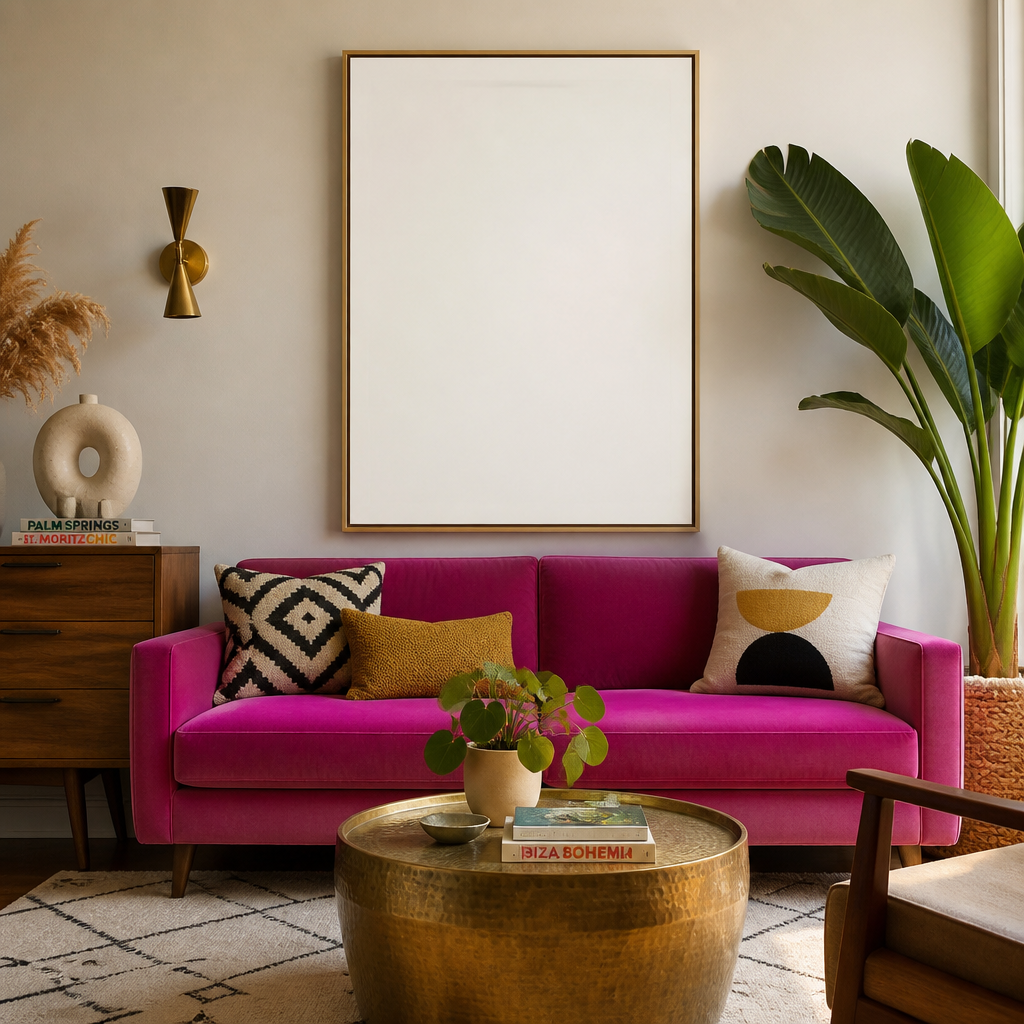
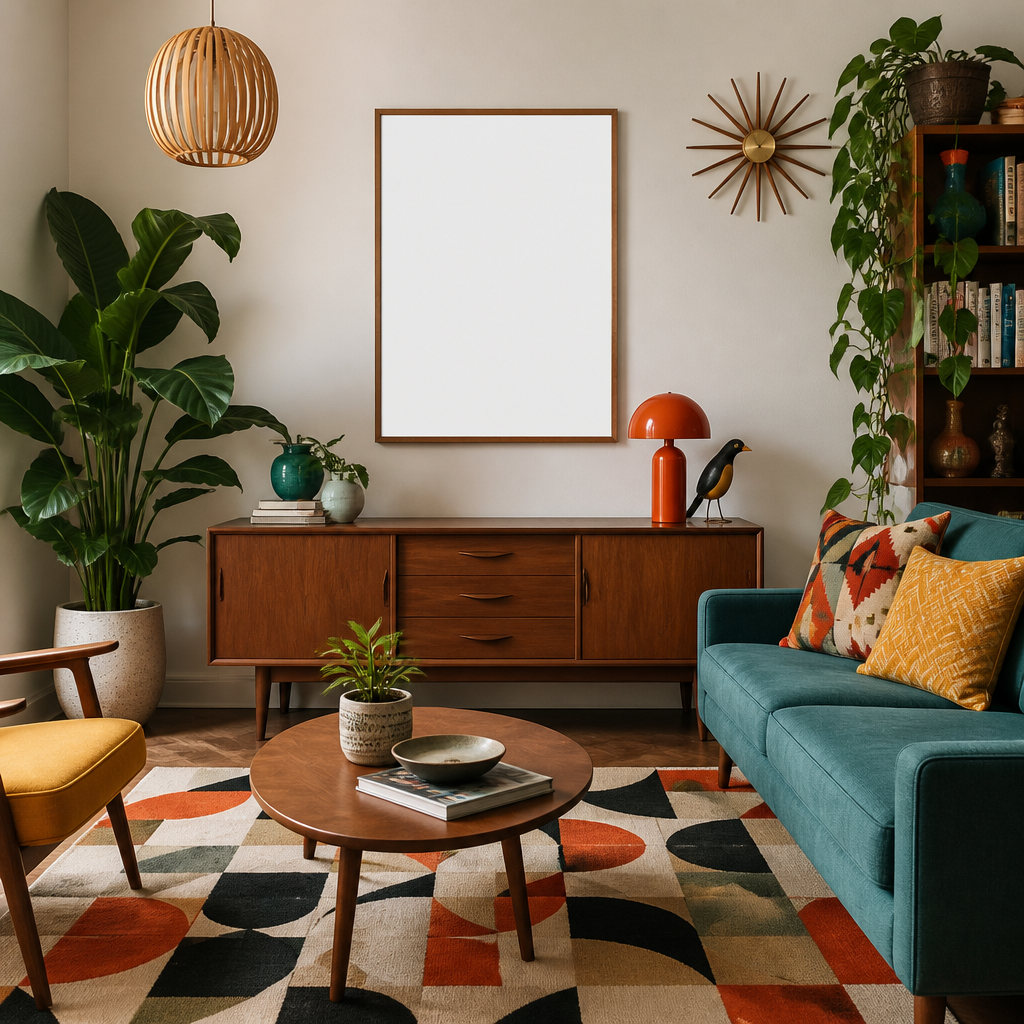
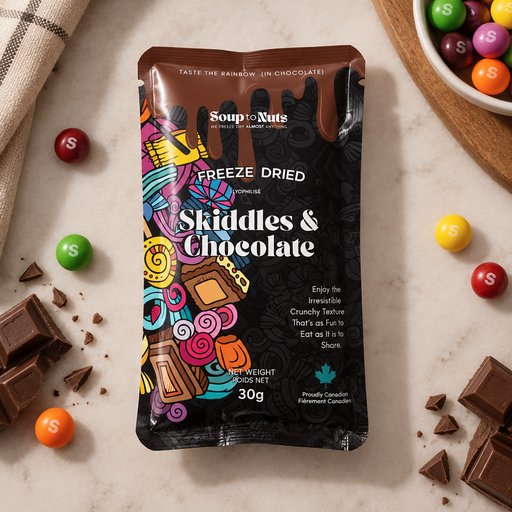
Generated with Mockup Generator — “Photorealistic mockup of a framed art print on a gallery wall, spotlight lightin…”
Prompt ideas to start from
Fresh from the community
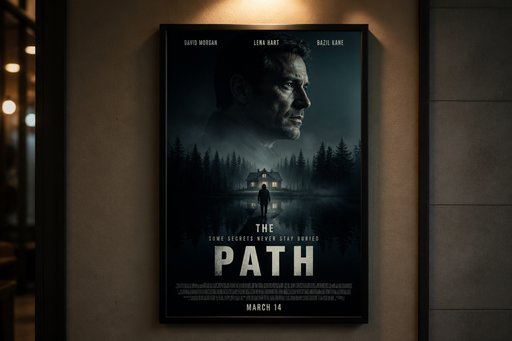
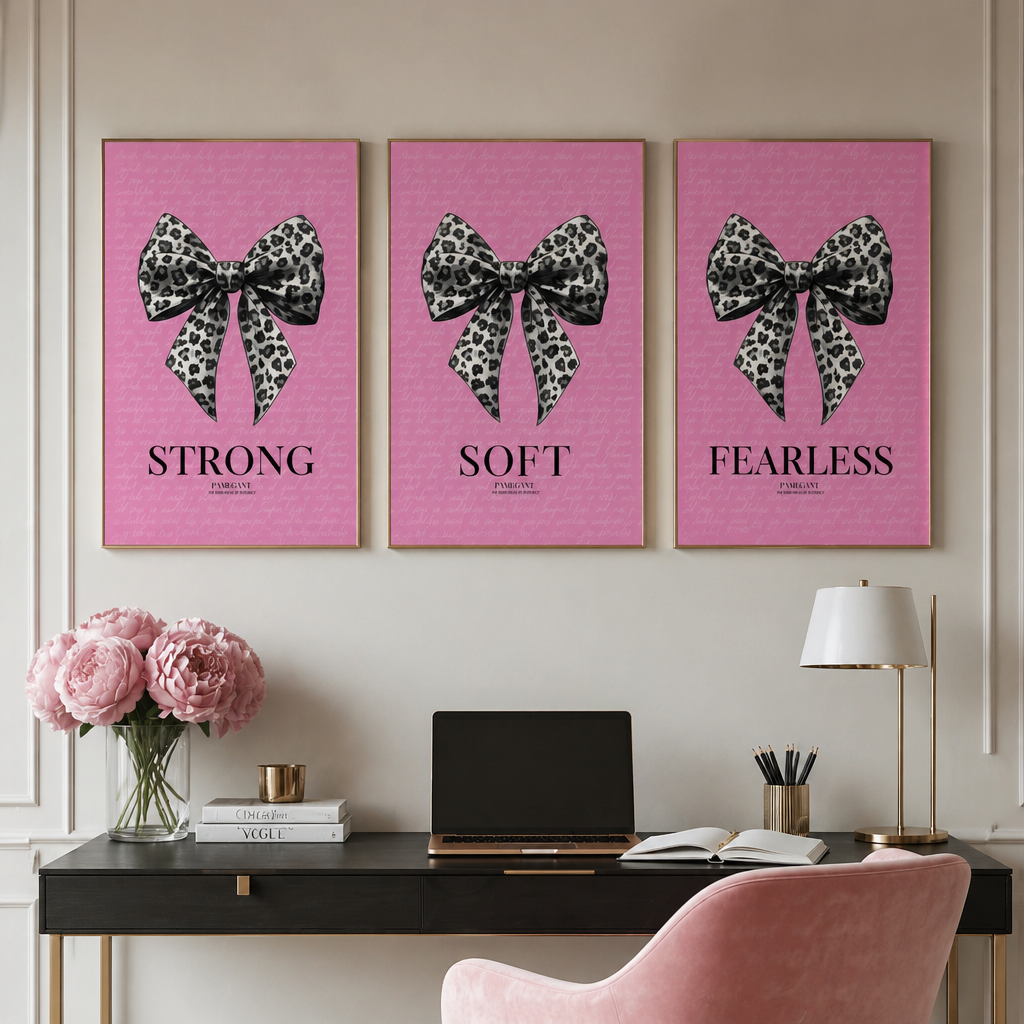
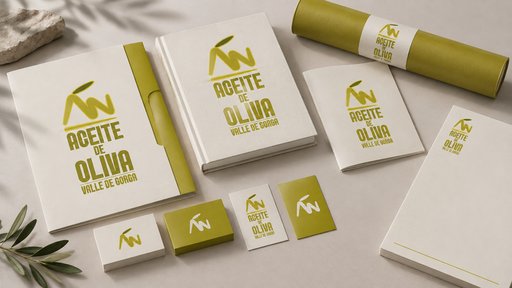
Frequently asked questions
How do I upscale a mockup?
Generate (or open) any image in the Studio, then choose an upscale target on the result — from 4 MP up to 128 MP. The enhancer re-renders detail as it enlarges rather than just stretching pixels, so lines and textures stay believable.
What does upscaling cost?
Upscales are priced by output size, starting at 3 credits for 4 MP and scaling up (for example 10 credits for 16 MP). They’re add-ons to an existing image, so they aren’t what the 2 free starter credits are for — those cover your first Draft generation.
What size do I need for print?
Rule of thumb: 300 DPI at final dimensions. A 12×18-inch poster wants roughly 19 MP — so a 32 MP upscale gives comfortable margin, while 4–8 MP is plenty for cards and small packaging.